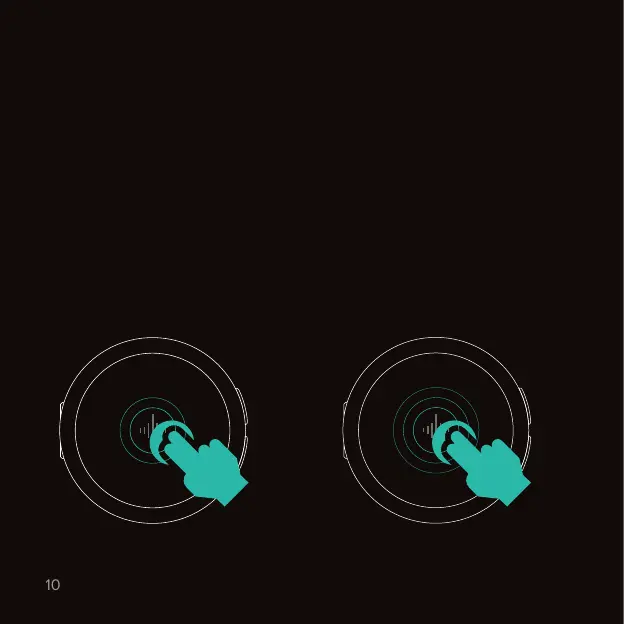
The Core features a capacitive touch surface. To ensure it can reliably detect
your inputs, make sure that you use two fingers flat across the surface. Don’t
just use your fingertips!
Tap the soundwave twice
quickly to start or pause certain
features. Works in Metronome,
Timer & Stopwatch.
Tap the soundwave three times
or more at a steady pace. The
Core will set a new tempo that
matches the average pace of your
taps. Works in Metronome only.
Start or pause a feature
2 taps
3+ taps
Tap tempo
Touch interactions.
Navigating the device



 To Next Page