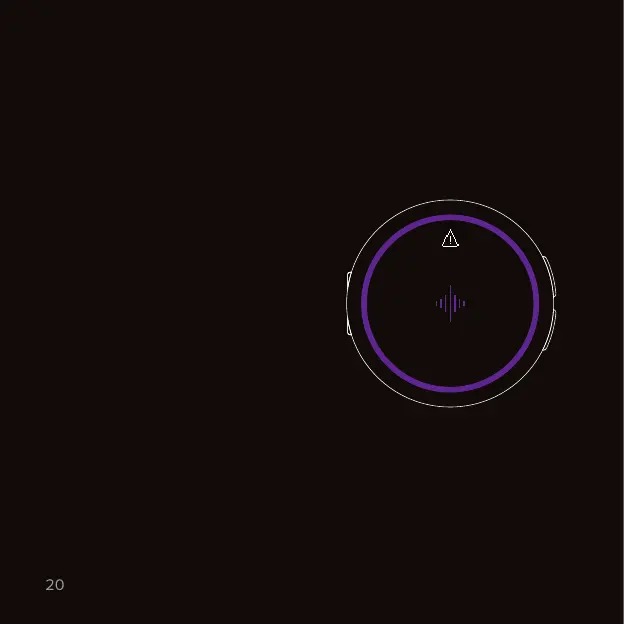
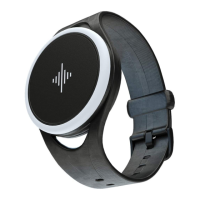
The Core automatically measures
the sound levels every 10 seconds.
Once the volume reaches a risky
level, the Core will alert you.
To know what’s risky, we follow
ocial health recommendations
and also take the duration of
exposure into account.
Don’t worry - we respect your
privacy and no audio is ever
recorded and stored.
To turn o the volume alarm and all
background measurements, open
our mobile app and go to Settings →
Tap on your device → Decibel meter.
Tip: for a more accurate reading, we recommend to take the Core o its rig
and place it on a soft surface (e.g. a cloth or your hand) before opening the
Decibels app.
Volume alarm
Sound levels & volume alarm.
Decibel meter
Warning
Protect your
ears



 To Next Page