Get help.
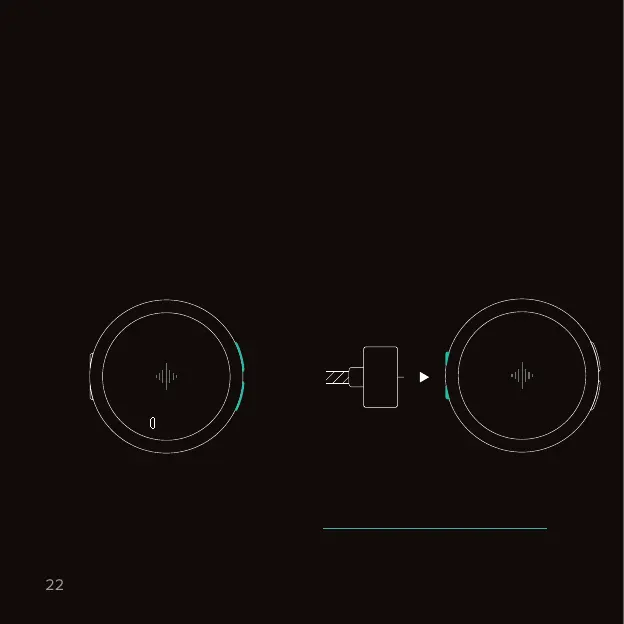
Soft restart
Hard restart
Hold both buttons for 5 seconds
and keep them pressed until
Recovery mode launches. Select
Restart with the bottom button to
soft restart. If your problem isn’t
solved, try performing a hard restart.
If your Core shows unexpected behavior, perform the following two steps:
Make sure the charging cable is
connected to a power source. Then
attach the charging cable to the
magnetic port. Detach it and attach
the charging cable a second time to
complete the hard restart.
Support options
Troubleshooting
Still need help? We’re here for you. Visit www.soundbrenner.com/support to
e-mail our support team, find the answer to frequently asked questions or
watch more how-to videos.
Recovery
mode
30s
Restart
2x



 To Next Page