12 ENGLISH
TROUBLESHOOTING
If you’re having trouble with the touch surface on your
Soundbrenner Pulse, here are a few helpful tips that should
get you on your way.
First, make sure you’re wearing the device - not just holding
it in your hands. Our touch sensor is designed to work best
when it’s in contact with your skin.
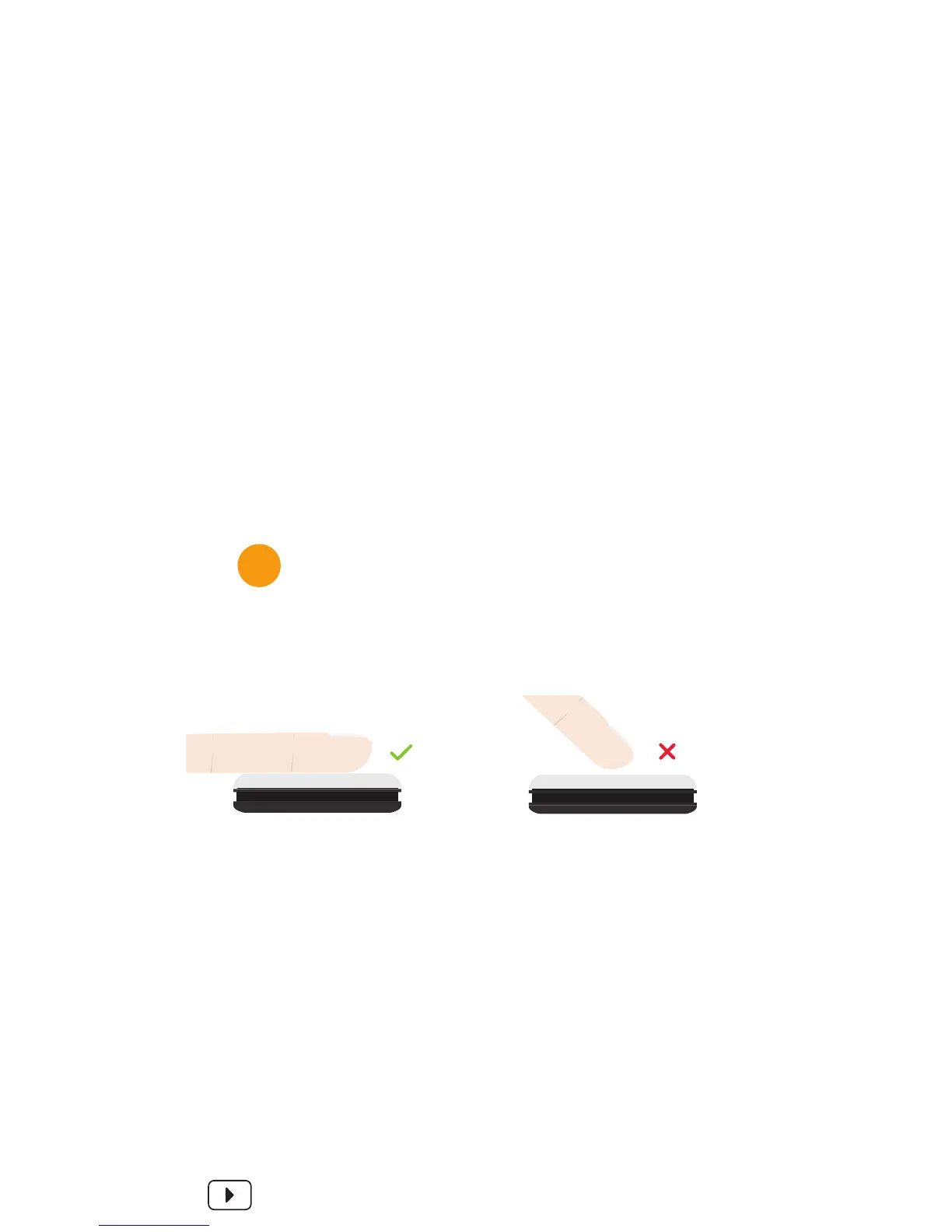
Second, be sure to use two fingers when you tap, and to
place them flat on the surface. Don’t use just your fingertips.
If you find it dicult to start or stop the metronome or tap in
the BPM, try tapping more quickly. The Soundbrenner Pulse
distinguishes between a short tap and a long press.
SEE IT ON VIDEO
SNBR.IO/U18
Be sure to use two fingers when you
tap, and to place them flat on the
surface. Don’t use just your fingertips.
TIP


 To Next Page