9ENGLISH
STATUS ALERTS
To reconnect the Soundbrenner Pulse to your device, open
the Soundbrenner app, tap on Settings, and then tap
on the name of the disconnected Soundbrenner Pulse in
the menu.
SEE IT ON VIDEO
SNBR.IO/U15
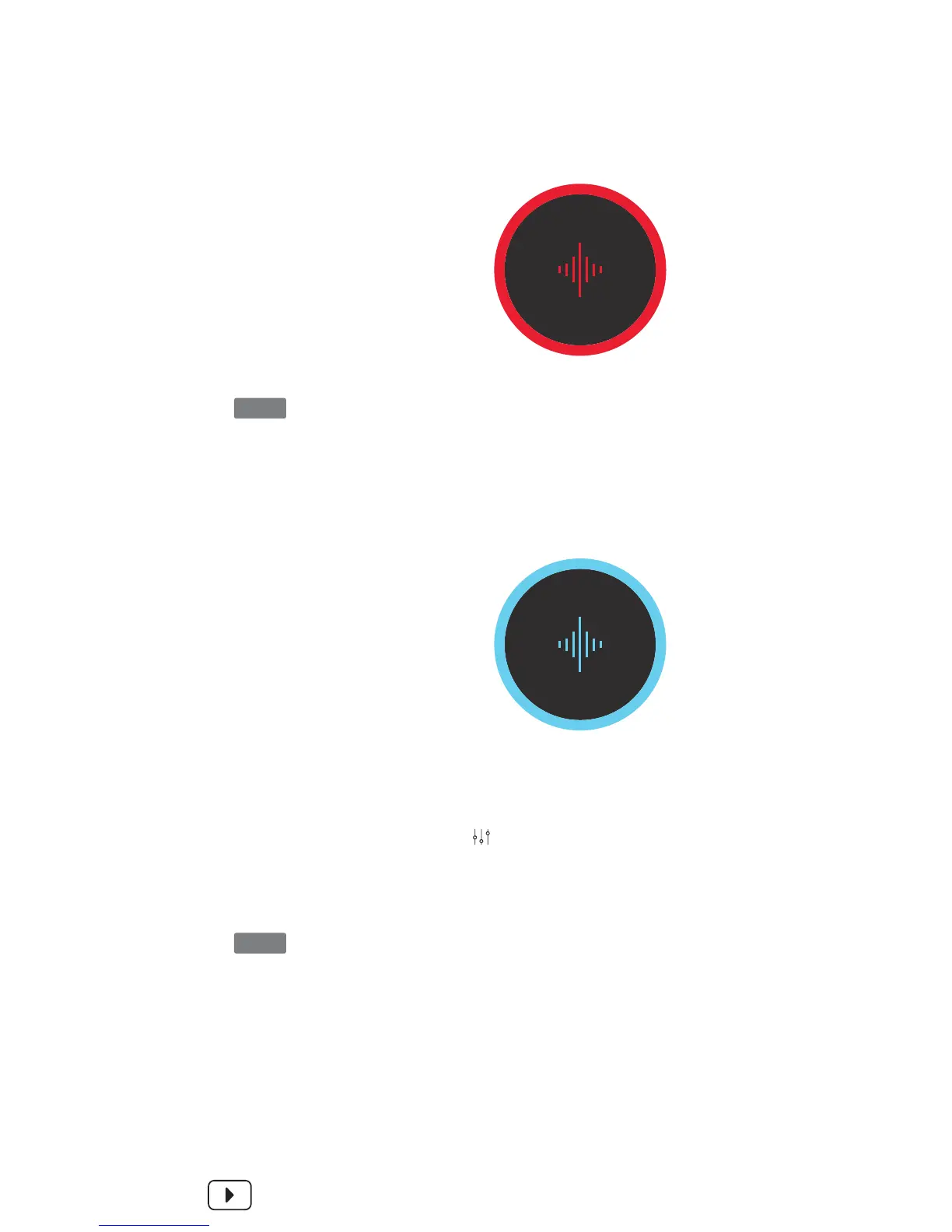
Low Battery
Lost Connection
When the battery falls
below 20 percent, the
Soundbrenner Pulse
will vibrate and flash
red three times.
When the Soundbrenner
Pulse loses its connection
to your device, it will
automatically enter
discovery mode – this
is signified by a pulsing
blue glow.
A full charge can take up to 2.5 hours. On average, a full
charge will get you up to 6 hours of use.
You can exit discovery mode without reconnecting – simply
tap once on the touch surface.
NOTE
NOTE


 To Next Page