4
SOUNDCORE APP
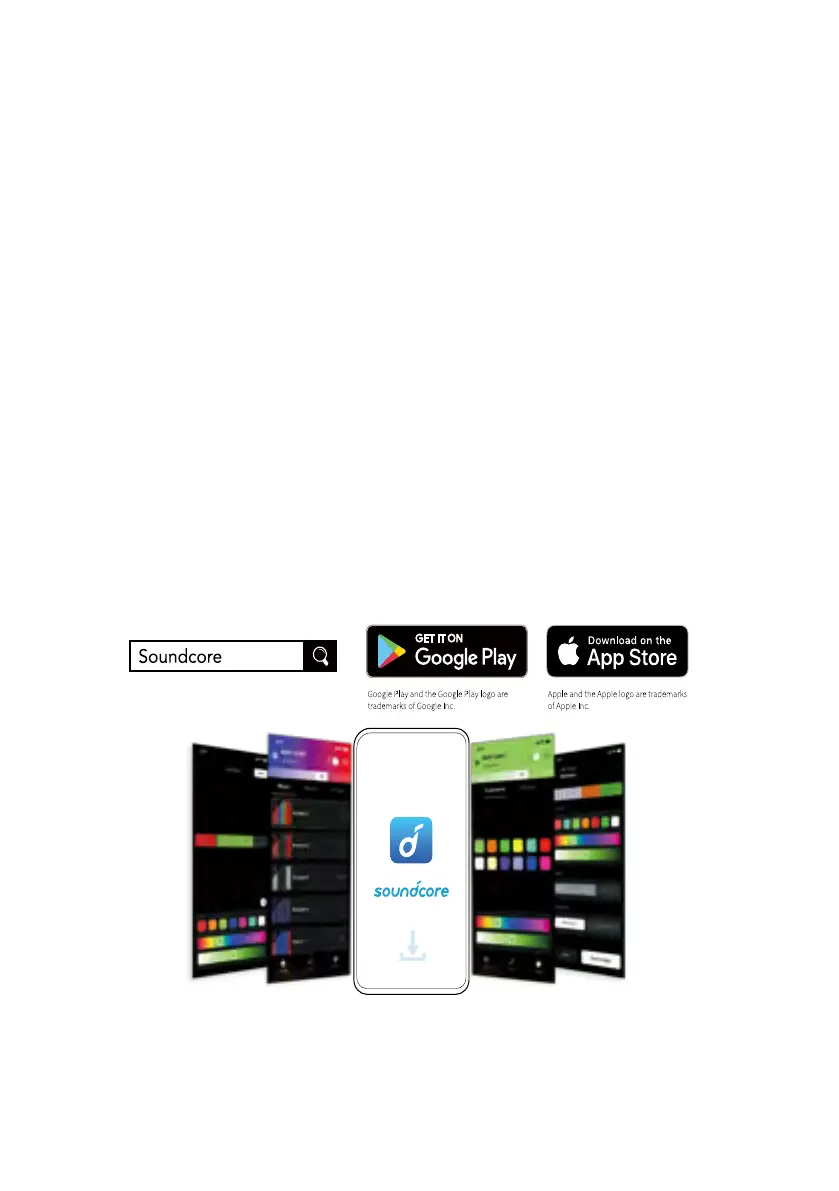
Download the Soundcore app to enhance your experience.
• Connect, manage, and disconnect the device.
• Check product information.
• Adjust and manage light patterns.
• Enter PartyCast mode to sync with your PartyCast enabled speakers.
• Switch voice pick-up modes.
• Adjust voice pick-up sensitivity.
• Adjust the basic light colors and paints.
• Switch among multiple preset light patterns.
• Customize unique light effects (color, speed, direction, brightness,
recycling, sensitivity).
• Customize and manage various light scenarios.
• Set the timer for the lights to automatically turn on and off.
• Built-in mic makes the light syncs with music or sounds.
• Upgrade the firmware.


 To Next Page