EasyManua.ls Logo

Soundcore Flare Mini - Button Controls; Music and Call Operations; Voice Assistant Activation; Light Effects

Soundcore Flare Mini
176 pages
Print Icon
To Next Page IconTo Next Page
To Previous Page IconTo Previous Page
Loading...
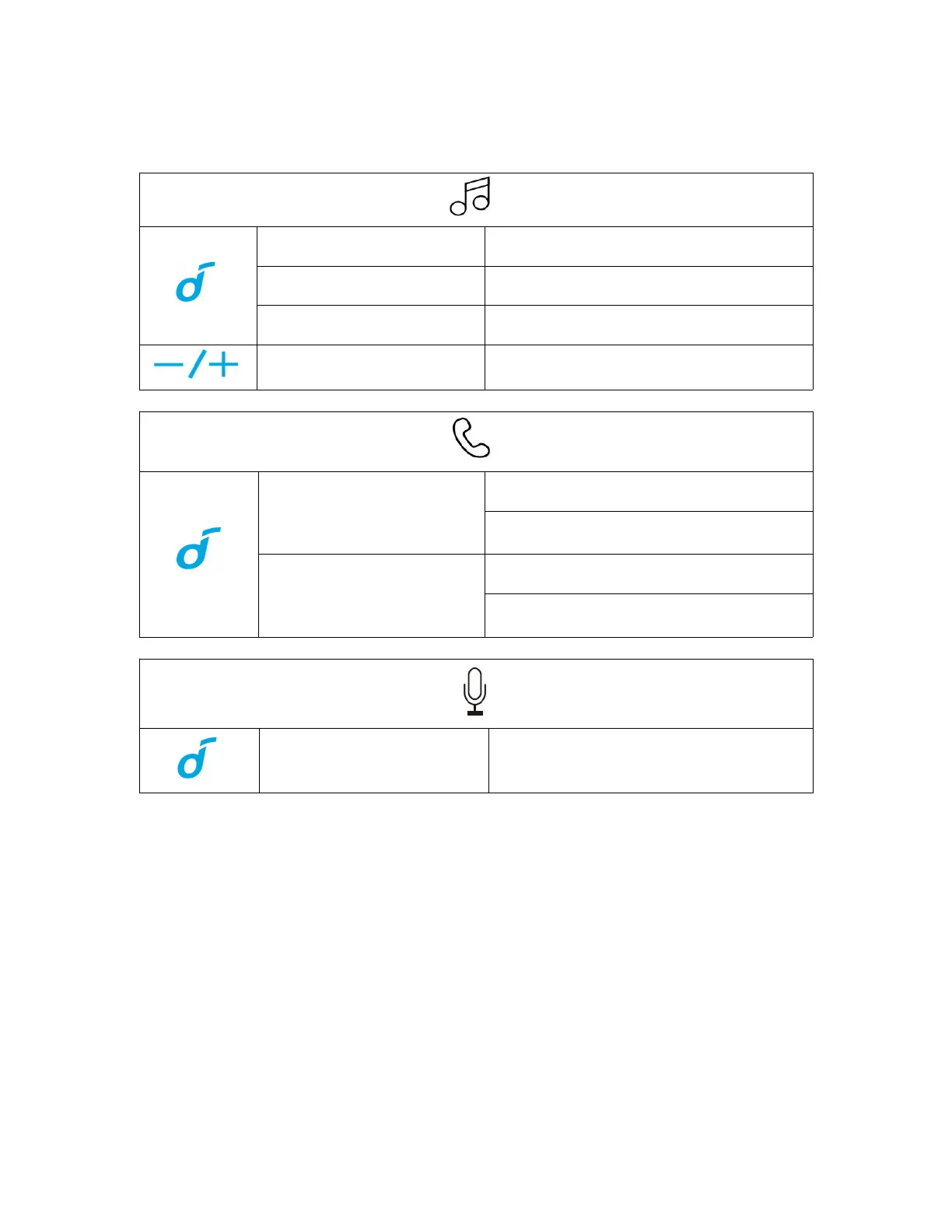
Button Controls
Press
Play/Pause
Press twice
Next track
Press three times
Previous track
Press or press and hold
Adjust volume
Press
Answer/End a call
Answer a second incoming call and put
the current call on hold
Press and hold for 2
seconds
Reject an incoming call
Switch between a call on hold and an
active call
Press and hold for 2
seconds
Activate Siri or other voice assistant
software
Light Effects
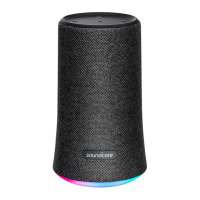
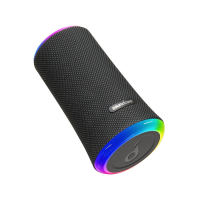
This speaker is equipped with light effects for a party mood.
Press the light effect button to turn on or switch among multiple music-sync light
effects.
To turn the light effects off, press and hold the light effect button for 2 seconds.
5

Other manuals for Soundcore Flare Mini

Related product manuals