Soundcore speakers with PartyCast function can also be connected with this speaker.
Light Modes
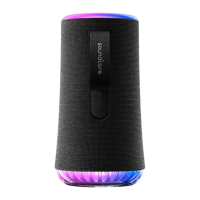
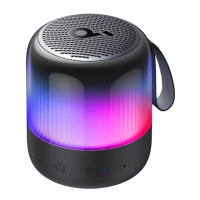
The body light on the speaker changes with the rhythm of the music. There are
5 preset music-sync light modes: Campfire Vibes / Neon Night / Spring Break /
Euphoric Dance / Romantic Stroll.
You can also check all available body light modes in the soundcore app.
Press Switch Light Modes
Press and Hold for 2 Seconds Turn off
Button Controls
Press and Hold for 2 Seconds Power On
Press and Hold for 2 Seconds Power Off
Press Play / Pause
Press Twice Next Track
Press Three Times Previous Track
Press Answer / End a Call
Press and Hold for 2 Seconds Reject a Call
Press and Hold for 2 Seconds Activate Voice Assistant Software
Press Enter Bluetooth Pairing Mode
Press and Hold for 2 Seconds Enter / Exit TWS Pairing Mode
Press Switch Light Modes
Press and Hold for 2 Seconds Turn off
Press Volume Up / Down
Press
Enter / Exit PartyCast Pairing Mode










 To Next Page