05
EN
Button Button functions
Bass + and Bass -
buttons
To increase / decrease the bass.
Refer to g. Bass chapter for reference.
Surround
To activate the Dolby Surround eect.
Refer to e. Playback with Surround sound chapter
for reference.
Mute button
To temporarily turn o the sound. Press the button
again to turn the sound back on.
Bluetooth button
To activate Bluetooth mode.
Press to activate Bluetooth mode.
Refer to c. Bluetooth mode chapter for information.
Volume-up button
To increase the volume.
Next
Move to the next track.
Volume-down button
To decrease the volume.
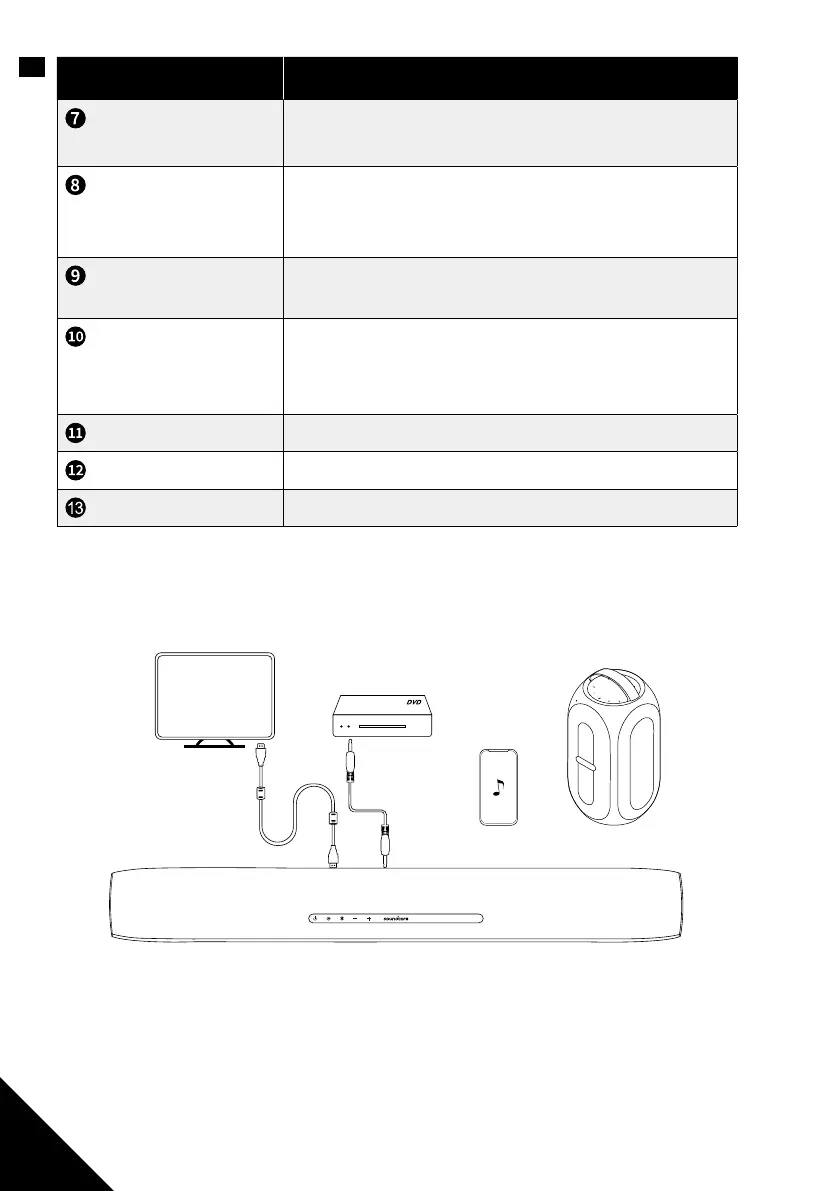
Using Your Soundbar
HDMI TV AUX BLUETOOTH SOUND SURROUND
Note: The soundbar will automatically switch to standby mode when no audio input
is received for 15 minutes. The soundbar will wake up from standby mode when any
button is pressed or source input is received.



 To Next Page