02 English English 03
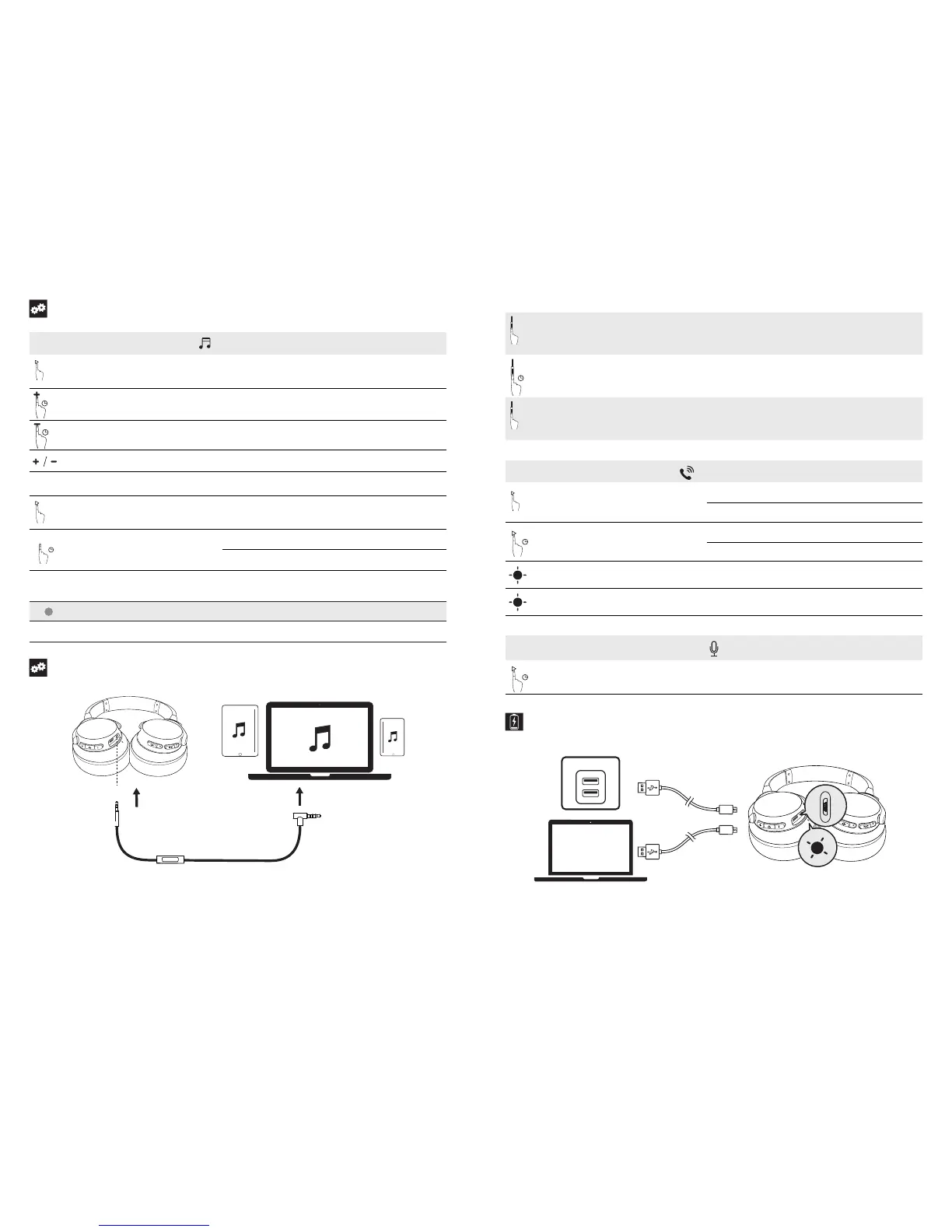
Controls
Bluetooth mode
X1
Press Play / pause
1”
Press and hold for 1 second Next track
1”
Press and hold for 1 second Previous track
Press Volume up / down
Default mode Normal Equalizer
X2
Press multi-function key twice
Note: Press twice again to switch back to
Normal Equalizer.
BassUP™(Dual Equalizer)
NC
1”
Press and hold for 1 second
ANC mode (Active noise canceling mode) activation
ANC mode (Active noise canceling mode) deactivation
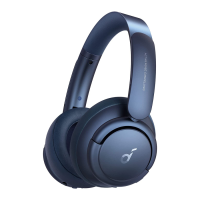
Active Noise Cancelling mode (ANC) blocks the noise from surrounding environment while wearing Soundcore Life 2.
Steady green (NC LED indicator) ANC mode (Active noise cancelling mode) is activated
NC LED indicator off
Slow flashing blue
ANC mode (Active noise cancelling mode) is deactivated
Normal Equalizer activated
Aux-in
AUX
AUX
Plugging in an audio cable will automatically switch to AUX mode, and Bluetooth mode will turn off (The ANC function operates when
it’s activated in AUX mode).
When using AUX mode, control audio playback and volume via the built-in remote.
Built-In Remote
X1
Press Answer / End call
1”
Press and hold for 1 second Reject call
X1
Press Play / pause
Mobile phone
X1
Press
Answer / End call
Put current call on hold and answer incoming call
1”
Press and hold for 1 second
Reject call
Switch between held call and active call
Slow flashing blue (Bluetooth LED indicator) On a call
Slow flashing blue (Bluetooth LED indicator) Incoming call
1”
Press and hold for 1 second Activate Siri / other voice control software
Charging Your Headphones



 To Next Page