Contents [ hide
1 Charging
2 Soundcore App
3 Wearing
4 Powering On/Off
5 Bluetooth Pairing
6 Pairing with another device
7 Controls
8 Reset
9 Specifications
10 File Downloads
11 Related Manuals
Charging
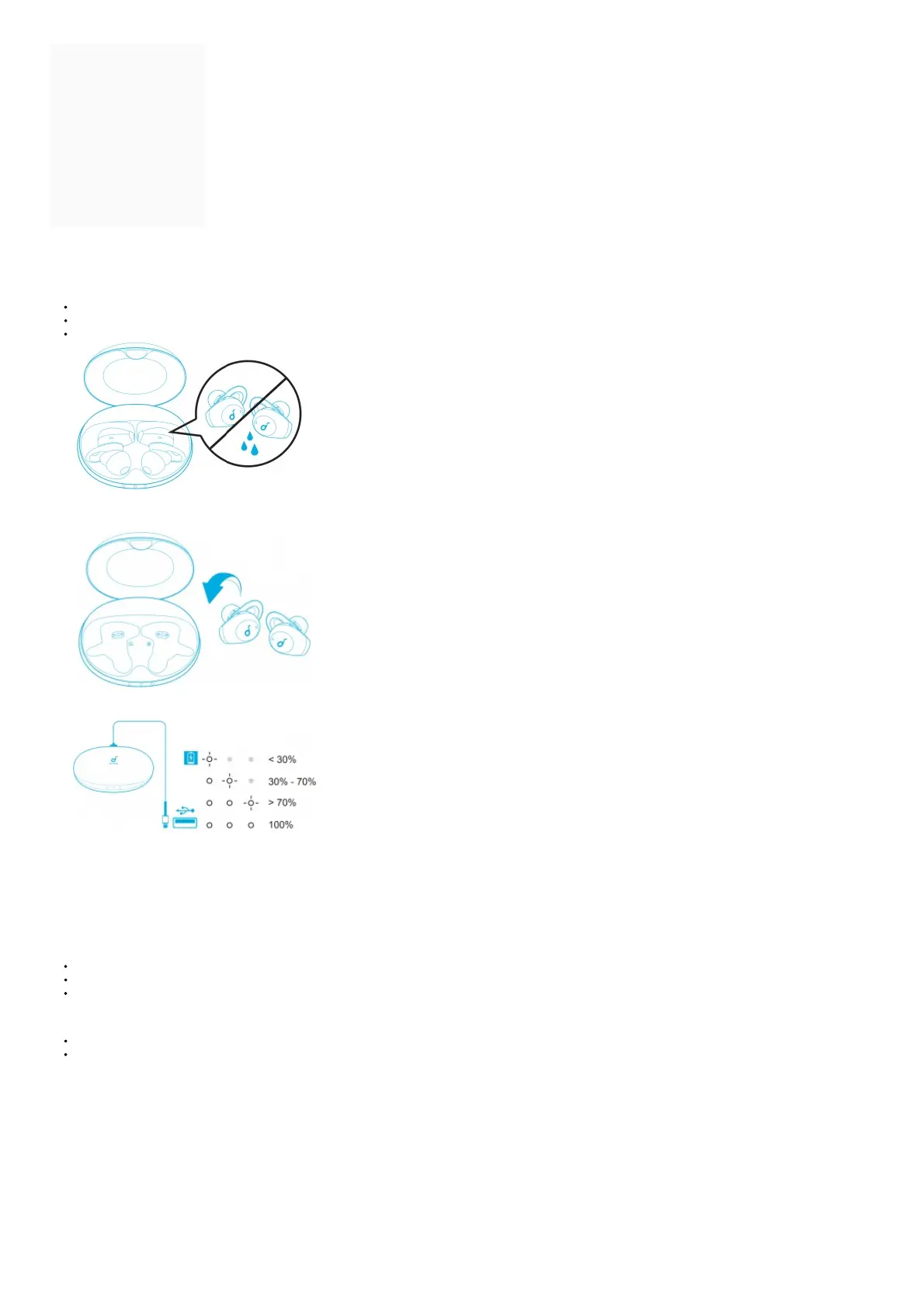
Remove the protective film from the earbuds before the first use.
Fully dry off the earbuds and the USB port before charging.
Use a certified USB-C charging cable and charger to prevent any damage.
Fully charge both the earbuds and the charging case before the first use.
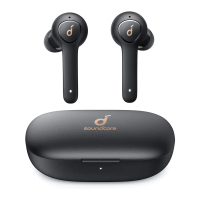
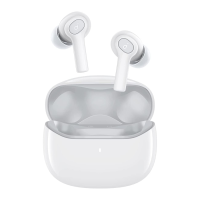
1. Place the earbuds in the charging case and close it.
➔ The first and the third LED indicators on the charging case will flash twice. This confirms that the earbuds are being charged.
2. Connect the charging case to the power supply by using a USB-C charging cable.
➔ The LED indicators on the charging case indicate the charging status.
3. To check the battery level of the charging case, open it to activate the LED indicator.
Soundcore App
Download the Soundcore app to enhance your experience.
User interface customization: In stereo mode, all of the controls (e.g. adjust volume, control playback, activate Siri) can be customized in the app.
EQ settings: There are more than 20 EO settings you can choose from in the app to optimize your experience while enjoying different music genres.
Noise cancellation: Choose an active noise cancellation mode to reduce ambient noise according to your surroundings.
Transport: Targets low-end frequencies like engine and road noise for peaceful journeys and commutes.
Outdoor: Reduces ambient sounds in cities for less distractions.
Indoor: Reduces voices and mid-frequency noise from coffee shops and other inside spaces.
Transparency mode: Stay aware of your surroundings by allowing ambient sounds in.
Fully Transparent: Hear all ambient sounds.
Vocal Mode: Voices stand out more clearly from other ambient sounds.
Earbuds firmware update: You will be informed once the new version of firmware is detected when you connect the earbuds with the app. Ensure the earbuds are placed in the
charging case and the case remains open until the firmware upgrade is completed. During the upgrade, ensure the earbuds are being charged and avoid any operation.



 To Next Page