01 EN
Charging
• Remove the protective lm from the earbuds before the rst use.
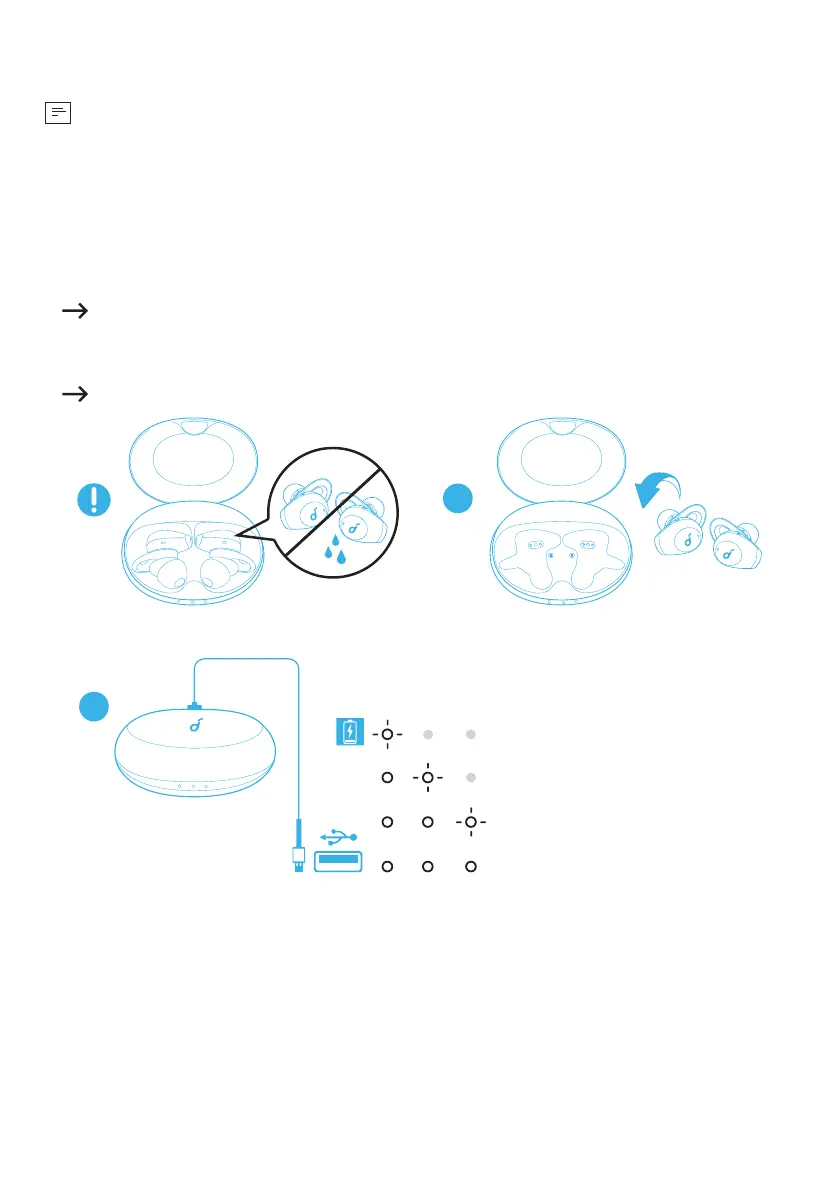
• Fully dry off the earbuds and the USB port before charging.
• Use a certied USB-C charging cable and charger to prevent any damage.
• Fully charge both the earbuds and the charging case before the rst use.
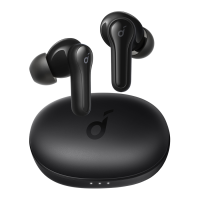
1. Place the earbuds in the charging case and close it.
The rst and the third LED indicators on the charging case will ash twice. This
conrms that the earbuds are being charged.
2. Connect the charging case to the power supply by using a USB-C charging cable.
The LED indicators on the charging case indicate the charging status.
2
1
< 30%
30% - 70%
> 70%
3. To check the battery level of the charging case, open it to activate the LED
indicator.




 To Next Page