02 QSG QSG 03
1
x1
2
soundcore
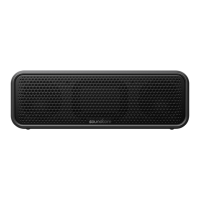
Motion 100
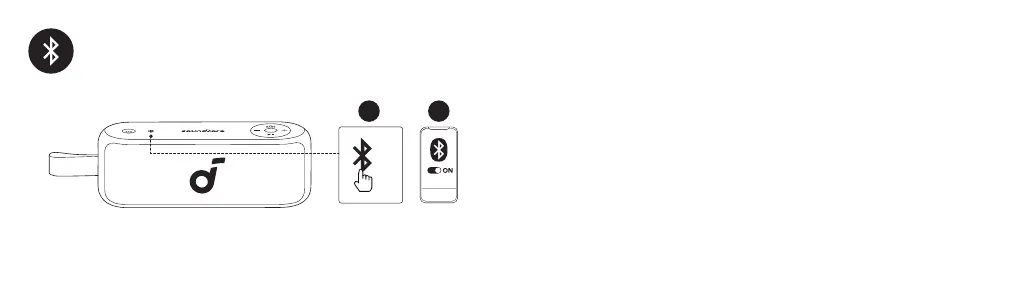
Press the Bluetooth button to enter Bluetooth pairing mode, then select "soundcore Motion 100" from
the Bluetooth list to connect.
DE: Drücken Sie die Bluetooth-Taste, um den Bluetooth-Kopplungsmodus zu betreten, und wählen Sie dann
"soundcore Motion 100" aus der Bluetooth-Liste aus, um eine Verbindung herzustellen.
ES: Presione el botón Bluetooth para entrar en el modo de emparejamiento Bluetooth, luego seleccione
"soundcore Motion 100" de la lista Bluetooth para conectar.
FR : Appuyez sur le bouton Bluetooth pour entrer en mode d'appariement Bluetooth, puis sélectionnez
"soundcore Motion 100" dans la liste Bluetooth pour vous connecter.
RU: Нажмите кнопку Bluetooth, чтобы войти в режим сопряжения Bluetooth, затем выберите "soundcore
Motion 100" из списка Bluetooth для подключения.
JP: Bluetoothボタンを1回押すとBluetoothペアリングモードに入ります。ご使用の機器のBluetoothリストで「
soundcore Motion 100」を選択して接続します。



 To Next Page