English English
07 08
With True Wireless Stereo technology, you can connect your Soundcore Motion B to another
Soundcore Motion B and explore the best sound effects with left and right sound channels separated
on different Bluetooth speaker.
When turned on, Soundcore Motion B will automatically connect to the last connected device if
available. If not, Soundcore Motion B will enter pairing mode.
T
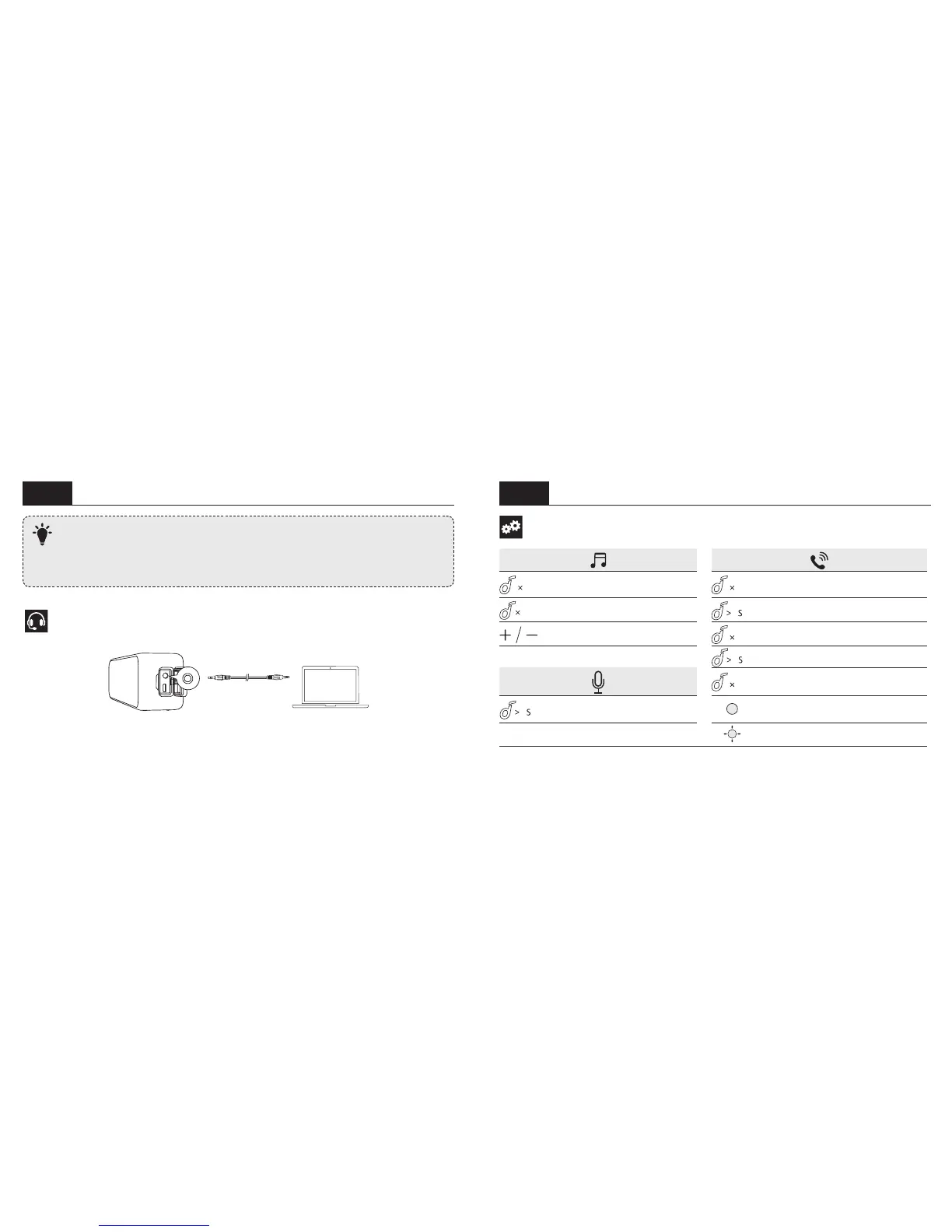
Connect via AUX
* SoundLine AUX cable sold separately
Controls
Transfer a call between speaker and mobile
phone
2
Activate Siri / other voice control
software
Steady blue On a call
Flashing blue Incoming call









 To Next Page