3 Using Your Speaker
3.1 Bluetooth Pairing
With this speaker, you can enjoy music through your Bluetooth-enabled devices.
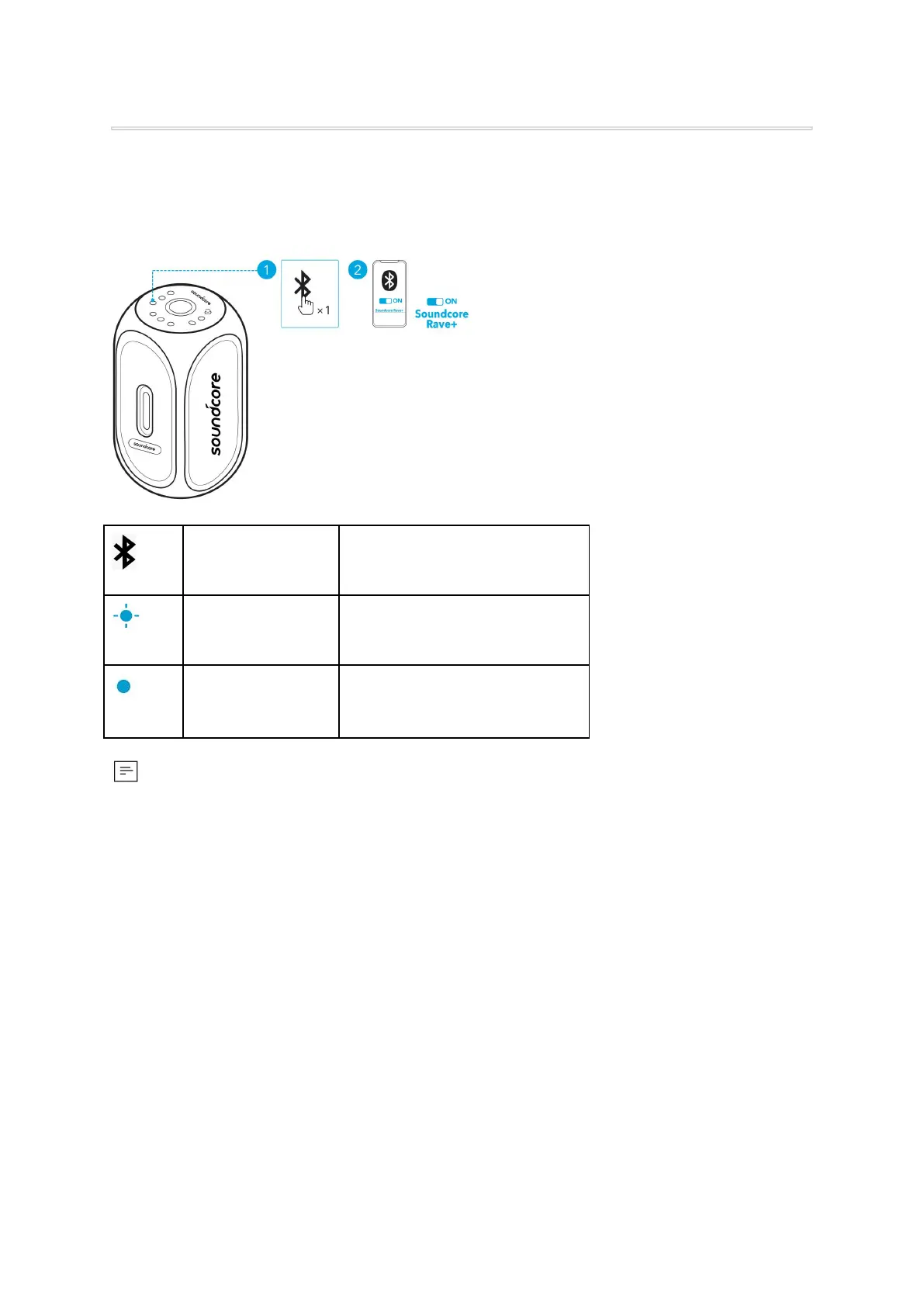
Enter Bluetooth pairing mode
● Each time you power on your Soundcore speaker, it will automatically connect to your last
connected device if available within the Bluetooth range. If not, press the Bluetooth button to
enter Bluetooth pairing mode.
3.2 PartyCast Mode
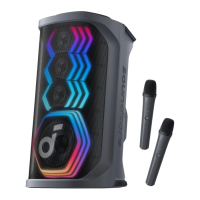
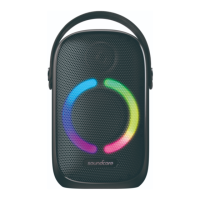
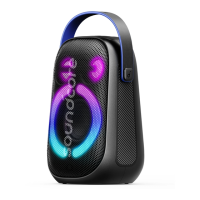
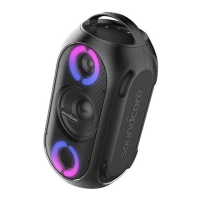
You can wirelessly connect up to 100 Soundcore Rave+ speakers or Soundcore speakers with
PartyCast functions together.
1. Press and hold the Bluetooth button for 2 seconds on the Soundcore Rave+ that’s currently
connected to your device as the primary speaker.
2. Repeat Step 1 on the other Soundcore Rave+ speakers you want to connect and then press the
Bluetooth button twice to make them secondary speakers in PartyCast pairing.
→ The secondary speakers will automatically connect with the primary speaker.








 To Next Page