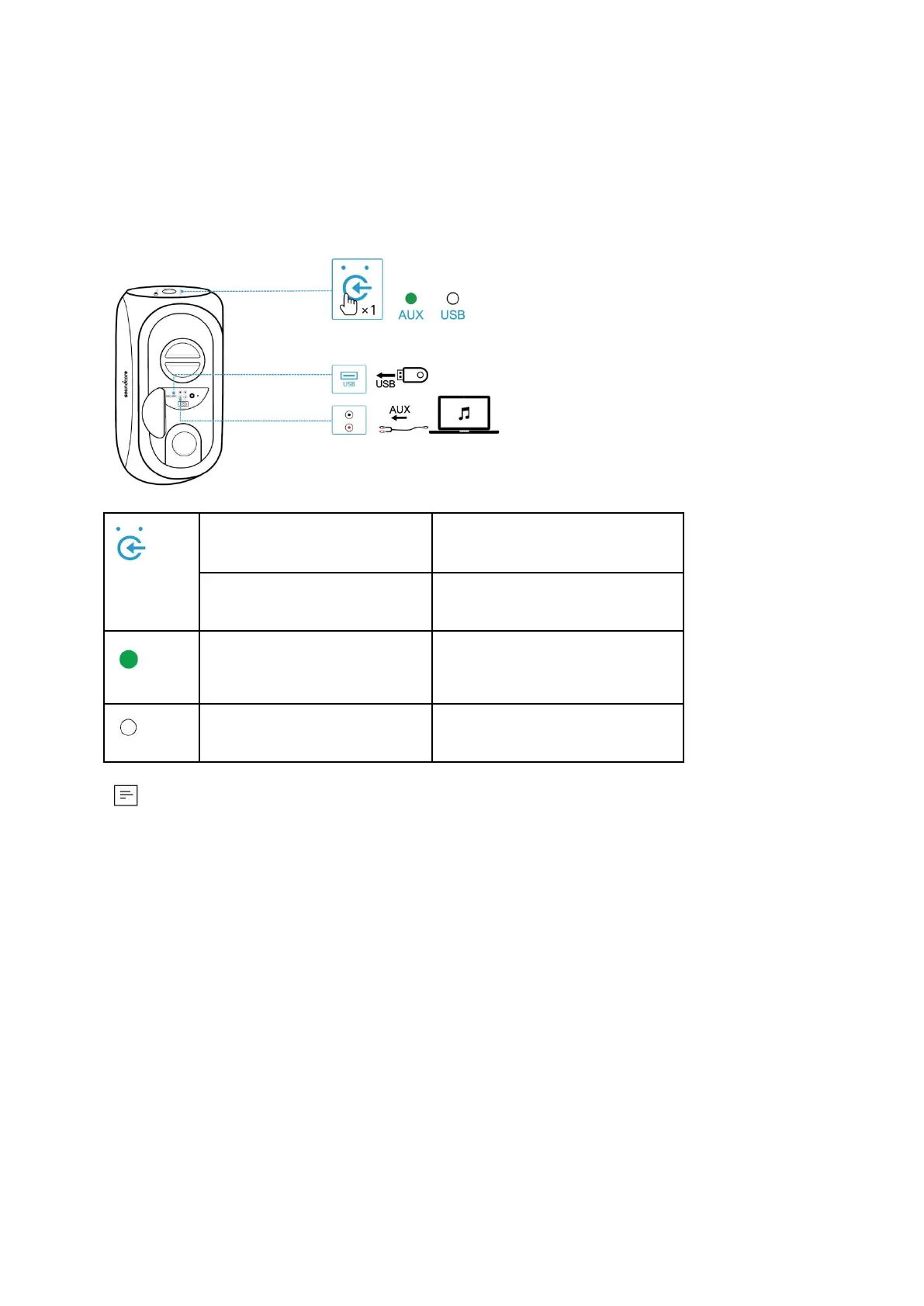
3.3 AUX/USB Mode
Plug in an audio cable or insert a USB flash drive, then press the source button to switch between
AUX in mode and USB mode (support FAT32 / MP3 / WMA formats).
Press and hold for 2 seconds
● Audio cable or USB flash drive is not provided.
● When using AUX mode, control audio playback via the connected device.
3.4 Wired Party Mode
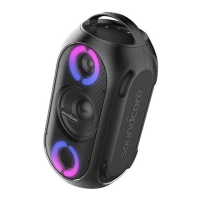
You can connect multiple Soundcore Rave+ speakers via RCA cables to form a wired party chain.
Then press the source button to enter the wired party mode.








 To Next Page