07 08
EN EN
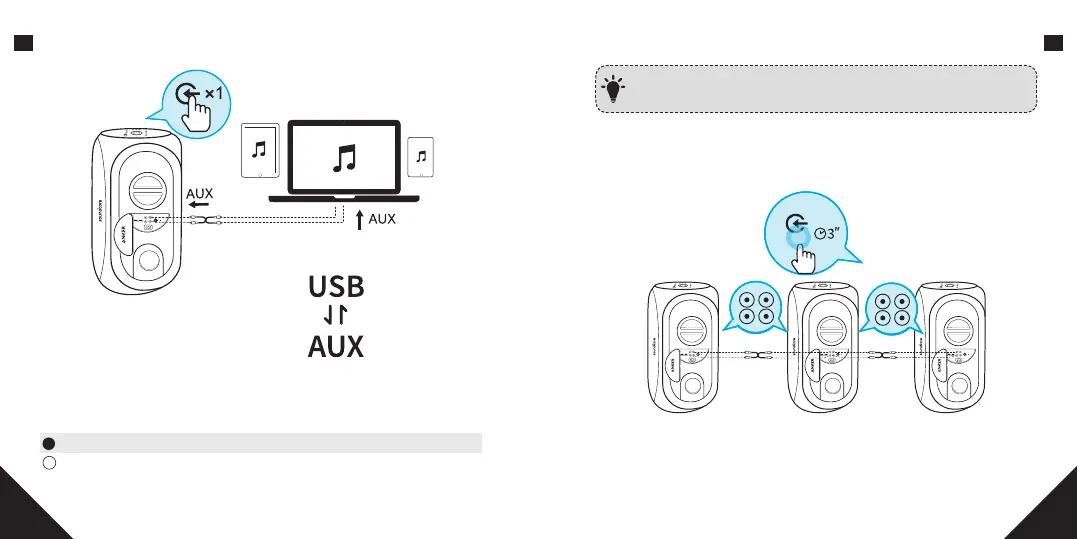
b. Source Input
Plug in an audio cable or insert USB drive, then press the source input button
to switch between AUX in mode and USB mode(support FAT32 / MP3 / WMA
formats).
Solid Green(Source input indicator) AUX in mode
Solid White(Source input indicator) USB mode
*SoundLine AUX cable sold separately.
When using AUX mode, control audio playback via the connected
device.
T
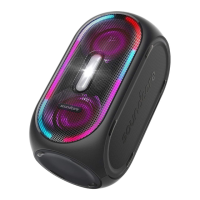
c. Connect Multiple Rave Speakers
Soundcore Rave can connect to other Soundcore Raves via RCA cables to form
a wired party chain.




 To Next Page