5
Select your favorite song on your Bluetooth device and the music should then stream
through the Bluetooth speaker.
Talking using the Bluetooth Speaker
Please ensure that your mobile phone is paired with the Bluetooth Speaker to use the
below functions.
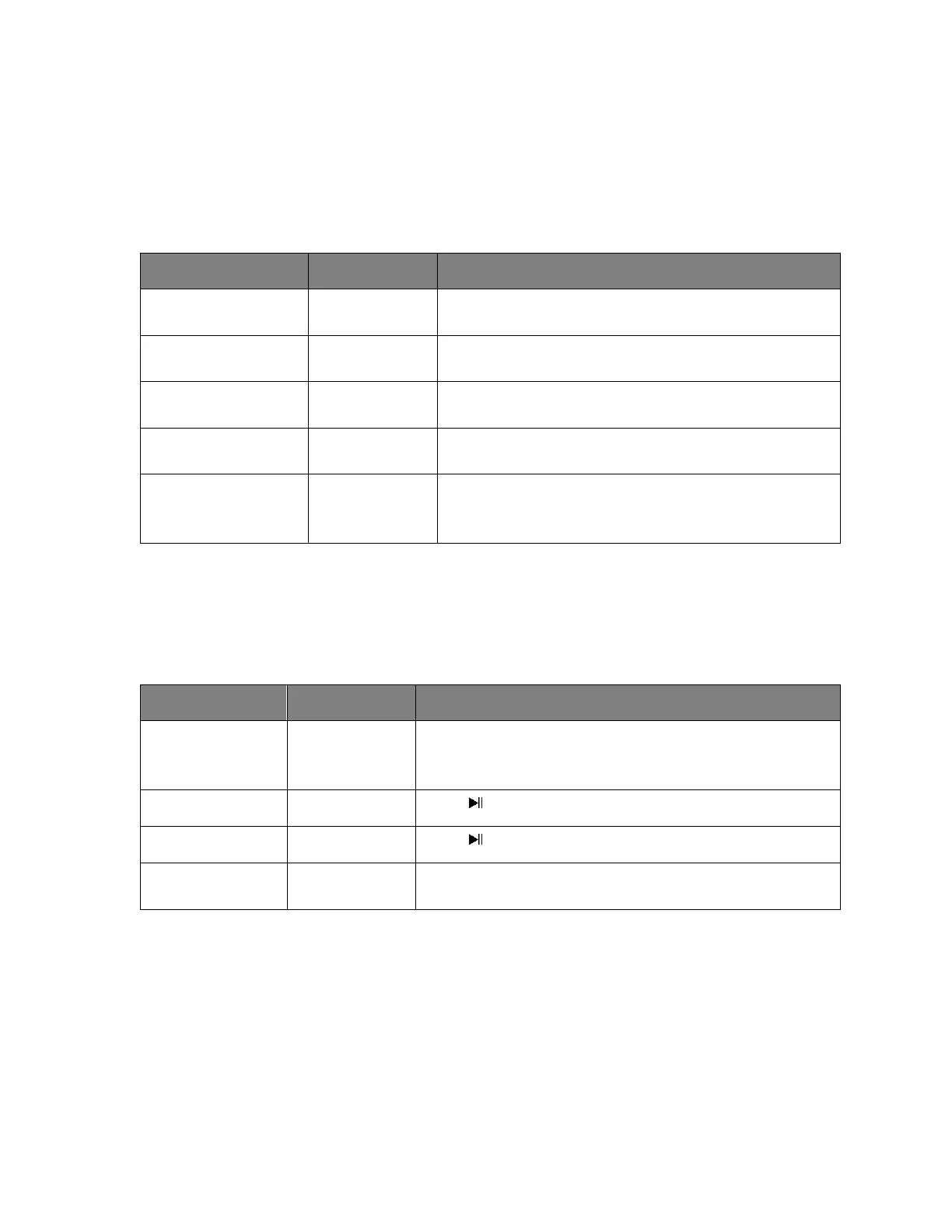
Short press the Phone button to answer an
incoming call.
After your phone conversation, short press the
Phone button
Long press on the + button will increase the
volume
Long press on the - button will decrease the
volume
Standby mode
and connected
to a device
Short press the Phone button twice
Listening to Music Wirelessly
Please ensure that your device (iPhone, Tablet or Other Smart Phone) is paired with the
Bluetooth Speaker to stream music wirelessly. Once it is paired, play music from your
device.
Increase /
Decrease
Volume
Long press + to increase the volume or long press - to
decrease the volume
Press once to pause the music
Press once resume the music
Skip Forward /
Skip Backward
Short press + to skip forward the track. Short press -
to skip backward the track.
(Note: An indication tone will alert you when the volume is adjusted to the maximum
level.)
Listening to Music using USB / Micro SD (TF) Card Slot –
▪ Turn ON the device.
▪ Insert USB flash drive into the USB slot or Micro SD (TF) card into the Micro SD
(TF) card slot accordingly, music would play automatically.
▪ To Skip Track Forward – Short press the + button.
▪ To Skip Track Backwards – Short press the - button.


 To Next Page