EasyManua.ls Logo

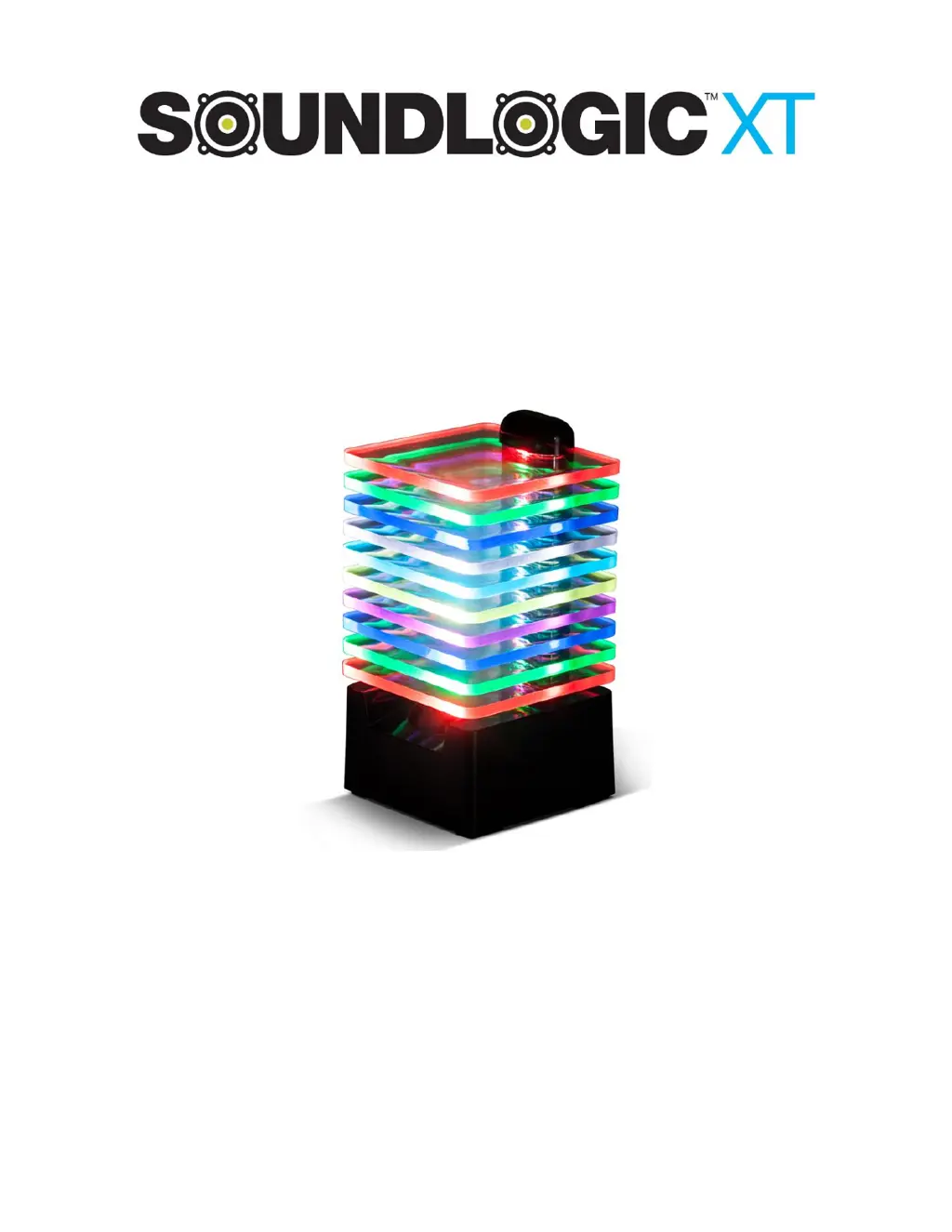
SoundLogic XT RAINBOW - User Manual

SoundLogic XT RAINBOW
7 pages
Print Icon
To Next Page IconTo Next Page
Loading...
1
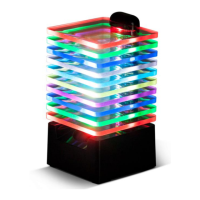
RAINBOW
Bluetooth SPEAKER
INSTRUCTION MANUAL
PLEASE READ ALL INSTRUCTIONS CAREFULLY
AND RETAIN FOR FUTURE USE

Questions and Answers

  • K
    Kevin MasonAug 3, 2025
    What to do if SoundLogic XT RAINBOW Speakers battery won’t charge?
    • R
      Richard DavisAug 3, 2025
      If your SoundLogic XT Speakers' battery won’t charge, make sure the USB charging cable is securely connected at both ends. If it's well connected, try using an alternative charging source, as the current charger may not be working.
  • C
    Carrie DavisAug 13, 2025
    What to do if my SoundLogic XT Speakers have no sound?
    • M
      mullinsjonAug 13, 2025
      If your SoundLogic XT Speakers produce no sound, ensure that the source device (like a tablet, mobile phone, or laptop) is turned on. Also, verify that the speaker itself is powered on. Check the volume level on the source device and increase it if necessary. Finally, make sure that the media is playing and not paused on your source device.
  • A
    angela56Aug 23, 2025
    How to fix low sound on SoundLogic XT RAINBOW Speakers?
    • B
      bryanjosephAug 25, 2025
      If your SoundLogic XT Speakers have a low sound level, first, check the volume level on your connected device (tablet, mobile phone, laptop, etc.) and increase it if it's too low. If the volume is already high, the battery of your speakers may be low, so you should charge the battery.

Summary

Getting started

Safety Instructions

Crucial guidelines for safe operation and handling of the device.

Description of Parts

INSTRUCTIONS FOR USE

Charging the speaker

Step-by-step guide on how to charge the Bluetooth speaker.

Turn On;Off the Speaker with LED layers light

Explains how to power the speaker on and off using the switch.

Turn the speaker to Bluetooth pairing mode

Steps to activate Bluetooth pairing mode for connection.

Pairing your device with Bluetooth Speaker

Guide on how to connect a Bluetooth device to the speaker.

Troubleshooting

Specifications

Limited Warranty

SoundLogic XT RAINBOW Specifications

General IconGeneral
BrandSoundLogic
ModelXT RAINBOW
TypePortable Bluetooth Speaker
ConnectivityBluetooth
LED LightsYes
AUX InputYes
Built-in MicrophoneYes

Related product manuals