EasyManua.ls Logo

SoundLogic SBS-6/6096 - User Manual

SoundLogic SBS-6/6096
10 pages
Print Icon
To Next Page IconTo Next Page
Loading...
1
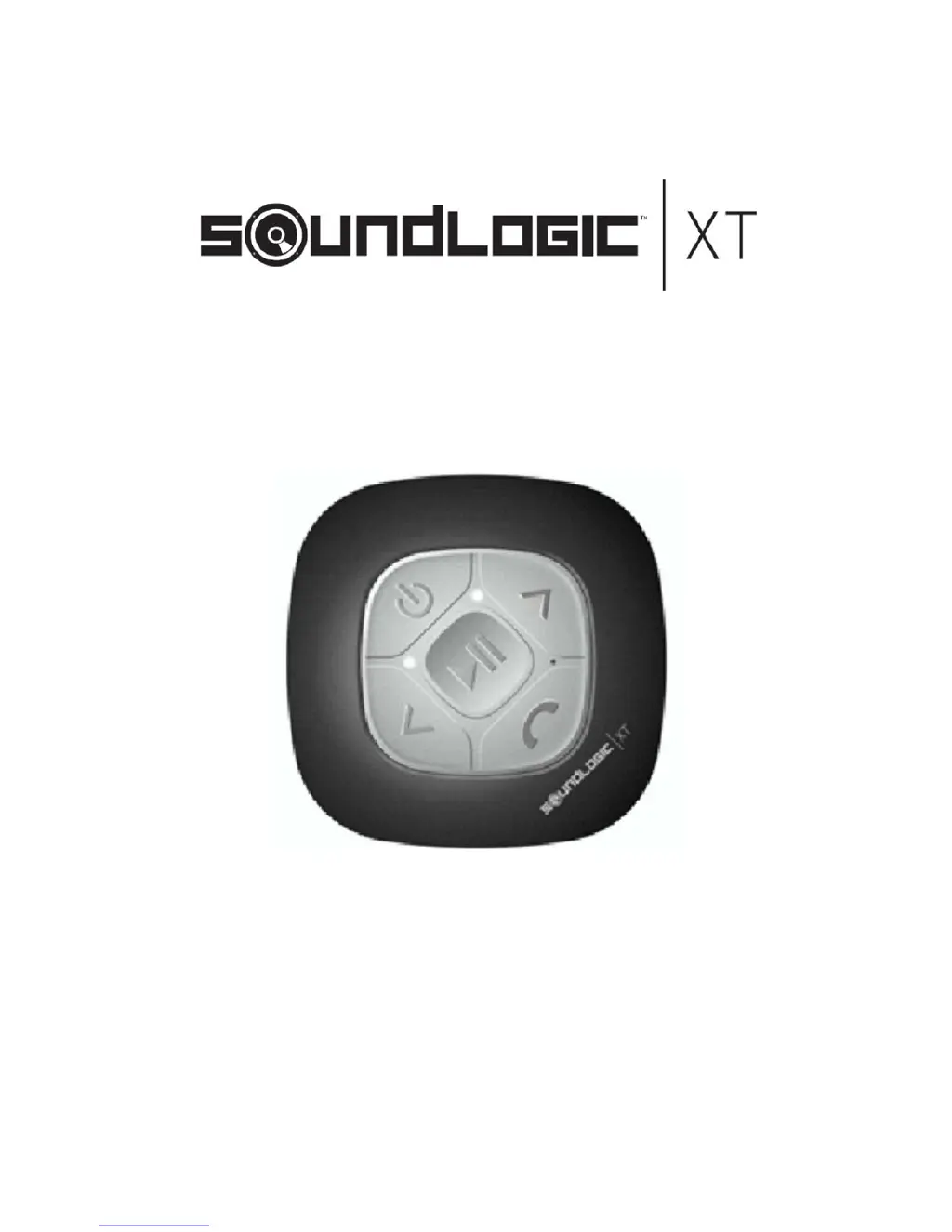
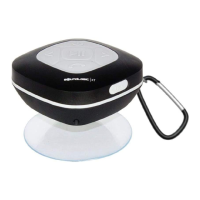
BLUETOOTH SPLASH PROOF
AQUA ALL WEATHER
SPEAKER
SBS-6/6096

Questions and Answers

  • W
    Wesley Green Jr.Aug 2, 2025
    What to do if my SoundLogic Speakers have no sound?
    • C
      Connie LopezAug 2, 2025
      If your SoundLogic Speakers aren't producing any sound, there are several potential causes: * Ensure that the source (smartphone, tablet, computer, etc.) is turned on. * Make sure the speaker itself is powered on. * Check the volume level on your source device and increase it if necessary. * Verify that the media is playing and not paused on your source device.
  • A
    Amy Reed DDSAug 12, 2025
    How to fix low sound level on SoundLogic Speakers?
    • A
      Amanda RodgersAug 12, 2025
      If you're experiencing a low sound level with your SoundLogic Speakers, here are a couple of things to check: 1. Ensure that the volume on your source device (smartphone, tablet, computer, etc.) is turned up. 2. Check the battery level. If the battery is dead, charge it.
  • B
    Brianna GonzalezAug 23, 2025
    Why is the sound distorted on my SoundLogic SBS-6/6096?
    • J
      Joshua PearsonAug 23, 2025
      If the sound from your SoundLogic Speakers is distorted, it might be due to a low battery. Try charging the battery to resolve this issue.

Summary

Getting Started

Package Contents

Lists all items included in the product packaging.

Key Features

Highlights the main functionalities and benefits of the speaker.

Important Safety Information

General Safety Guidelines

Essential guidelines for safe usage and handling of the product.

Splash Proof Cautions

Splash Proof Limitations

Details on the product's resistance to water and steam.

Product Parts and Usage

Parts Identification

Identifies and labels all external components of the speaker.

Charging the Speaker

Step-by-step guide on how to charge the speaker.

Speaker Operation and Pairing

Power On;Off and Pairing Mode

Instructions for powering the speaker and entering pairing mode.

Bluetooth Device Pairing

Guide to connect the speaker to a Bluetooth-enabled device.

Audio and Call Functions

Wireless Music Playback

How to stream audio from a paired Bluetooth device.

Phone Call Handling

Functions for answering, rejecting, and ending calls.

Specifications and Troubleshooting

Technical Specifications

Key technical details and performance metrics of the speaker.

Troubleshooting Common Issues

Solutions for common problems like low sound or no sound.

Product Care and Compliance

Care and Maintenance

Guidelines for cleaning and storing the speaker.

FCC Compliance

Regulatory information regarding radio frequency interference.

Warranty and Service Information

Limited Warranty Terms

Details and conditions of the manufacturer's product warranty.

Service and Repair Assistance

Information on how to obtain support and product repairs.

SoundLogic SBS-6/6096 Specifications

General IconGeneral
BrandSoundLogic
ModelSBS-6/6096
CategorySpeakers
LanguageEnglish

Related product manuals