DAB2035 operating instruction of English
3 The default of device
When unit is powered up first time, the date and clock are defaulted to 00:00 Sunday 01- 01- 2012 .
The alarms are defaulted to 0:00,
The radio is switched off
It then switches to auto-run mode
The energy saving is OFF.
4 How to setup device
When Auto-Run Mode, Press <MENU> once go to setting mode.
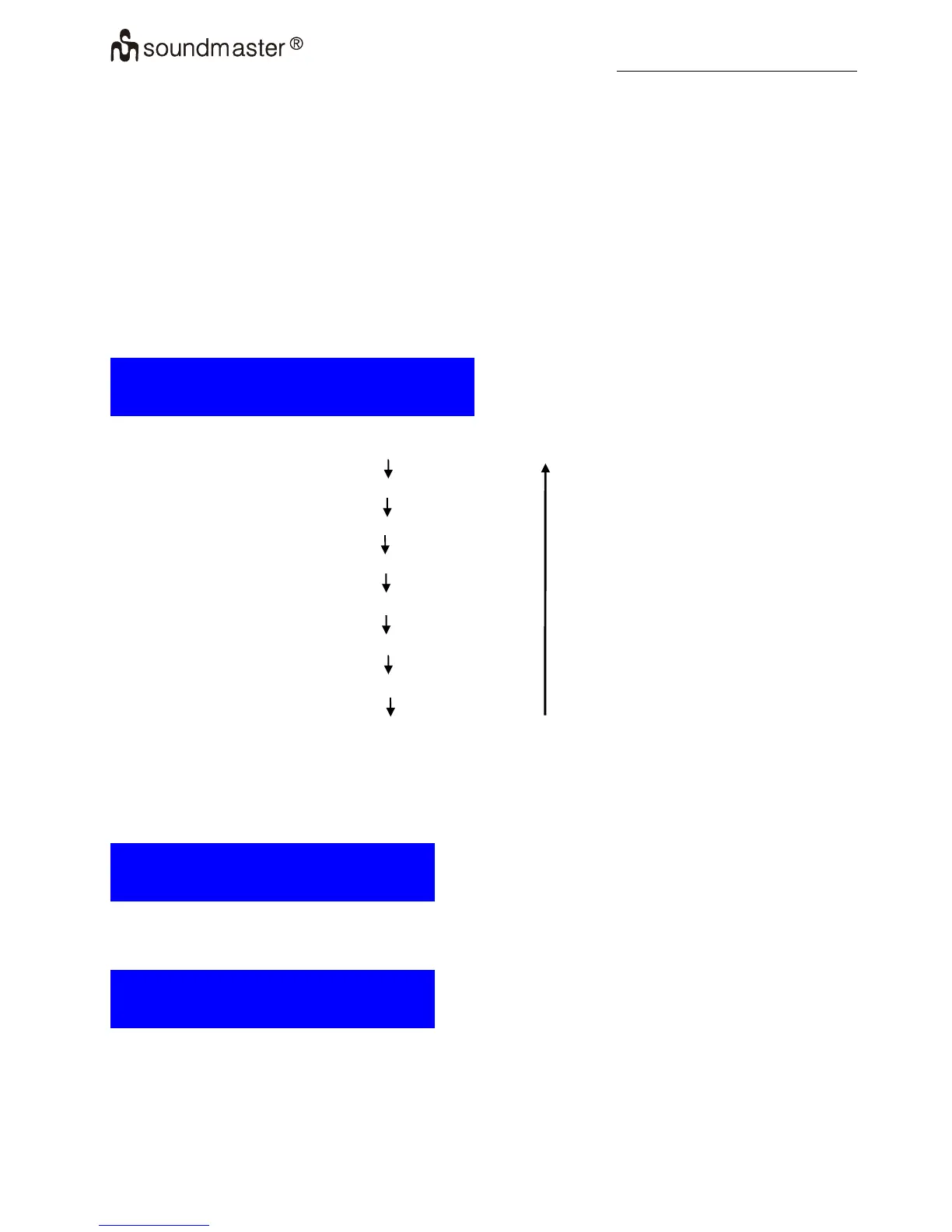
The bottom of display screen is as follows:
S e t M e n u
< S e t C l o c k >
Use <UP> or <DOWN> go to different mode sequentially
Auto-run Mode with Clock and Date display
1. Set the Clock
2. Set the Calendar
3. Set the SDA
4. Set 12/24 hour
5. Set alarm
6. Set Dimmer
7. Set Energy Saving
4.1 Set the clock
Press <UP> or <DOWN> to select 'Set Clock' when set menu mode
Press <Select> to enter Set Clock
The bottom of display screen is as follows:
S e t M i n u t e
< 0 0 : 0 0 >
Press <UP> or <DOWN> to Set value of minutes.
Press <Select> to Confirm minute Set and enter set hour mode
The bottom of display screen is as follows:
S e t H o u r
< 0 0 : 0 0 >
Press <UP> or <DOWN> to Set value of hours.
Press <Select> to Confirm hour Set and return to set menu.
4.2 Set the calendar
Press <UP> or <DOWN> to select 'Set Calendar' when set menu mode.
3 - 9















 To Next Page