5
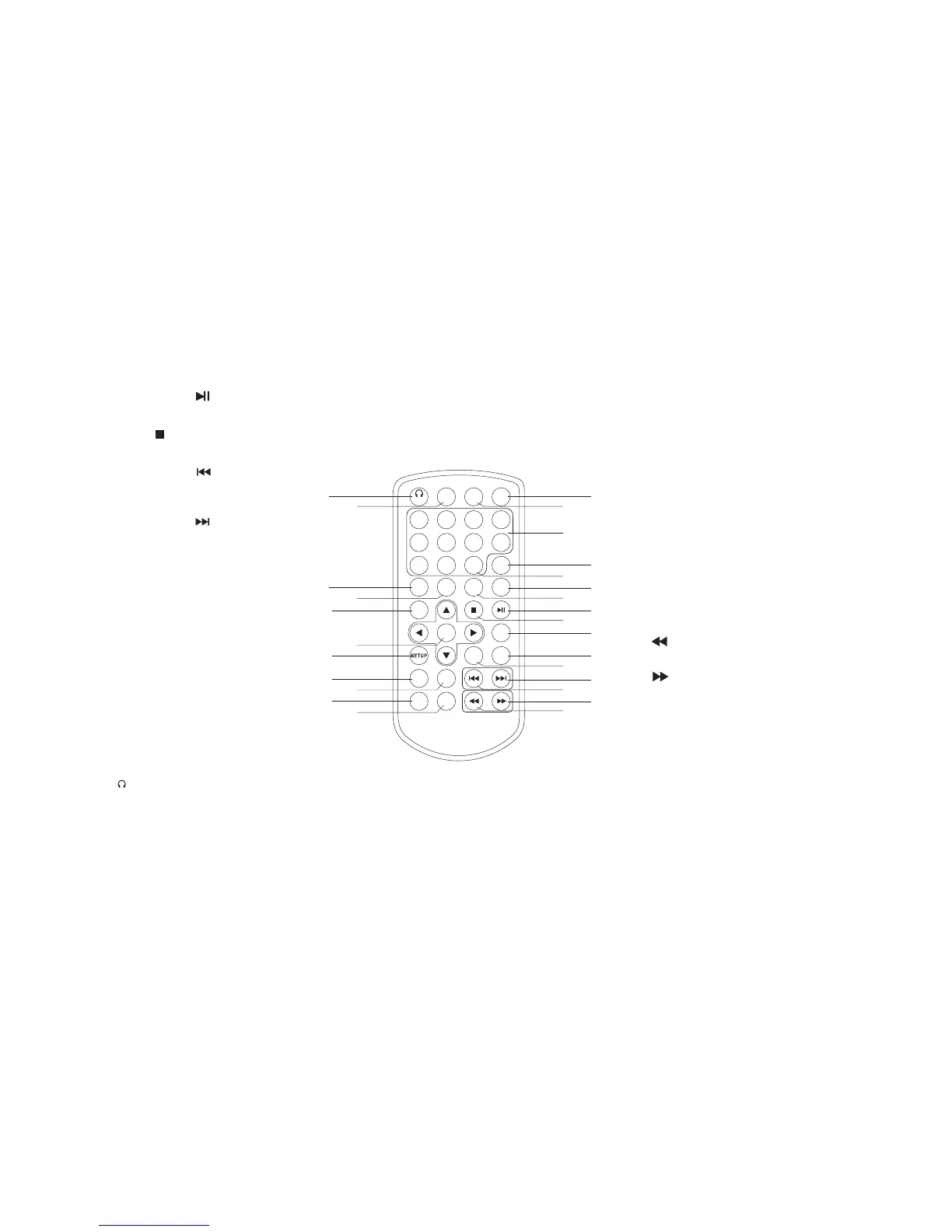
Identification of Controls
Remote control unit
1. PLAY/PAUSE ( )
Starts playback or pause playback.
2. STOP ( )
Stops playback.
3. Reverse Skip ( )
Go to previous chapter / track or to the
beginning.
4. Forward Skip( )
Go to the next chapter / track.
5.VOL-
6.REPEAT
Repeat chapter, track, title all.
7.A B
Repeat sequence.
8. PROGRAM
Place a track on the program list.
9.SOURCE
DVD, card,USB
10.TITLE
Return to DVD title menu.
11. MODE
Switch the IR headphone ON/OFF.
12.0-9 NUMBER BUTTON
Selects numbered items in a menu.
13.ENTER
Confirms menu selection.
14. VOL+
15.DISPLAY
Accesses On-Screen display.
16.AUDIO
Selects an audio language (DVD).
17.SUBTITLE
Selects a subtitle language.
18.ANGLE
Selects a DVD camera angle if available
19.SETUP
Accesses or removes setup menu.
20.10+ BUTTON
Add 10+ while your selection is more than10.
21.STEP
Step the motion in DVD mode.
22. BUTTON
Fast backward.
23. BUTTON
Fast forward.
24. PBC
PBC on/off switch.
25.MENU
Accesses menu on a DVD disc.
26.SEARCH
Goto time point , title or chapter you want in
DVD Mode
27. MUTE
Disable Audio output.
11
26
27
9
12
21
20
24
16
1
2
25
14
4
3
23
22
15
8
7
6
5
19
13
10
17
18
1 2
3
4
5
6
7
8
9 0
10+
REPEAT
TITLE
ENTER
MENU
SUBTITLE
AUDIO
MUTE
SOURCE
MODE
PBC
AB
DISPLAY
STEP
PROGRAM
VOL- VOL+
ANGLE
SEARCH



 To Next Page