SETUP Menu Setting
Preference Page
- - PREFERENCE SETUP PAGE - -
GOTO PREFERENCE PAGE
TV TYPE PAL
AUDIO ENG
SUBTITLE ENG
DISC MENU ENG
PARENTAL
DEFAULT
PAL
AUTO
NTSC
ENGLISH
DANISH
FRENCH
GERMAN
ITALIAN
OTHERS
1 KID SAF
2 G
3 PG
4 PG13
5 PGR
6 R
7 NC17
8 ADULT
RESET
Downmix
This options allows you to set the stereo analog output of your
DVD Player.
→
Dolby Pro Logic decoder.
→ Stereo :Select this option when output delivers sound from only
the two front speakers.
Digital Output
The function is used to select the SPDIF Output:SPDIF Off,SPDIF
/RAW,SPDIF/PCM.
→ SPDIF Off: Turns off the SPDIF output.
→ SPDIF/RAW: If you have connected your DIGITAL AUDIO OUT
to a multi-channel decoder/receiver.
→ SPDIF/PCM: Only if your receiver is not capable of decoding
multi-channel audio.
Dolby digital
The options included in Dolby Digital Setup are: 'Dual Mono ' and
'Dynamic '.
Dual Mono
→ Stereo:Left mono sound will send output signals to Left speaker
and Right mono sound will send output signals to Right speaker.
→ L-Mono:Left mono sound will send output signals to Left speaker
and Right speaker.
→ R-Mono:Right mono sound will send output signals to Left speaker
and Right speaker.
→ Mix-Mono:Left and Right mixed mono sound will send output
signals to Left and Right speakers.
Dynamic
Dynamic range compression.
LT/RT :Select this option if your DVD Player is connected to a
Audio Setup Page
ENGLISH
DANISH
FRENCH
GERMAN
ITALIAN
OTHERS
ENGLISH
DANISH
FRENCH
GERMAN
ITALIAN
OFF
OTHERS
7
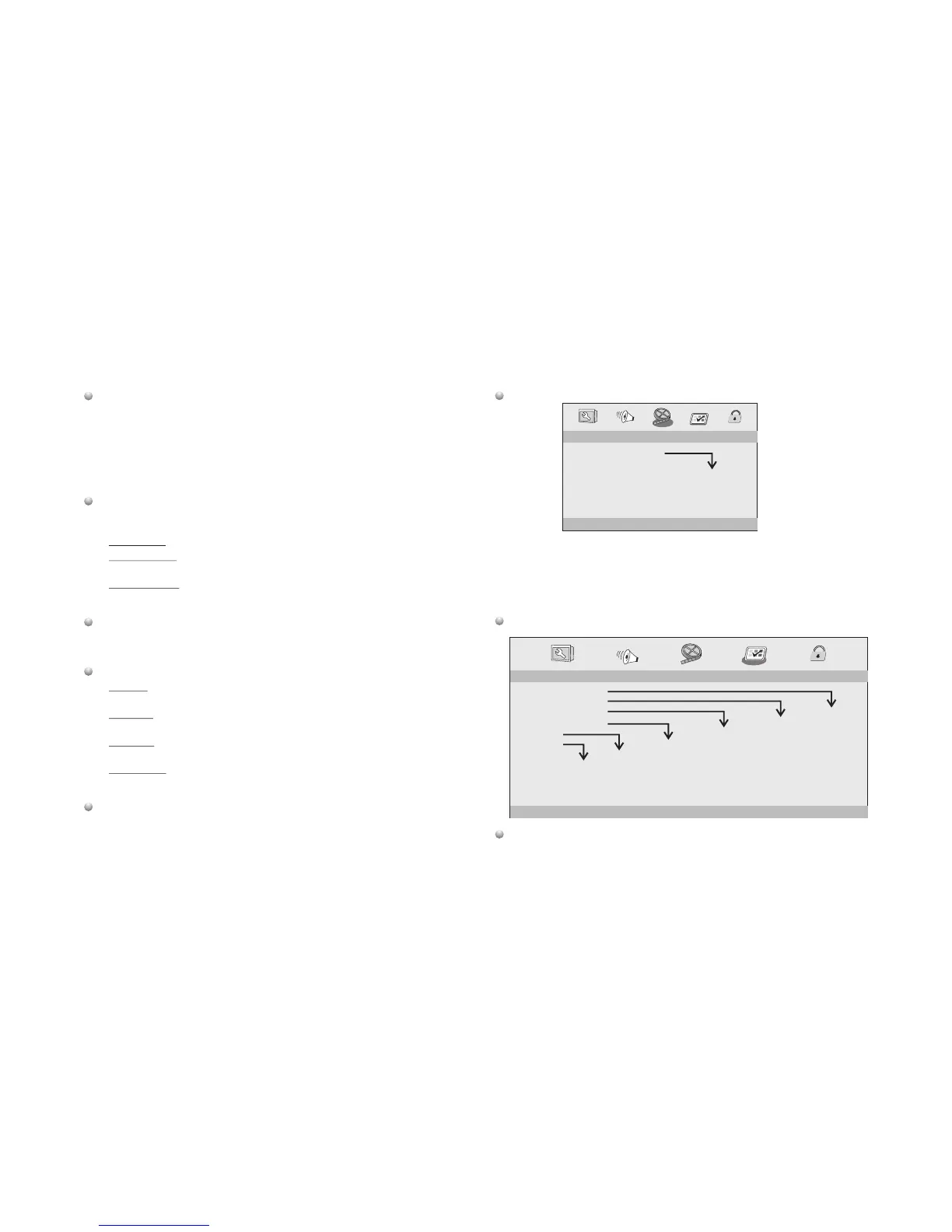
Video Setup Page
Video Setup Page
Sharpness,Brightness,Contrast,Hue,Saturation:setting the video
quality.
TV Type
Selecting the colour system that corresponds to your TV when AV
outputs.This DVD Player is compatible with both NTSC and PAL.
Preference Page
- - VIDEO SETUP PAGE - -
GOTO VIDEO SETUP PAGE
SHARPNESS MID
BRIGHTNESS 00
CONTRAST 00
HUE 00
SATURATION 00
HIGH
MEDIUM
LOW



 To Next Page