DVB Setup Menu
Setup Menu Introduction
9
TV Setting
Video Setting
Audio Setting
Language
Parent Control
Time Setting
System Info
System Config
System Config
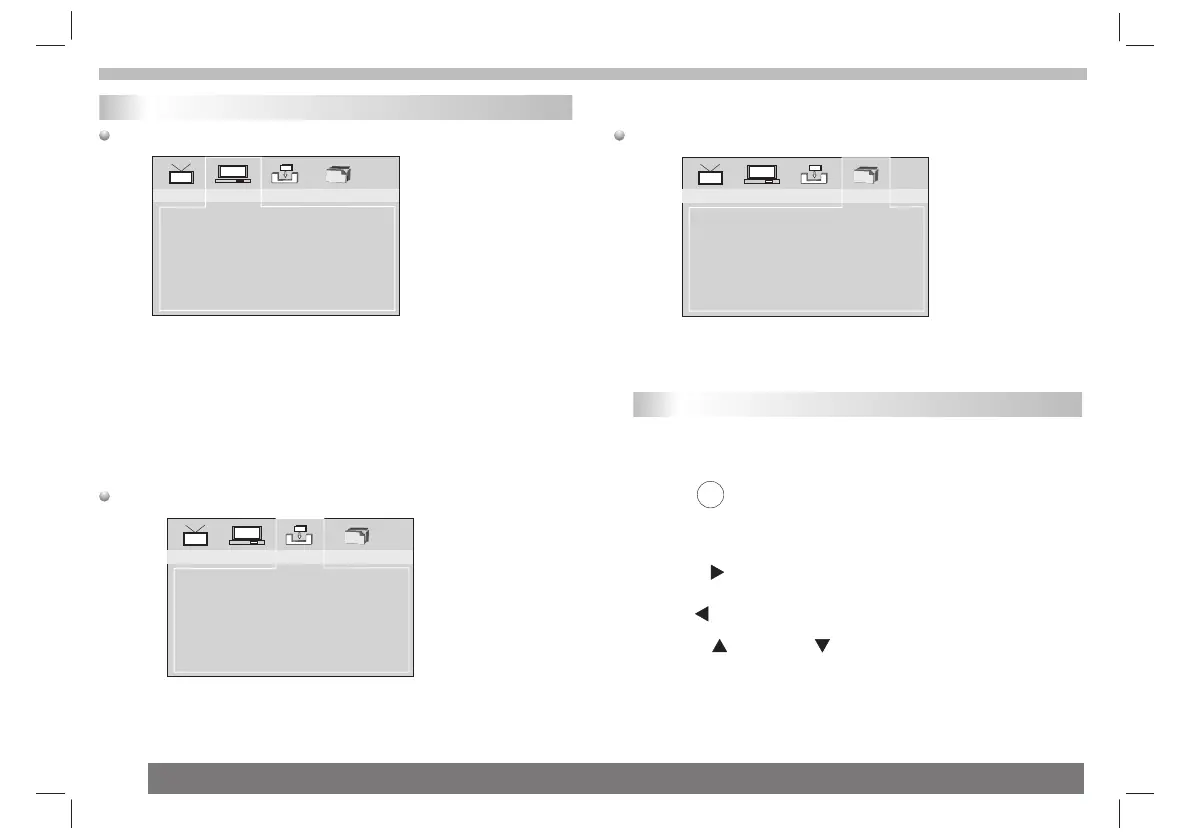
TV Setting: Selects TV system and TV type.
Video Setting: Change the video setting: brightness, contrast, hue,
saturation.
Audio Setting: Selects coaxial digital out mode: OFF, RAW, PCM.
Language: Selects OSD language.
Parent Control: Change password and set channel lock.Default
password is 0000.
Time Setting: Set time zone.
System Info: Informations about the update data,tuner,F/W version and
model version.
Installalion
Auto Scan
Manual scan
Default Setup
Installation
Auto Scan: Auto search all available channels.
Manual Scan: Manual search channels.
Default Setup: Reset DVB factory setting.
Game
BoxMan
Burning Tetris
Hit Rat
Game
There are three games:BoxMan,Burning Tetris and Hit
Rat.Select "ENTER" to play.
EPG (Electronic Program Guide)
The DVB-T player provides you an Electronic Program Guide to
take a fast preview of live broadcasts from each TV channel in
advance of watching it in full screen.
1 Press <EPG> .
An Electronic Program Guide Menu appears on the screen, with a
TV channel menu to the left and corresponding live broadcast of the
selected program to the right.
3 Press“ ”button / “ ”button to toggle through each TV
channel and to see its live broadcast.
*To exit from this page
---Press“EPG” button.
EPG
2 Press“ ”button to more digital teletext provided by the
selected channel.
Press“ ”button to return to program list.



 To Next Page