PL780 / English Instruction Manual
5
How to measure pitch
➢ Four rows of strobe dots on the platter edge are designed to measure and verify the platter
speed.
➢ When the corresponding row of strobe dots appears to be stationary, the turntable will be at
the operating speed percentage indicated below:
If the dots appear to be moving to the right, the platter is moving below rated speed; if they
appear to be moving to the left, the platter is moving above rated speed.
BLUETOOTH
®
TRANSMITTER
Pairing BLUETOOTH
®
to Stereo System
1. Set the BLUETOOTH
®
receiver device to pairing mode;
2. Turn on the unit and set the switch to “BT TR” at the back side. The turntable is ready for
connection and the BLUETOOTH
®
indicator LED light is flashing.
3. When the pairing is successfully performed, the turntable BLUETOOTH
®
indicator LED light
is fixed.
4. To disable the connection, set the switch to “LINE” or “PHONO” at the back side.
RECORDING WITH A COMPUTER
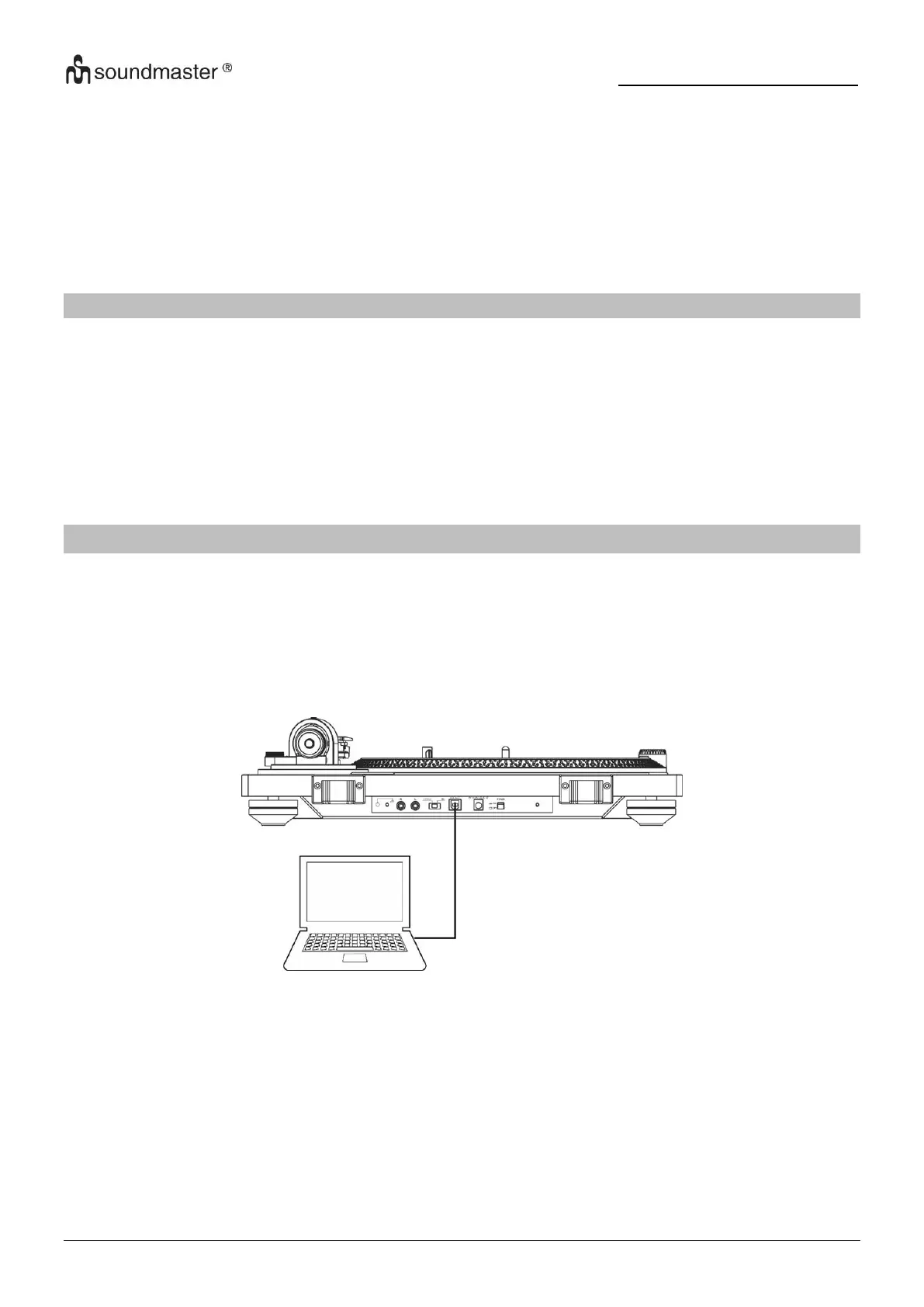
Connect this record player to a computer using a commercially-available USB cable to convert
audio signals from a record to digital data and send them to the computer.
Connecting with a computer
1. Connect this record player to a computer using a commercially-available USB cable to
convert audio signals from a record to digital data and send them to the computer.
2. Turn the computer on: confirm that the operating system is working correctly.
3. Turn the record player on.
4. When they are connected, the computer will automatically detect this unit's USB port and
identify it as "USB Audio CODEC".


 To Next Page