SCD5750 / English Instruction Manual
1
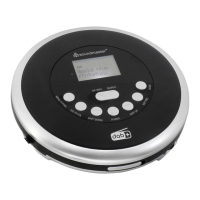
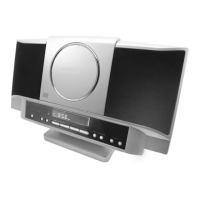
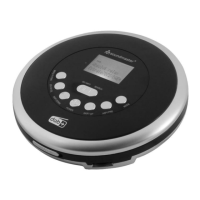
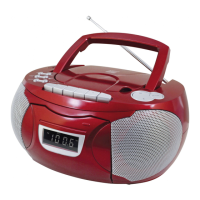
LOCATIONS OF CONTROLS
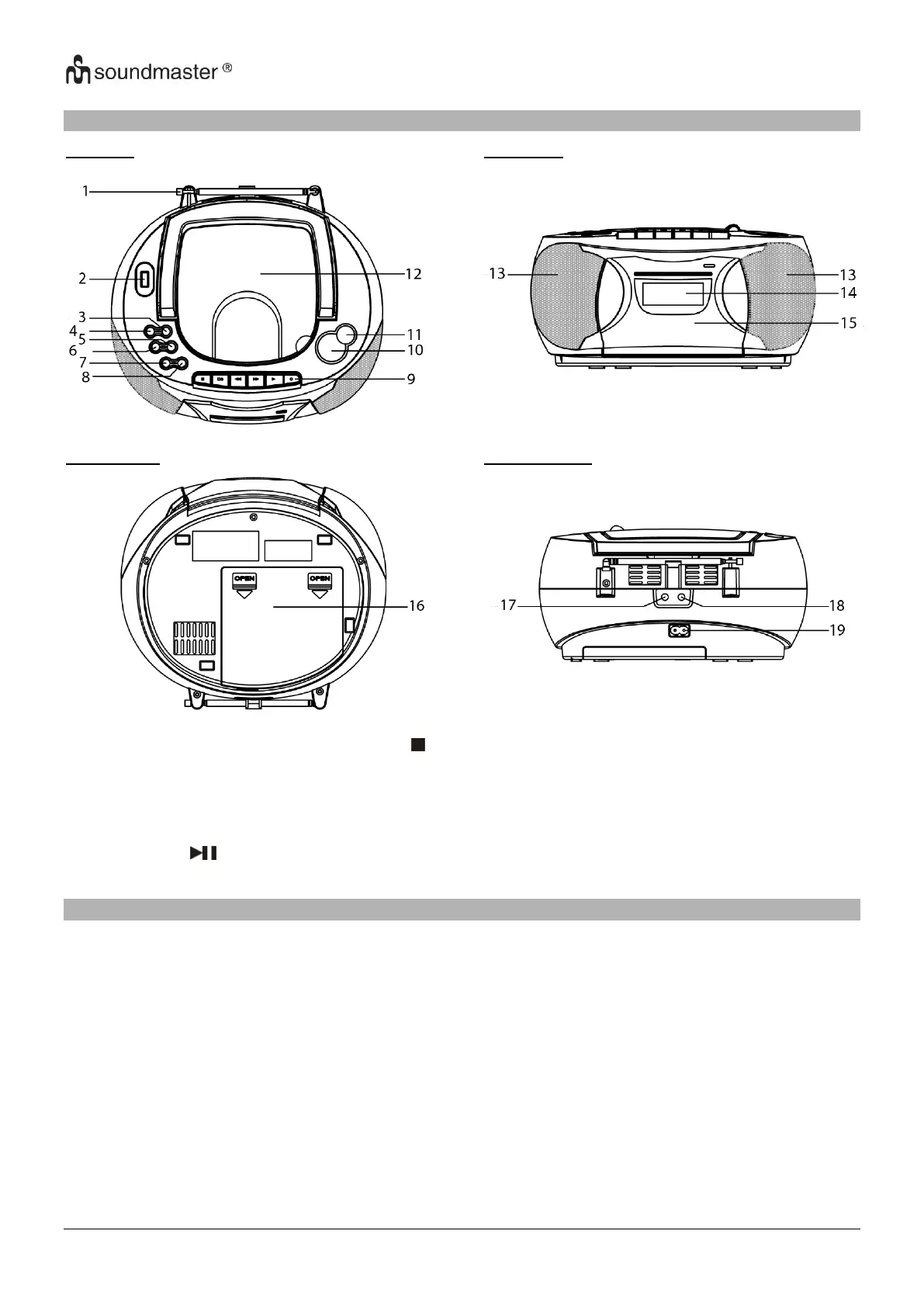
Top View Front View
Buttom View Backside View
1. FM ANTENNA 8. STOP / MEMO / SLEEP 15. CASSETTE DOOR
2. USB PORT 9. CASSETTE KEEYS 16. BATTERY DOOR
3. SKIP+ ►►▌ 10. VOLUME + / - 17. MICROPHONE
4. SKIP- ▌◄◄ 11. STANDBY / FUNCTION 18. HEADPHONE JACK
5. M+ / EQ / ALBUM+ 12. CD DOOR 19. AC SOCKET
6. M- / MODE 13. SPEAKER
7. PLAY PAUSE / SCAN 14. LCD DISPLAY
INSTALLATION
Select a suitable location for the device, such as a dry, flat, non-slip surface on which it is easy to operate
the machine.
Ensure that the device is sufficiently ventilated.
Remove the protective film from the display if it is still present.
Power Supply
Ensure that the voltage is the same as that indicated on the model identification plate.
Connect the power cable supplied (see battery compartment if necessary) to a properly installed safety
power socket and the mains connector AC on the back of the machine.
Inserting the Batteries (not supplied)
1. Open the lid of the battery compartment.
2. Insert 6 batteries of type UM-2 (“C” size) 1.5 V. Please ensure that the polarity is correct (see the floor of
the battery compartment)
3. Then close the battery lid.


 To Next Page