POWER SOURCES
Battery power
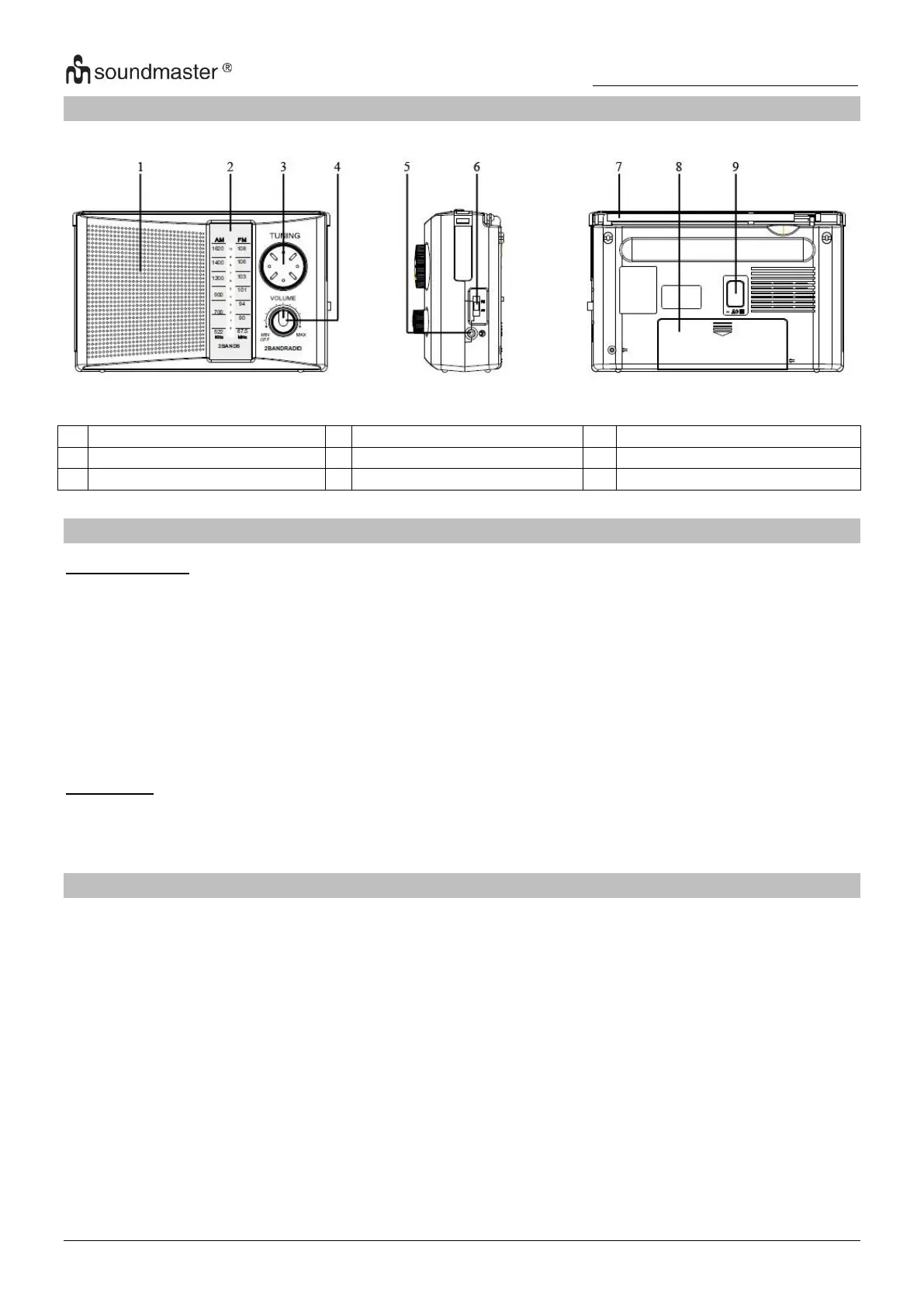
Insert 2 x 1.5V UM1 size batteries into the battery compartment. Be sure that the batteries are
inserted correctly to avoid damage to the appliance. Always remove the batteries when appliance
will not be used for a long period of time, as this will cause leakage to the batteries and
subsequently damage to your set.
Notes:
- Use batteries of the same type. Never use different types of batteries together.
- To use the appliance with batteries, disconnect the AC power cord from the unit.
AC Power
• Plug the power cord into a properly installed 230V wall outlet and connect the other side
with the AC socket on the back of the unit.
Power On/Off
• To turn on the Radio, turn the “ON/OFF/VOLUME” knob carefully clockwise, you will hear a
“click” sound and the radio turns on.
• To turn off the radio, turn the “ON/OFF/VOLUME” knob counter clockwise until you hear the
“click” sound again and the radio turns off.



 To Next Page