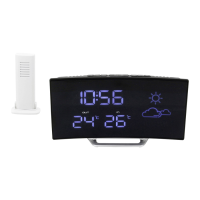
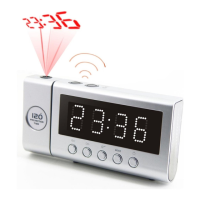
UR8400 / English Instruction Manual
AUTOMATIC SWITCHING THE DISPLAY
When switched off, press and hold the << (3) button until the display shows
"ON". The LED display now alternately displays the time, year and date. To
deactivate the function, press and hold the << button again (3) until «OFF»
appears briefly on the display.
Press the M+ button (6) in quick succession to manually display the date and
year.
RADIO OPERATION
- Press the ON / OFF button (7) to switch on the radio.
- Pull out the FM wire antenna completely to achieve the best possible
reception.
- Press and hold the << (3) or >> (5) button to select the next station
received. Press the << (3) or >> (5) button briefly to make a fine
adjustment.
- Set the desired volume with the - / + (1/2) buttons
Store and recall preset station
- Select the desired station as described above.
- Press and hold the M + button (6) for approx. 2 seconds until "P01" in the
LED display flashes.
- Use the << (3) or >> (5) button to select the desired preset station (up to 10
pieces)
- Briefly press the MEM SET / M + key (6) to confirm or save the entry.
- Repeat the o.g. steps until all your desired stations are stored.
- In radio mode: By briefly pressing the MEM SET / M + button (6), you can
recall the stored preset stations.
- - The display changes back to the time after a short time.
SLEEP FUNCTION
In radio mode, press the SNOOZE / SLEEP button (4). The display shows "10".
Set the desired sleep time within 5 seconds with the SNOOZE / SLEEP button
(4). You have the option to choose between 10-20-30-40-50-60-70-80-
90-OFF. The radio will automatically switch off after the time has elapsed. The
ON / OFF key deactivates the sleep timer in advance.



 To Next Page