4
Pairing
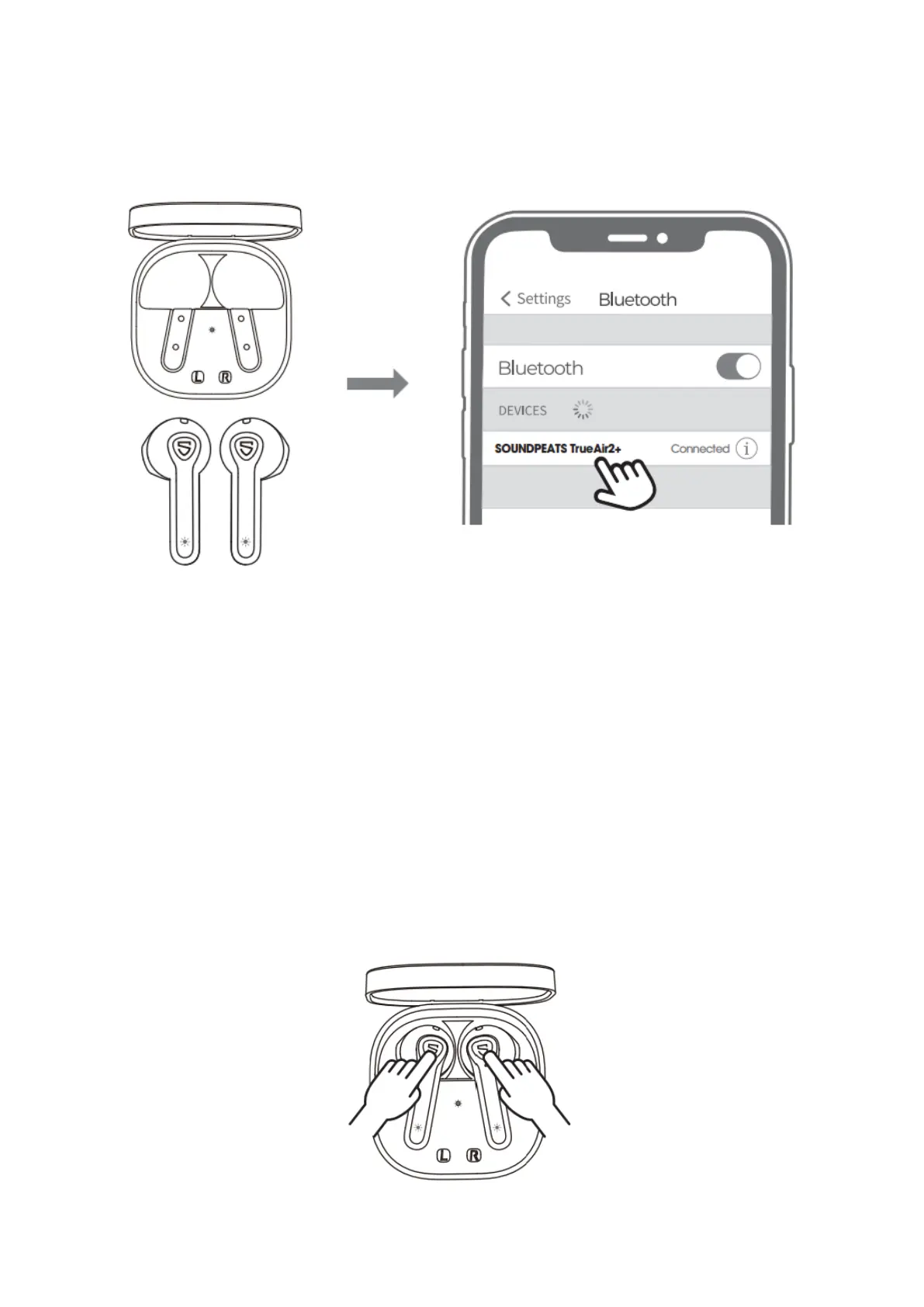
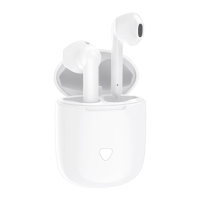
• The earbuds automatically pair to each other after being taken out from the
charging case. Light on main flashes in white and red, the second earbud stays in
white.
• Activate Bluetooth on the device and choose “SOUNDPEATS TrueAir2+” on
Bluetooth list to pair.
Reset
(Try the following steps if you fail building connection between two earbuds, or between
earbuds and device.)
• Clear the pairing record between the earbuds and all your devices.
• Place back both earbuds and make sure they are in charging status. Press and
hold both MFBs for 10 seconds until both indicators flash in white twice.



 To Next Page