6
Game Mode
SOUNDPEATS TrueAir2+ adopts the latest technology to ensure low latency in game
mode and make sure the sound sync with the image.
Triple tap on the left to activate the game mode with a voice prompt “Game Mode” and
deactivate the mode with a prompt “Exit Game Mode”.
Q&A
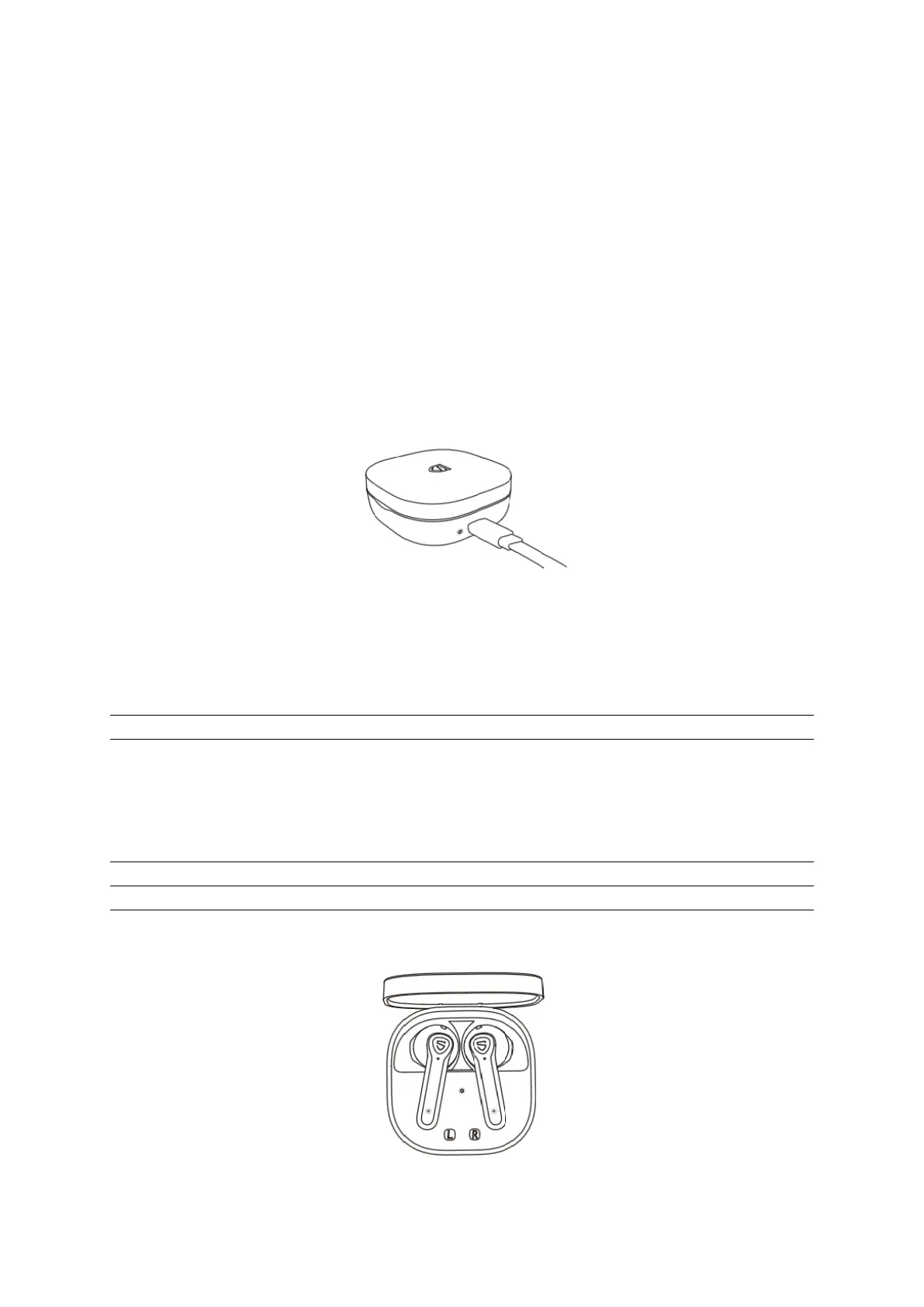
Q1: What does the charging LED tell while charging the case?
The LED stays on while charging and turns off after fully charged.
Q2: What does the LED inside the charging case tell?
The LED inside the charging case lights up and stays on for 10s to tell the battery left in
the case while taking out and placing back earbuds.










 To Next Page