EasyManua.ls Logo

SoundPeats TrueAir2+ - Wearing; Product Diagram; Button Control

SoundPeats TrueAir2+
50 pages
Print Icon
To Next Page IconTo Next Page
To Previous Page IconTo Previous Page
Loading...
5
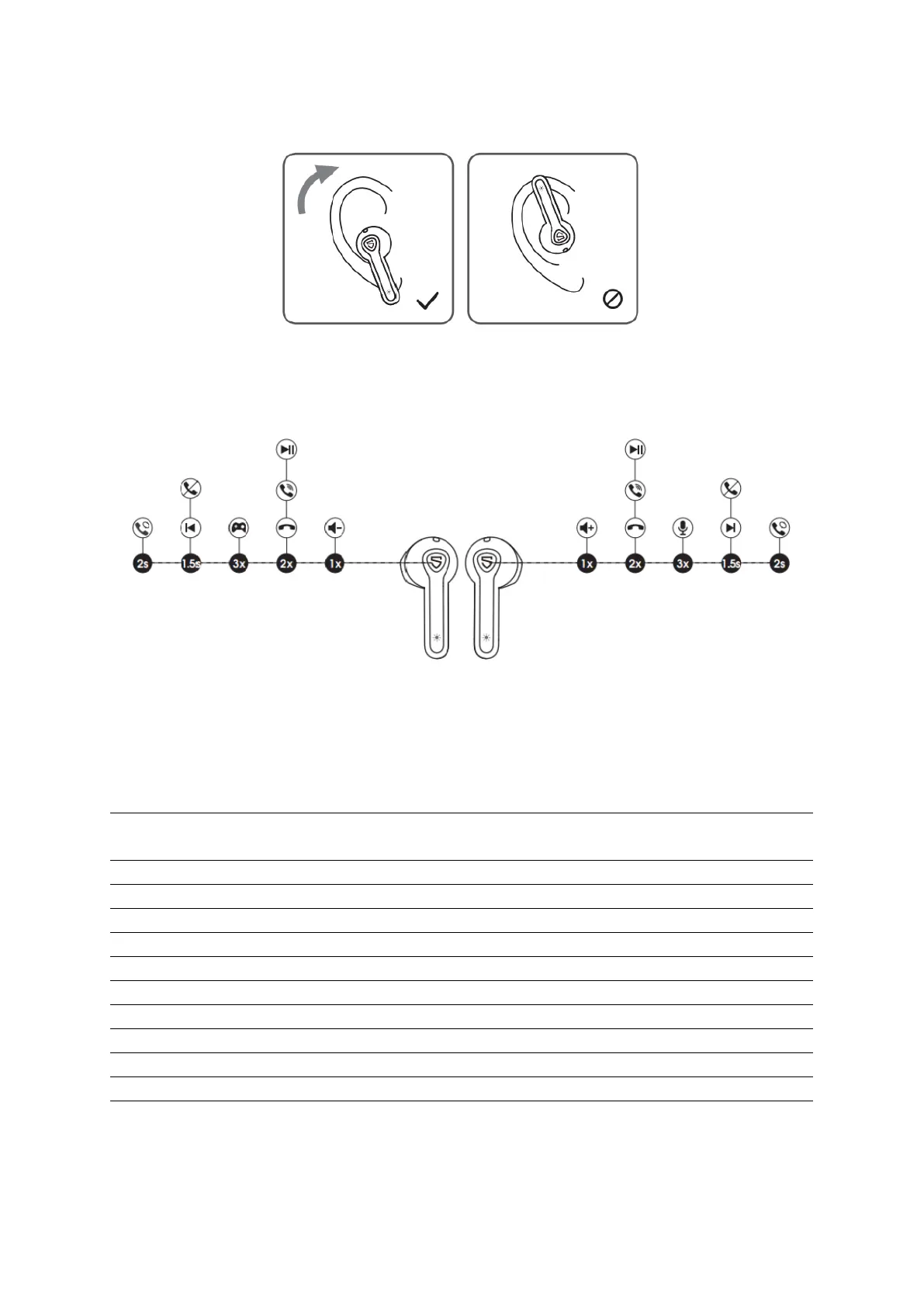
Wearing
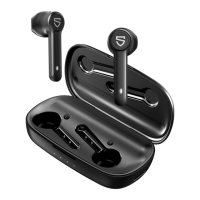
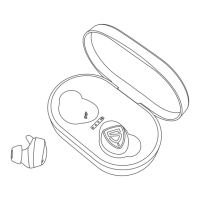
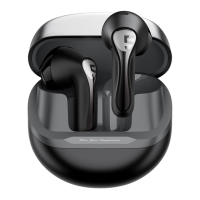
Product Diagram
Button Control
Power On
Auto: Take out from charging case
Manually: Press and hold the MFB for 1.5s
Power Off
Auto: Place back into charging case
Manually: Press and hold the MFB for 10s
Play / Pause
Double tap the MFB
Volume -
Single tap the left MFB
Volume +
Single tap the right MFB
Previous Track
Press and hold left MFB for 1.5s
Next Track
Press and hold right MFB for 1.5s
Answer / Hang up Phone Call
Double tap the MFB
Reject Phone Call
Press and hold the MFB for 1.5s
Switch Between Two Calls
Press and hold the MFB for 2s
Manually Enter Pairing Mode
Press and hold the MFB for 6s
Activate Voice Assistant
Triple tap the right MFB
Game Mode
Triple tap the left MFB

Related product manuals