cleaner.
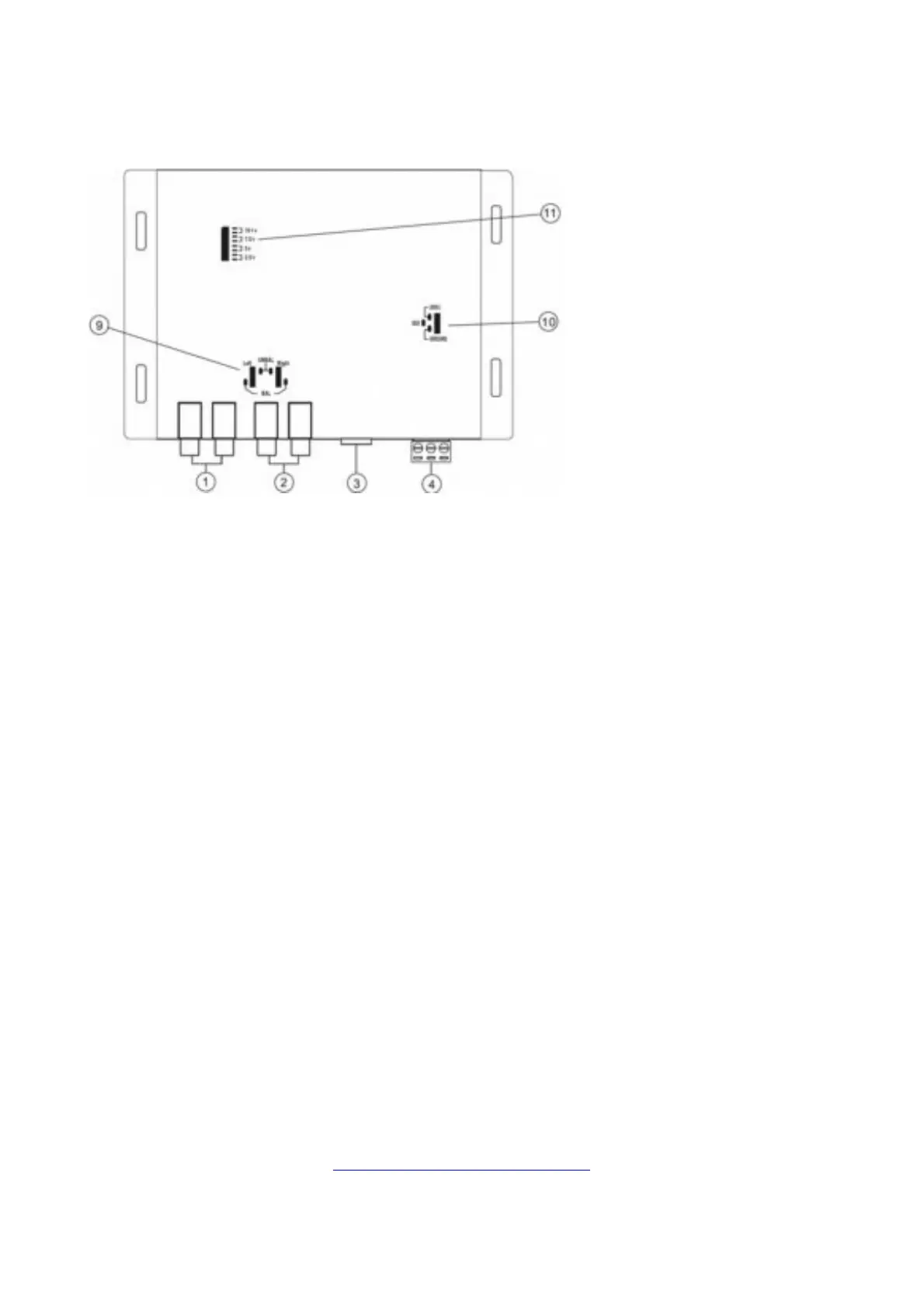
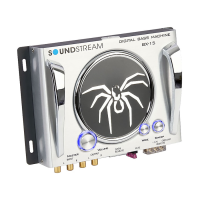
7. Bass Maximizer Indicator: These three LED indicators flash when the bass maximization circuit is activated.
8. Power-On LED.
9. Input Ground: For the Most system, you can leave this jumper set in the BALANCE position. In some scenarios,
the source unit may look for ground through the RCA connectors; even you should change the jumpers to the
UNBALANCE position.
10. Ground Isolation Jumper: Occasionally, an alternator whine may appear in a system because the source units
and amplifiers have different grounds. To help this situation, we have provided alternative ground connections;
make sure your system is of before making this change.
11. Bass Output Control Jumpers: Not all systems are designed the same; some systems are designed strictly for
SPL (Sound Pressure Level) while others a little tamer. The Bass Maximizer circuit can either increase or
decrease the signal voltage to your liking. You may change these jumpers to higher or lower settings to
maximize your bass output and protect your speakers. Factory settings usually work just fine; we recommend
you try that first.
Troubleshooting Guide
If the unit does not turn on and the power indicator LED is NOT illuminated, start with this:
1. Check and make sure that B+ and GND are not reversed
2. Check power wire is correctly connected and have the appropriate potential (11- 16 volts)
3. Check that the fuse is functioning correctly.
If you experience high audible distortion or low output volume:
1. Check that the input and output levels are set correctly. Input should match the source, and output should
match the sensitivity of the host.
2. Check the crossover settings; make sure they are correct; for high “Q” system s, set the crossover half an
octave above the desired point and for low “Q” systems, put it 1 octave or more above.
If you experience whining or engine noise:
1. Verify that the GND connection is secure; the conductor (wire) is not too thin and unnecessarily long.
2. Check that the +12V wire is not too thin and unduly long.
3. Change the power source; try connecting a different power source.
Still, having trouble? Contact our Tech-Support
(800) 832-4647
OR
Tech-Support@Soundstream.com
Warranty
Soundstream Technologies warrants this product to be free from defects in materials and workmanship under


 To Next Page