7
8
WARNING: Electric shock hazard. Do not connect tester to live circuits.
Never trace energized wiring.
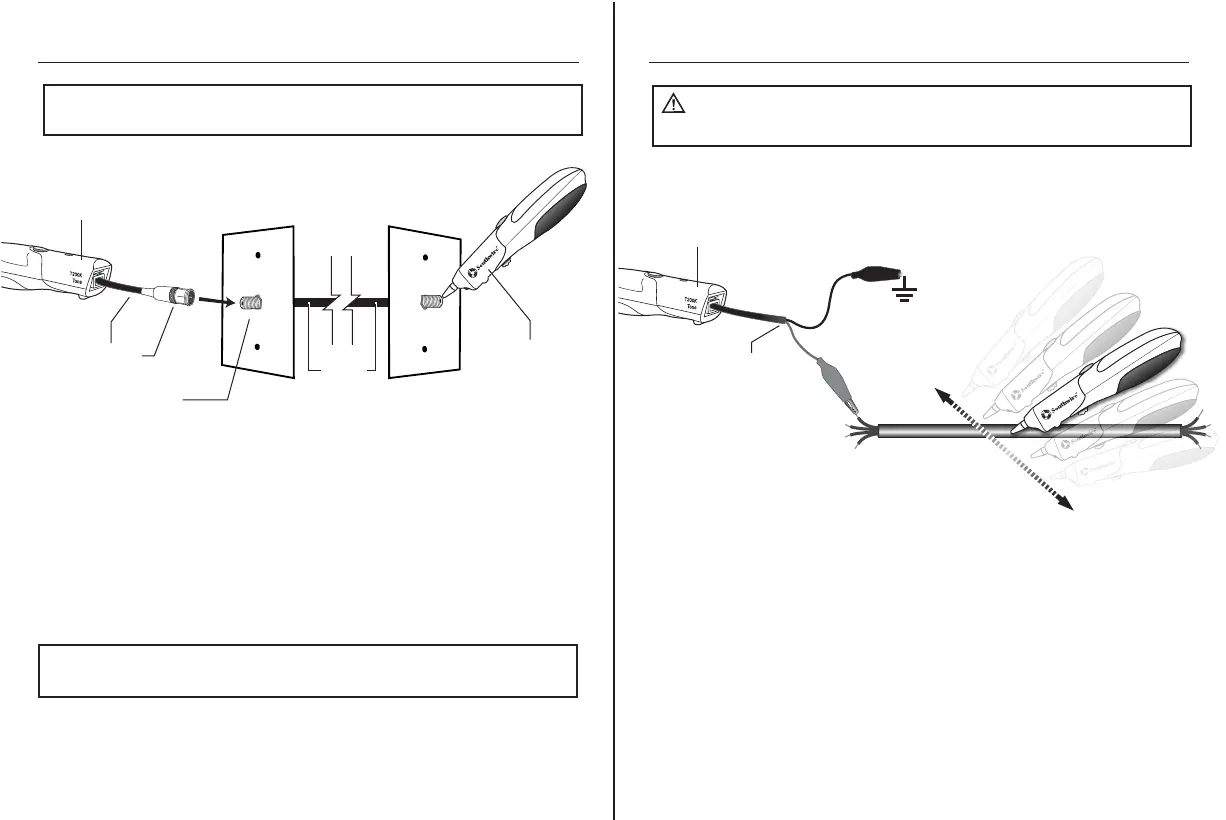
Use the Coax Adapter to connect the Transmitter to a wall port or
patch panel.
The tone will be sent though the center conductor and shield on
the coax cable.
NOTE:
In order to avoid interference, disconnect the cable from the outside
cable service.
NOTE:
Certain types of splitters used in Cable TV systems will prevent tone
from passing through the splitter.
Tracing Coax Cables
Connect the Alligator Clip Adapter to the Transmitter.
Connect the Red Alligator Clip to one of the wires on the cable
being traced.
Connecting the Black Test Lead to earth ground will increase
the distance the tone can be detected.
When getting to the end of the cable, remove the ground connection
in order to pinpoint the cable location.
Tracing General Wiring
Coax Adapter
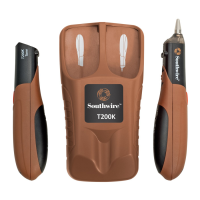
Transmitter
Wall Port
Cable
Receiver
Black
Red
Alligator Clip
Adapter
Cable
Transmitter
Receiver
(Shown searching for cable)


 To Next Page