EasyManua.ls Logo

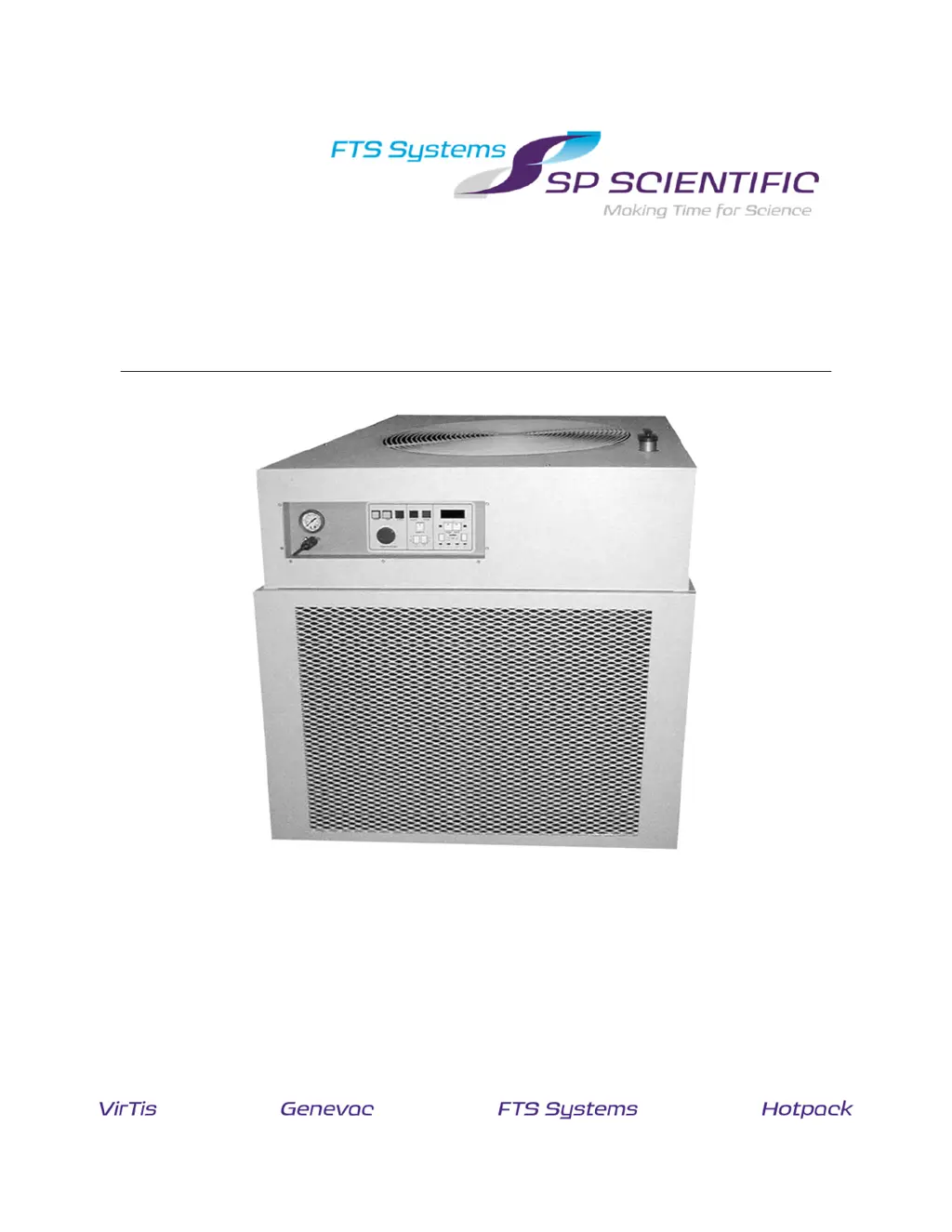
SP Scientific ULTRA-COOL - User Manual

SP Scientific ULTRA-COOL
64 pages
Print Icon
To Next Page IconTo Next Page
Loading...
R
ECIRCULATING
C
HILLER
O
PERATOR
S
M
ANUAL
U
LTRA
-C
OOL
W
ITH
MPC
C
ONTROL

Questions and Answers

  • X
    xfarrellAug 15, 2025
    How to troubleshoot an SP Scientific Chiller that won't start?
    • E
      Eric PattersonAug 15, 2025
      If your SP Scientific Chiller isn't starting, there are several potential causes. First, ensure that the power is properly connected; you may need to have an electrician check the power connections. Second, verify that the breaker at the wall is in the "on" position and turn it on if it's off. Lastly, a blown fuse could be the issue, requiring a qualified person to check and replace it.
  • K
    Kristi MillerAug 21, 2025
    Why won't the pump start on my SP Scientific Chiller?
    • C
      Chelsea LopezAug 22, 2025
      If the pump on your SP Scientific Chiller isn't starting, possible reasons include: improper power connection, which should be checked by an electrician; the wall breaker being off, so turn it on; the pump not being primed, so prime it. The impeller might be jammed; verify the motor is getting correct voltage and be aware that fluid freezing can jam it. The pump motor may have overheated, in which case it will restart once cooled down, ensure fluid viscosity remains below 20 centistokes. In a very unlikely scenario, the pump motor might have burned out, contact the factory for a new motor if other reasons are ruled out and the pump has voltage.
  • S
    Susan DominguezAug 26, 2025
    How do I troubleshoot inadequate fluid flow in my SP Scientific Chiller?
    • L
      lewiscindyAug 26, 2025
      Inadequate fluid flow in your SP Scientific Chiller can stem from several issues. The fluid's viscosity might be too high for the intended temperature range, necessitating a change to a lower viscosity fluid. A closed ball valve will restrict flow, so ensure it's open. Check plumbing lines for restrictions or breaks and repair as needed. Restrictions in the system may require larger line sizes or a more capable pump. Damage to the pump impeller can also impede flow; inspect the impeller and contact the factory for a replacement if necessary. The pump motor overheating, triggering its thermal overload protection, can also cause this issue; ensure the fluid viscosity remains below 20 centistokes. Rarely, the pump motor may have burned out, requiring factory contact for a replacement.
  • E
    Eric SanchezAug 29, 2025
    What causes an SP Scientific Chiller temperature controller to fail?
    • S
      Stephen WilliamsAug 29, 2025
      If the temperature controller on your SP Scientific Chiller isn't controlling the temperature, it could be due to an open sensor; measure its resistance, which should be approximately 100 ohms, and replace the sensor if it's not. A loose connection on the controller inside the unit can also cause this, so check and reconnect any loose connections. Low voltage to the solenoid valves can prevent them from opening and closing as needed, so correct the voltage supplied to the unit. A defective solenoid valve can also be the culprit, requiring coil replacement; if the problem persists, contact the SP Scientific service department.
  • M
    Michael SnowSep 1, 2025
    Why is the refrigeration cutting out on my SP Scientific Chiller?
    • E
      Elizabeth HarrisonSep 1, 2025
      If the refrigeration is cutting out on your SP Scientific Chiller, it could be due to several reasons. The ambient temperature might be too warm, as the unit is designed for operation in an ambient environment of 72°F/22°C, and temperatures over 80°F/27°C may cause the compressor to overheat. The fan might not be working; check for rotation, AC supply, blockage, and excessive dirt/dust. The condenser could be blocked, so ensure the finned surface is 6" away from the wall and not clogged with dust.
  • R
    Rodney FrancoSep 4, 2025
    What should I do if the refrigeration won't start on my SP Scientific Chiller?
    • W
      William NguyenSep 4, 2025
      If the refrigeration won't start on your SP Scientific Chiller, first ensure the “0/1” switch was pressed. The fluid pump starts first, with refrigeration starting several seconds later. Also, inadequate voltage can prevent the compressor from starting; check the voltage when power is applied to the system, and if it's not within ± 5% of the system's rated voltage, contact the electrical department to correct it.
  • R
    Ronald FernandezSep 7, 2025
    Why is the pump on my SP Scientific Chiller making a loud noise?
    • F
      Faith RobertsSep 7, 2025
      A loud noise from the pump in your SP Scientific Chiller can be caused by a blocked filter screen (on high-pressure pumps only), which requires a qualified technician to remove it. Alternatively, the fluid may be freezing or icing; ensure there is no ice in the fluid, and do not use straight water below 5°C, instead, mix with glycol for lower temperature operation.
  • M
    Mark PowellSep 12, 2025
    What causes no heating in my SP Scientific Chiller?
    • H
      Heather ThompsonSep 12, 2025
      For SP Scientific Chiller models without heaters (standard models rely on the load for heat), a lack of heating may be due to the fluid operating above the overtemp set point, which is factory set for equipment protection. Do not readjust without SP Scientific service authorization. It could also be caused by an overtemp sensor open or not making good contact; verify that the heater is NOT getting AC. Alternatively, the cooling valve might be sticking open; adjust the temperature set point to turn the cool indicator on/off.
  • G
    Gabriel MartinNov 17, 2025
    What to do if my SP Scientific Chiller is not cooling properly?
    • B
      bcaldwellNov 17, 2025
      If your SP Scientific Chiller isn't cooling properly, consider these possible causes: the temperature setting may be above the fluid temperature, so adjust it accordingly. The fluid's viscosity might be too high for the intended temperature range, requiring a fluid change. The ambient temperature could be too high; for optimal performance, it should be 72°F/22°C. Also, check that the plumbing is correctly connected, ensuring the "LIQUID OUT" port connects to the inlet of the system being cooled and the "LIQUID IN" port connects to the outlet. The heat load might be above the unit's rating, so ensure adequate insulation and no local heat sources are contributing to the load. A ball valve may be closed, so open it. Also, the cooling valve could be sticking; adjust the temperature set point t...

Summary

Important Symbols

Safety Warnings

General safety guidelines and precautions to ensure safe operation and prevent hazards.

Warranty Information

Introduction

Overview

General description of the Ultra-Cool recirculating chiller and its function.

Key Features

Highlights the main capabilities and design aspects of the recirculating chiller.

Installation and Startup

Initial Inspection

Procedure for checking the unit for damage upon arrival and before installation.

Setup and Installation

Guidance on physical placement, environmental conditions, and general setup requirements.

Selecting a Process Fluid

Recommendations and considerations for choosing the appropriate fluid for the chiller.

General Properties of a Process Fluid

Details on how process fluids behave, including expansion, dissolved gases, and surface tension.

External Connections

Information on connecting remote sensors, communication interfaces, and overrides.

Plumbing Connections

Instructions for connecting the chiller's fluid inlet and outlet ports to the process.

Electrical Connections

Guidelines for ensuring proper voltage, frequency, and wiring for the unit.

Adding the Process Fluid

Step-by-step instructions for filling the reservoir with the correct process fluid.

Operation

System Start Up

Pre-operational checks and steps required before powering on the chiller system.

Power Up

Detailed sequence for powering on the chiller unit and initiating operation.

System Shut Down

Procedure for safely powering down the chiller unit in an orderly manner.

System Control

Overview

Introduction to the system's control methods: manual and remote operation.

Manual Control

Explanation of controls and indicators on the chiller's front panel.

Front Panel Switches

Description of the function and operation of various switches on the control panel.

Indicators

Explanation of the various lamps and LEDs used to display system status.

Setting System Parameters

Overview

Introduction to adjusting system parameters via the MPC controller.

Overview of Modifying Parameters

General guidance on navigating menus and changing parameter values.

Menu Description

Explanation of software features, limitations, and parameter adjustments.

Locks Menu

Configuration options for local/remote lockout and parameter lockout.

RS-232 Parameters

Settings related to RS-232 communication, including baud rate and stop bits.

Miscellaneous Menu

Parameters for refill indication, temperature display, and ready state settings.

System Span and Alarms Definitions

Configuration of high/low alarm limits and operating fluid parameters.

Operating Fluid

Selection of fluid type to automatically set system limits and alarm parameters.

Control Parameters (PID)

Details on PID loop parameters like Ramp Rate, Deadband, Integral, and Derivative times.

Maintenance

Fluid System

Checks and manages the chiller's internal fluid, including level monitoring.

Adding Fluid

Procedure for replenishing the process fluid in the reservoir, including safety precautions.

Draining Fluid

Steps to safely remove fluid from the chiller's internal heat exchanger, with necessary precautions.

Fuses

Details on fuse types, ratings, and critical warnings for replacement by qualified personnel.

Preventative Maintenance

Routine checks and recommended procedures to ensure optimal system operation and prolong lifespan.

Cleaning

Guidelines for cleaning external cabinet surfaces and internal components using appropriate agents.

RS-232 Programmers Reference

Overview

Introduction to the MPC and EDC interface for communication with the chiller.

Hardware

Specifications and pinout details for the RS-232 physical interface connector.

Communications

Details on communication parameters like baud rate, parity, and data word length.

Communication Data

Accessibility of system functions and data via RS-232 communication.

Data Format

Format of transmitted data, including ASCII transmission and character handling.

Received Data

Format and structure of data commands sent from the host to the chiller.

Parametric Command

Describes commands that require a specific value to be specified for function execution.

Query Command

Format for requesting information from the chiller, ending with a question mark.

Transmitted Data

Content and format of data returned by the chiller in response to host requests.

Transmitted Data Format

Defines the structure for acknowledge, error, and value messages from the chiller.

Commands and Codes

Lists available commands, their opcodes, and descriptions for interface control.

Command Set

Comprehensive list of commands for system control, queries, and parameter settings.

Troubleshooting

Unit Will Not Start

Identifies potential causes and solutions when the chiller fails to power on or start.

Pump Will Not Start

Troubleshooting steps for issues preventing the pump from initiating operation.

Impeller Jammed

Diagnoses and resolves issues related to a jammed pump impeller, possibly due to freezing.

Pump Motor Overheated

Addresses pump motor overheating, thermal overload protection, and fluid viscosity.

Pump Motor Burned Out

Troubleshooting for a completely failed pump motor, advising factory contact.

Unit Not Cooling Properly

Diagnoses reasons for inadequate cooling performance, including settings and ambient conditions.

Temperature Controller Not Controlling

Solutions for issues where the temperature controller fails to maintain the setpoint.

Fluid Flow Inadequate

Troubleshooting steps for insufficient fluid flow, including viscosity and plumbing restrictions.

Refrigeration Will Not Start

Addresses issues preventing the refrigeration system from starting, such as switch or voltage problems.

Refrigeration Cutting Out

Diagnoses causes for the refrigeration system shutting down unexpectedly.

Pump Making Loud Noise

Troubleshooting common causes for excessive noise from the pump.

No Heating

Addresses scenarios where the unit is not providing heat, checking sensor and setpoint.

SP Scientific ULTRA-COOL Specifications

General IconGeneral
BrandSP Scientific
ModelULTRA-COOL
CategoryChiller
LanguageEnglish

Related product manuals