90207/90217 ABP Monitors
1-10
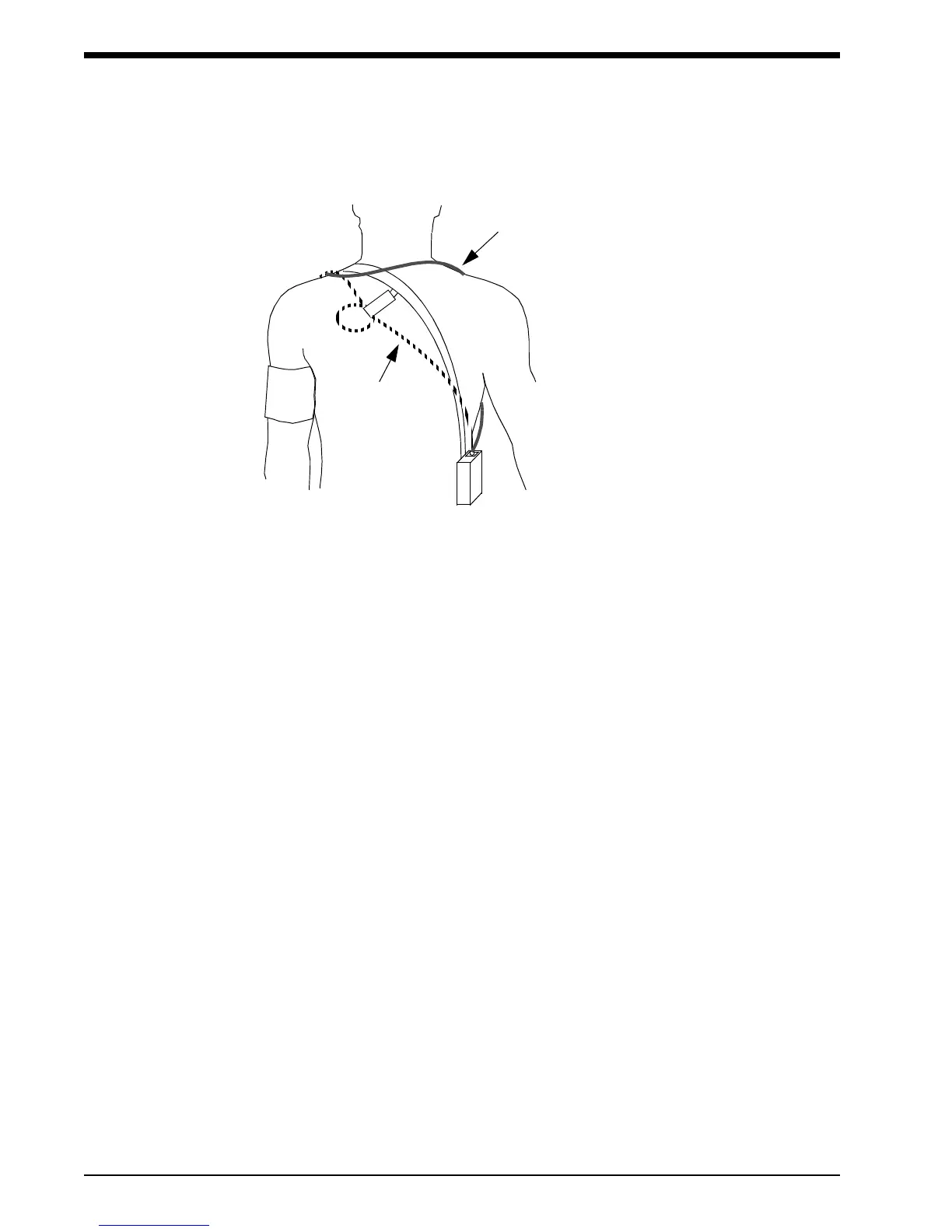
6. Lead the hose up the arm with the cuff and place it across the back of the patient. Drape the hose
so it does not cause the patient discomfort and is not pinched shut by too tight a radius. The
following figure shows the most common positions for the cuff hose.
7. Connect the hose to the monitor.
8. To verify proper monitor operation, take one or more blood pressure readings. Push the
START/STOP key to begin a measurement. Spacelabs Medical recommends taking three
readings in the office so that the patient becomes comfortable with operation of the monitor and
the measurement process.
9. Show the patient how to enter information in the patient diary. Make sure the patient knows what
to do if the cuff becomes very uncomfortable during a measurement, slips out of place, or event
codes are displayed on the monitor screen (refer to Patient Instructions on page -11). In addition,
ensure the patient knows how to care for the monitor.
10. When you are satisfied the monitor is operating properly, the remaining measurements in the
check mode can be canceled. Refer to Office Check Mode on page -7.
Using Cuff Support
1. Once the cuff is successfully applied to the patient, put the large loop of the support around the
opposite arm. Adjust the length so the junction of the straps fits well back on the shoulder towards
the neck.
2. Fasten the rear short strap to the rear of the arm pit. Be careful to clip to the material only and
not to the bladder.
3. Fasten the front strap to the top layer of the cuff material at the location where the hose exits the
cuff. Adjust the length of these straps to apply a minor amount of tension to hold the cuff in
position.
!
• Keeping the blood pressure cuff in place is very important both for patient
comfort and for accuracy of the readings. This becomes particularly challenging
when the arm has considerable taper, as is often the case with obese patients.
ALTERNATIVE #1
ALTERNATIVE #2



 To Next Page