9
P10773 R2 CO# 2619
C
ONTROL UNIT OPERATION
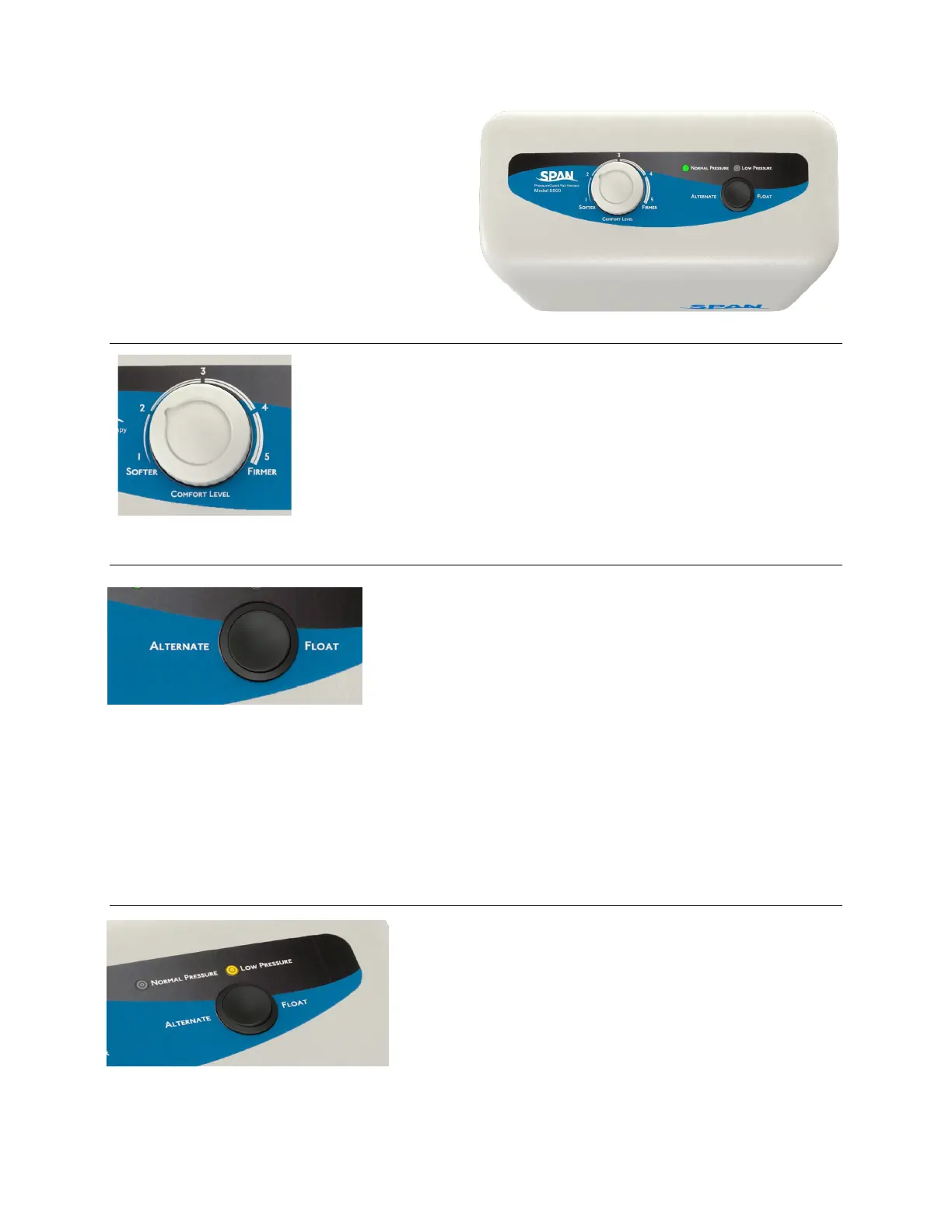
Comfort Level Selection:
Allows selection of air cylinder firmness within a
relatively small range. Use knob to achieve desired
setting. Begin in softest setting, then adjust for
comfort as desired.
Mode Selection: Press rocker switch to select “Alternate” or “Float.
“Alternate” mode: With mattress toggle switch set
to “Alternating Pressure”, air cylinders 1 and 3
inflate while 2 and 4 deflate. After approximately 5
minutes, the pattern reverses.
“Float” (powered flotation therapy) mode:
Suspends cyclical inflation/deflation of the air
cylinders and instead provides powered flotation
therapy. In this mode, all four air cylinders are
evenly inflated, and the system maintains ideal
pressure management by adjusting in response to
any repositioning of the user on the surface.
Low Pressure Indicator:
Low Pressure:
If “Low Pressure” indicator light comes on after
initial set-up or when moving mattress or control
unit, first check that all airlines are properly
connected and that they are not kinked. If light is
still on after 30 minutes, call for service.


 To Next Page