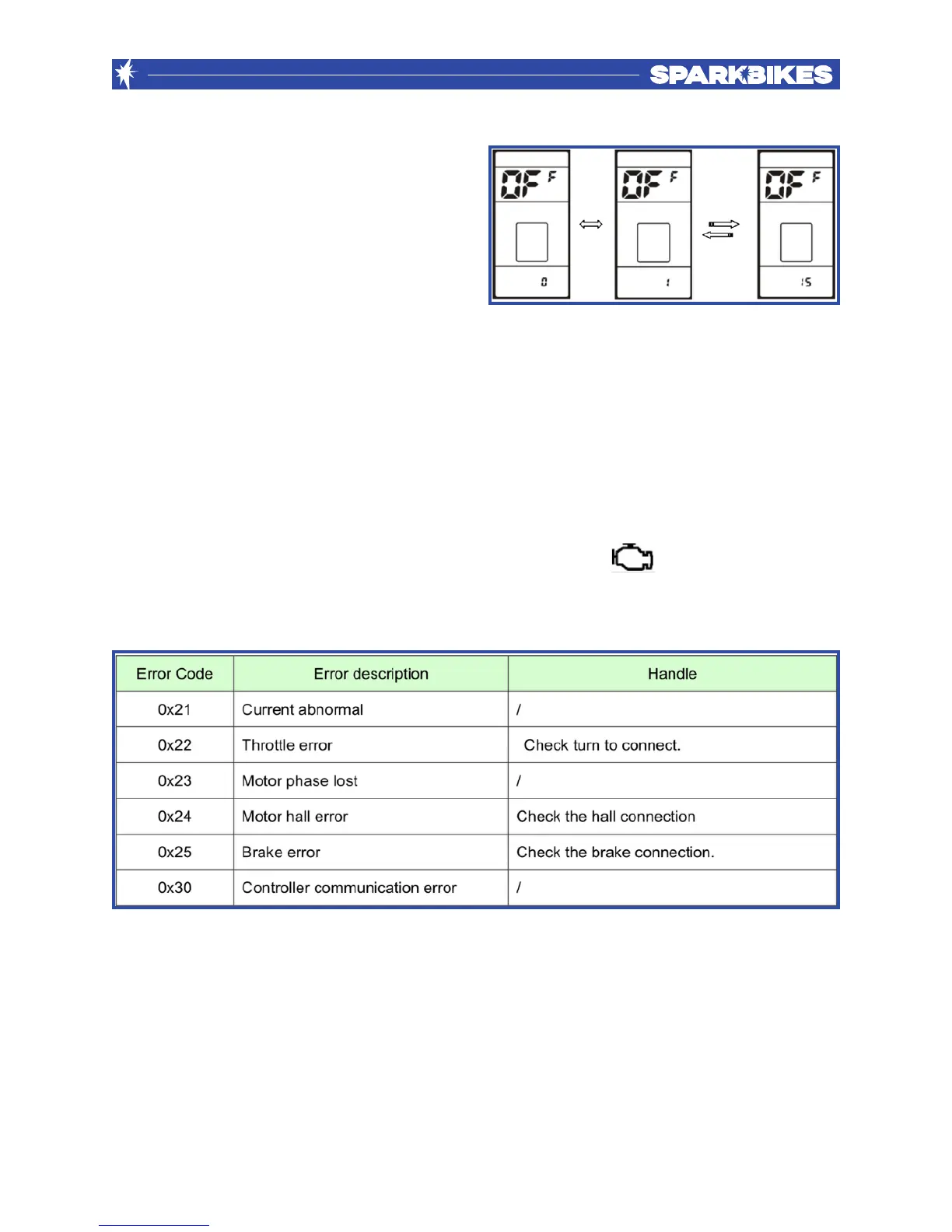
- Auto OFF Time
The display switches off automatically
when not in use. The symbol for auto off
time is OFF. Press +(up)/-(down) to select
from 1 minute to 15 minutes. Press the
power button to choose your preference.
All other LCD settings are preset by Spark Bikes to technically match your bike
specifications and to ensure that Spark Bikes complies with local laws. If you require
further information on specific settings, please contact Spark Bikes.
Error Code Definition
Whenever an error is detected, the display shows the sign with the error code.
Error codes range from 21 to 30:"


 To Next Page