36
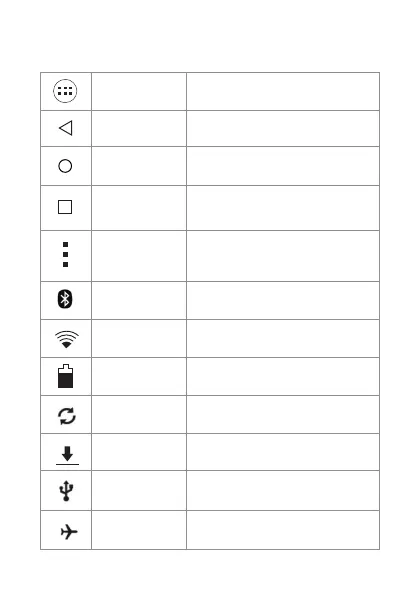
STATUS BAR AND BOTTOM BAR ICONS
Back Back to previous menu.
Home
Recent
Press to go to main desktop.
Press to switch between the most
recent opened applications.
Advanced menu
Press to go to settings menu
and options (only works in some
applications).
WiFi
This icon is shown if the WiFi
connectivity is on.
Battery
Battery status.
Menu
Press to show and access the installed
applications and system settings.
Bluetooth
It appears if the Bluetooth is activated.
Airplane
Airplane mode on.
Synchronising
Synchronising.
Downloading
USB
Conected to computer.
Downloading.



 To Next Page