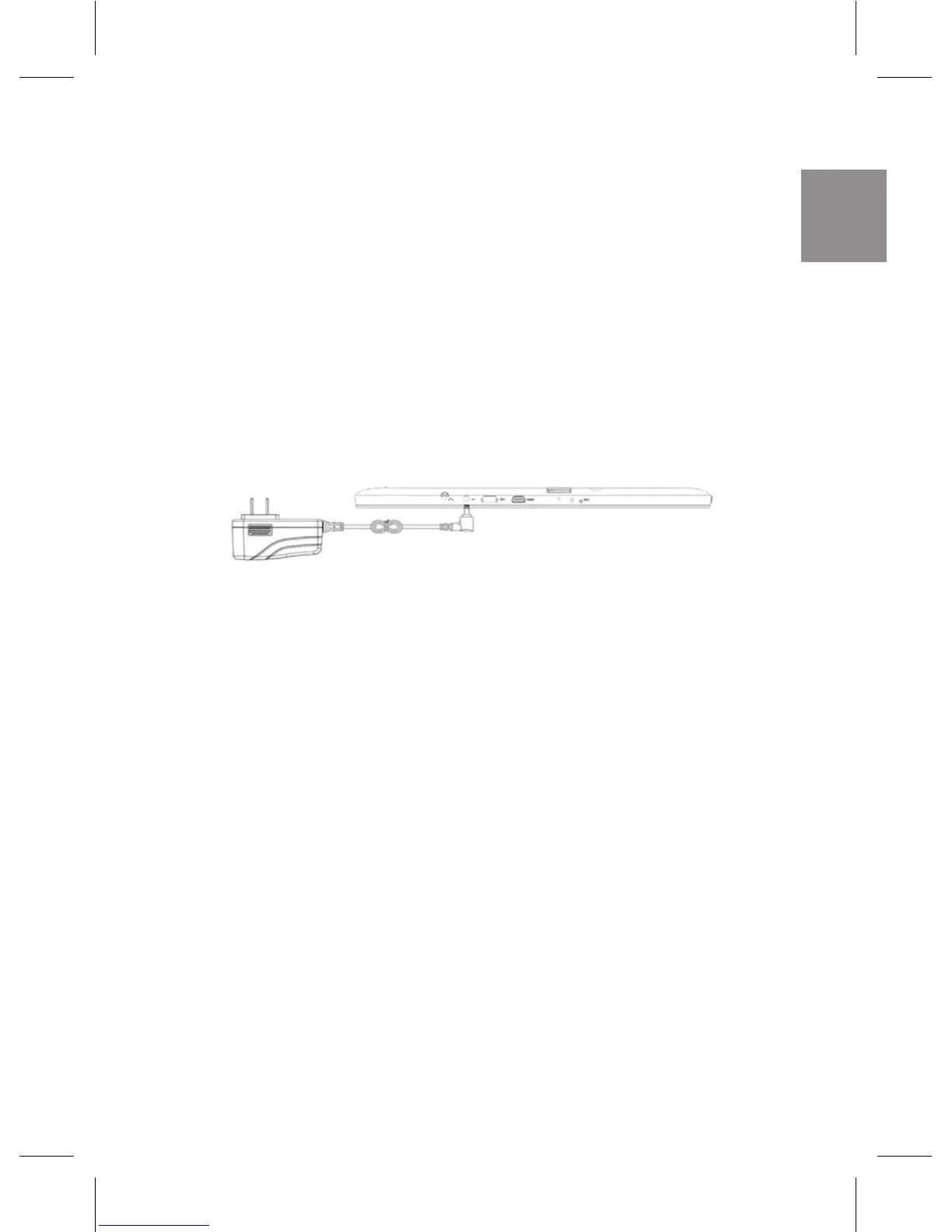
CHARGING THE TABLET
The tablet has a built-in rechargeable battery. Charge the
device when the battery level is low:
• PlugthepoweradapterintotheDC-Insocket.
• Connect the power adapter to an electrical outlet and
charge the tablet until the battery is fully charged.
NOTE:
- The battery is not fully charged when you unpack your tablet.
- A fully discharged battery takes about 4 hours to fully charge.
- When the battery is being charged, the LED indicator lights red,
and when the battery has been fully charged, the LED indicator
lights orange.
- The LED indicator will light 4-5 seconds later after the adapter has
been connected to the tablet and the wall outlet.
- Use only the supplied power adapter to charge your tablet. Using
unauthorized power adapters may severely damage your tablet.
- Charge the battery in an ambient temperature of 0 °C to 35 °C.



 To Next Page