42
TURNING ON / OFF SCREEN
Usually, user can press once the power button to turn on/ off
the screen display.
Optionally, user can also use the Charms:
• Swipe-in from the right edge of the display to access
Charms.
• Touch Settings > Power > Shut down to turn off
the screen.
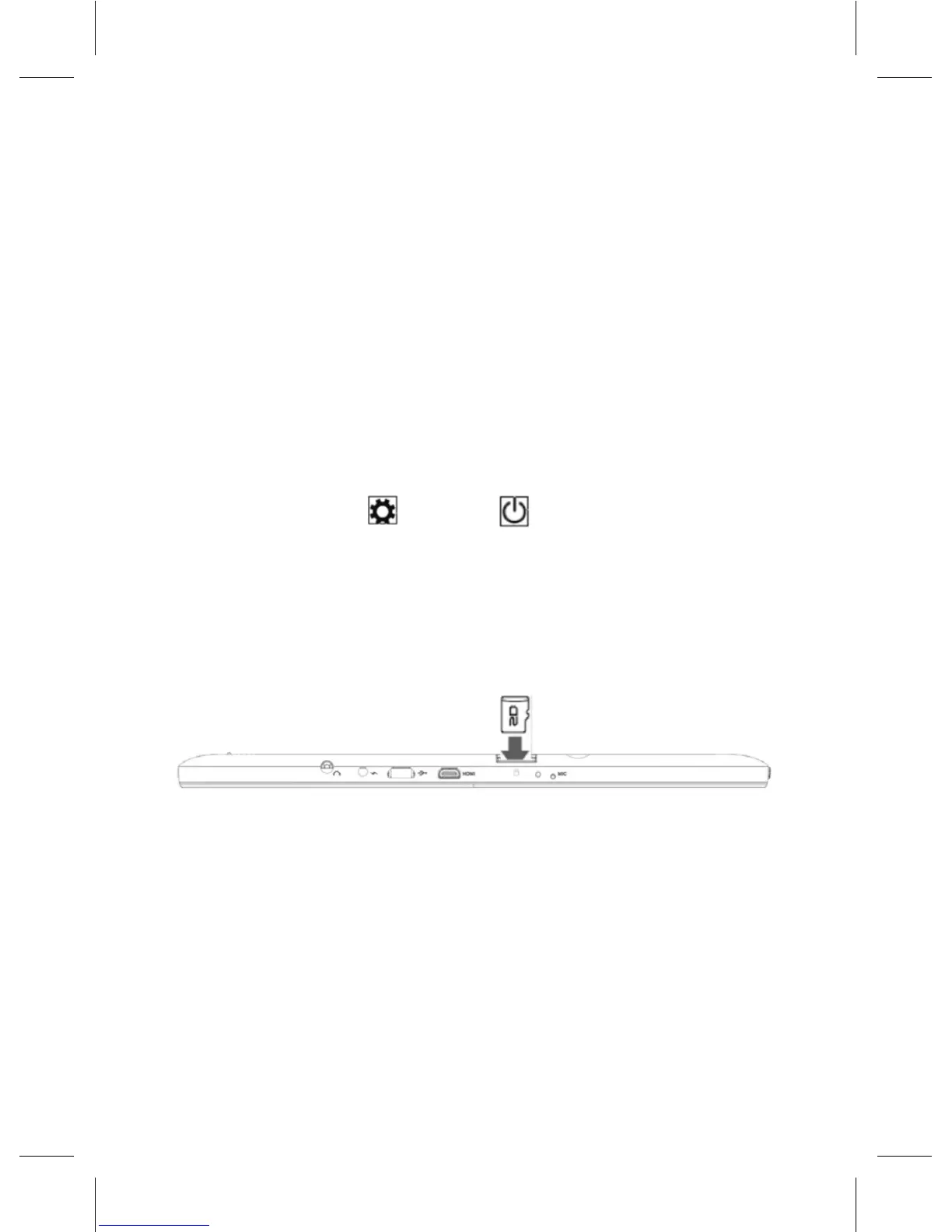
INSERTING A MICROSD CARD
• Pick up a microSD card.
• Align the microSD card so that the pins are pointed
toward the card slot.
• Push the microSD card into the card slot until it locks
into place.



 To Next Page