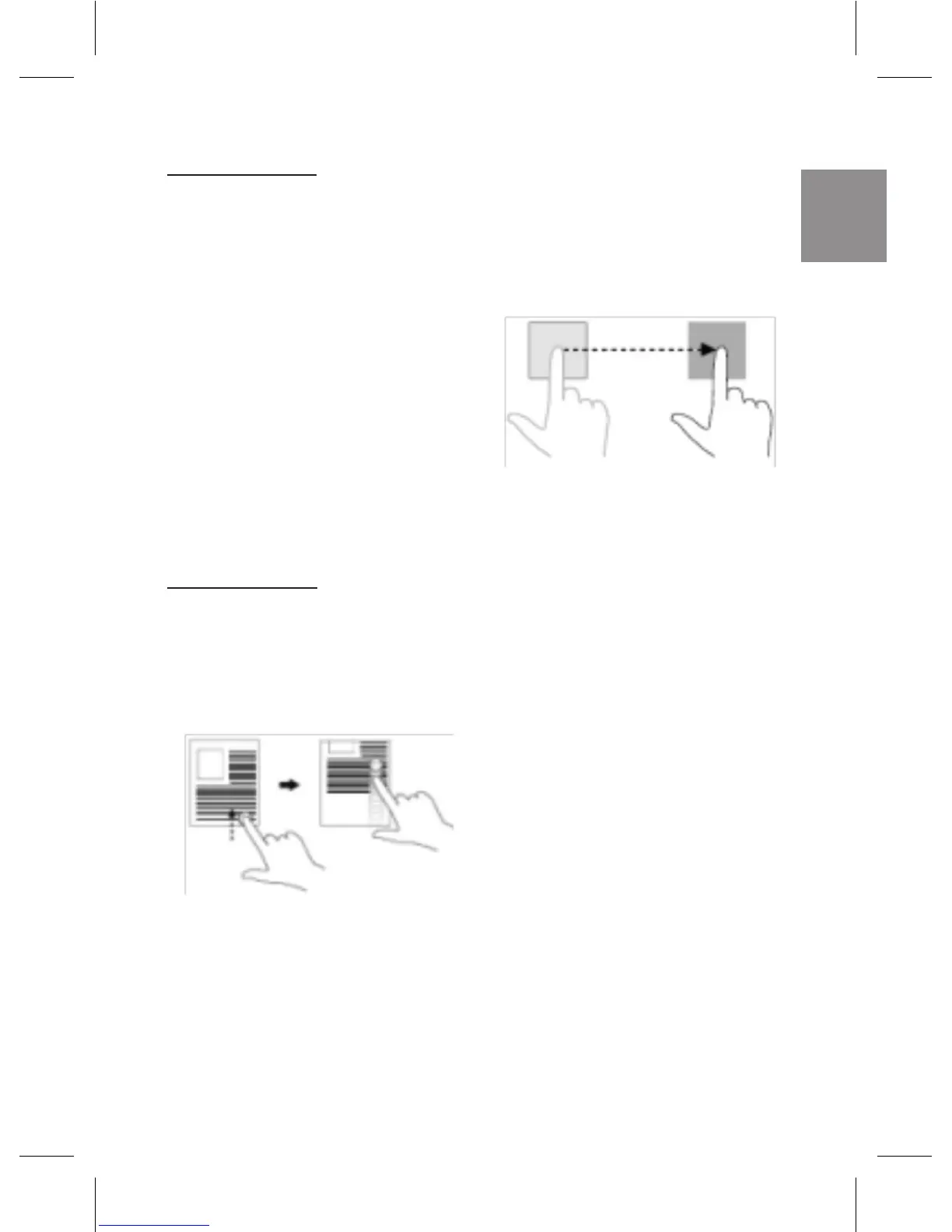
Drag and drop
- Touch and hold your
ngeronanitemonthe
screen.
- Keeping your nger in
contact with the display,
move your ngertip to
the desired location.
- Takeyour nger off the
display to drop the item
in the desired location.
Swipe or Slide
Move your nger in a
vertical or horizontal
direction on the display.
Move items such as
images and icons on the
screen.
Scroll through the Start
screen, web pages, lists,
entries, photos, contacts,
and so on.
Close an app. (Swipe the
app to the bottom of the
display).



 To Next Page