56
•
On the tablet, access Charms and click Settings
>
Change PC Settings
>
Accounts
>
Your account
>
Connect
to a Microsoft Account to switch your computer local
account to your Microsoft account.
•
Click Settings
>
Change PC Settings
>
OneDrive
>
Sync
settings to see the options for synchronizing your data and
settings.
COPY MUSIC, PHOTOS AND VIDEOS
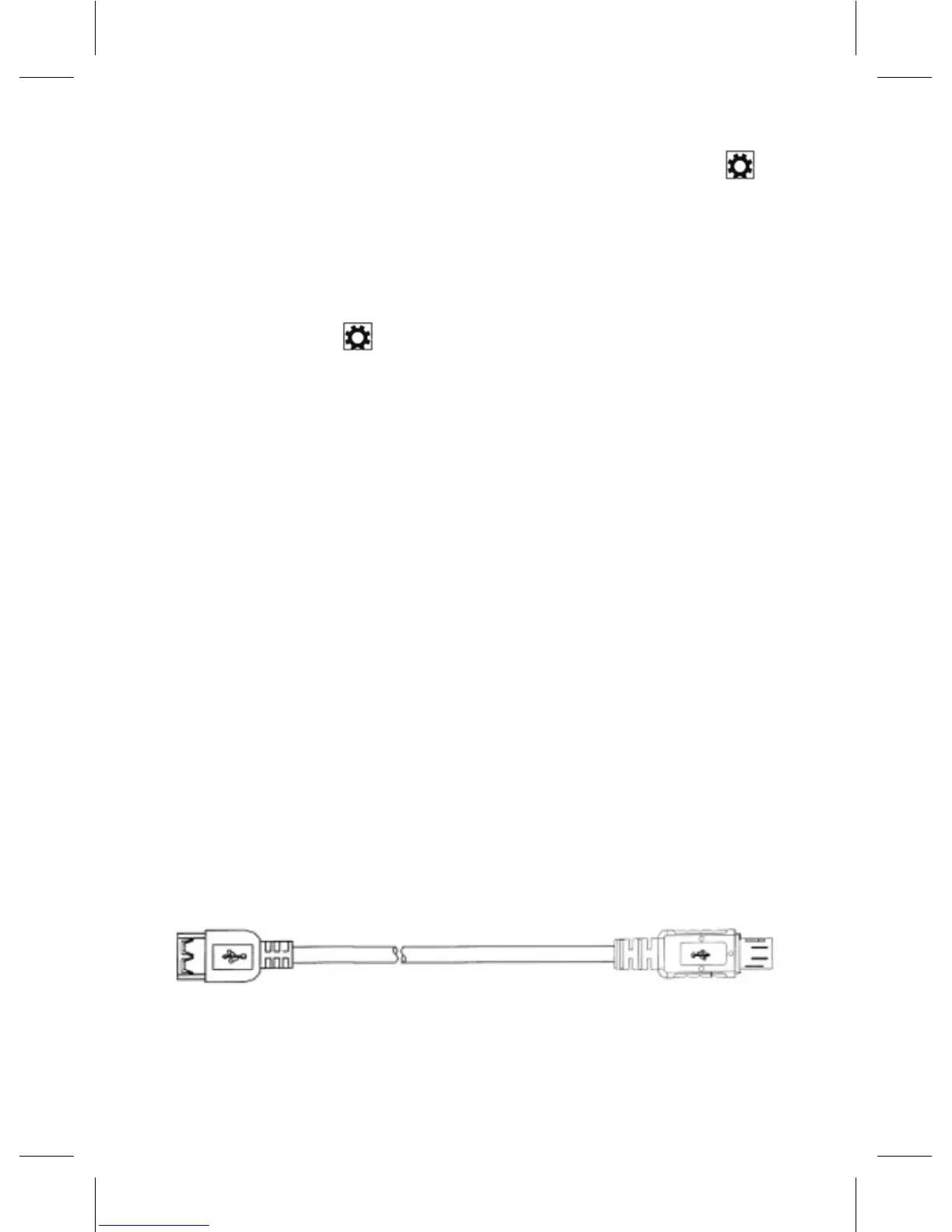
• Connect your tablet to a USB storage device with a
Micro-USB to standard USB conversion cable, then
transferlestoorfromtheUSBstoragedevice.
• Aftertransferringles,usetheSafely Remove Hardware
wizard to remove the USB storage device.
NOTE: The Micro-USB to standard USB conversion cable is sold
separately and is not shipped with the tablet. See the picture below
for reference.



 To Next Page