EasyManua.ls Logo

SpeakerCraft Bass Power 250 - User Manual

SpeakerCraft Bass Power 250
8 pages
Print Icon
To Next Page IconTo Next Page
Loading...
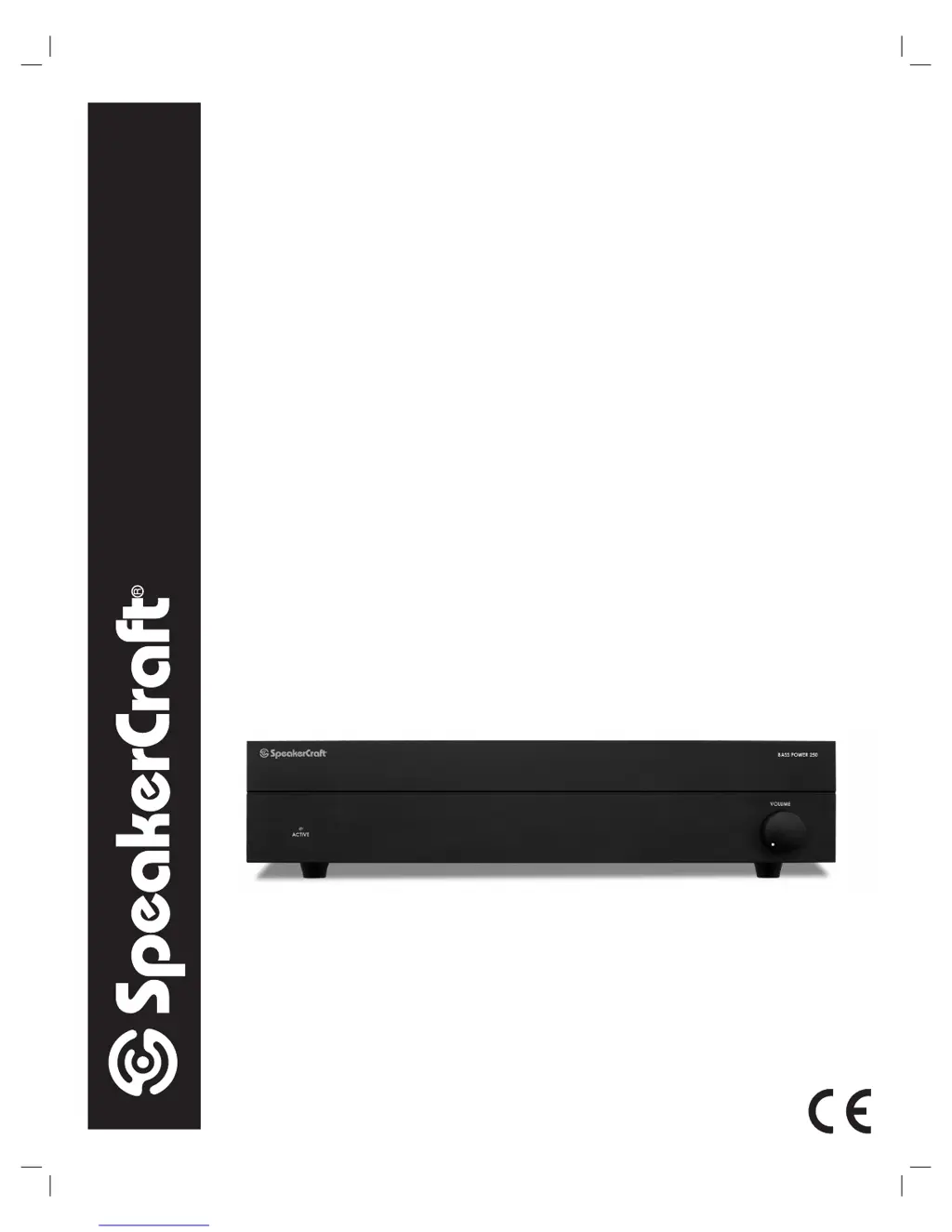
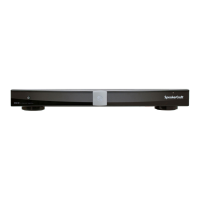
Bass Power 250
|
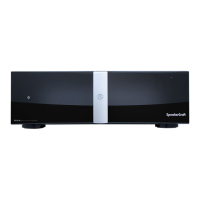
Bass Power 200
|
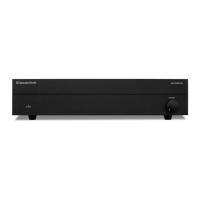
Bass Power 150
PRINTING INSTRUCTIONS: Bass Power MANUAL - INK: BLACK (1 over 1) - MATERIAL: 80lb Gloss - SIZE: 8.500” x 11.000”
OWNER’S MANUAL
Bass Power
Mono Subwoofer Amplifier

Questions and Answers

  • J
    Jeanette DonaldsonJul 31, 2025
    Why is there no sound coming from my SpeakerCraft Bass Power 250?
    • S
      Seth GalvanJul 31, 2025
      If no sound is heard from your SpeakerCraft Amplifier, there might be several reasons: * The audio cable to the amplifier might not be connected properly. Ensure that all connections are correct. Consult the manuals for the amplifier and other system components. * The cable itself may be faulty. Try using a different cable that is known to be in good working condition. * There may be loose or frayed wires. Check all speaker wire terminals for solid, clean connections. * The Volume Limit Control might be set too low. Adjust the Volume Limit Control accordingly.
  • N
    Nathan HernandezAug 8, 2025
    Why does my SpeakerCraft Bass Power 250 Amplifier make a buzzing sound?
    • W
      wilsonamandaAug 8, 2025
      A hum or buzzing sound from your SpeakerCraft Amplifier can be caused by: * A ground loop in the system. Try reversing the AC plugs of other components to eliminate this. * Try plugging the amplifier into another outlet. * Faulty cables.
  • H
    Hannah HughesAug 15, 2025
    What to do if the protection circuit cuts in momentarily on my SpeakerCraft Amplifier?
    • H
      hhinesAug 15, 2025
      If the Protection Circuit in your SpeakerCraft Amplifier cuts in momentarily and then returns to normal, it indicates that the amplifier is in danger of overheating. Move the amplifier to a location with better ventilation or a cooler environment.
  • R
    Robert CarlsonAug 22, 2025
    What to do if the protection circuit cuts in and does not return to normal on my SpeakerCraft Bass Power 250 Amplifier?
    • G
      ghollandAug 22, 2025
      If the Protection Circuit cuts in and does not return to normal on your SpeakerCraft Amplifier: * Turn the power switch off and then on again. * If the amplifier immediately returns to the Protection mode, turn it off and check all of the wiring, including all connections at the amplifier, at the subwoofer, and any connections made to the terminals on a wall plate. This may indicate a fault in the wiring, the speaker, or the amplifier.

Summary

Important Safety Instructions

General Safety and Operating Precautions

Essential guidelines for safe operation, handling, and accessory use.

Electrical Safety and Shock Prevention

Warnings and instructions to prevent electric shock and ensure safe electrical connections.

Placement, Environment, and Disposal

Guidelines for placement, ventilation, disposal, and environmental considerations.

Introduction and Placement

Welcome and Support Information

Welcomes the user and provides contact details for technical support.

Proper Placement Guidelines

Instructions for optimal placement and prohibitions to avoid damage.

Potential Hum Interference

Information about potential hum caused by nearby components.

Installation Procedures

Rear Panel Identification

Identifies and explains the rear panel controls and connectors.

Connecting the Subwoofer and Audio Inputs

Details on connecting subwoofer and audio sources via LFE or Line Level.

Connecting Audio Outputs and Power

Guidance on connecting audio outputs and the AC power source.

Dual Voltage Switch Adjustment

Instructions for setting the dual voltage switch for different regions.

Amplifier Operation

Front Panel Controls

Explains the function of front panel controls like Volume and Auto Sense.

Protection Circuitry

Details the amplifier's protection circuitry and its indicators.

Rear Panel Controls

Explains rear panel controls for power and frequency crossover adjustment.

Bass Boost, Phase, and Volume Limit

How to adjust bass, phase, and set the maximum volume limit.

Troubleshooting

Common Problems and Solutions

Lists common issues and their corresponding solutions for troubleshooting.

Specifications and Warranty

Product Specifications Summary

Details technical specifications for different Bass Power models.

Warranty Terms and Conditions

Outlines the terms, conditions, and limitations of the product warranty.

SpeakerCraft Bass Power 250 Specifications

General IconGeneral
BrandSpeakerCraft
ModelBass Power 250
CategoryAmplifier
LanguageEnglish

Related product manuals