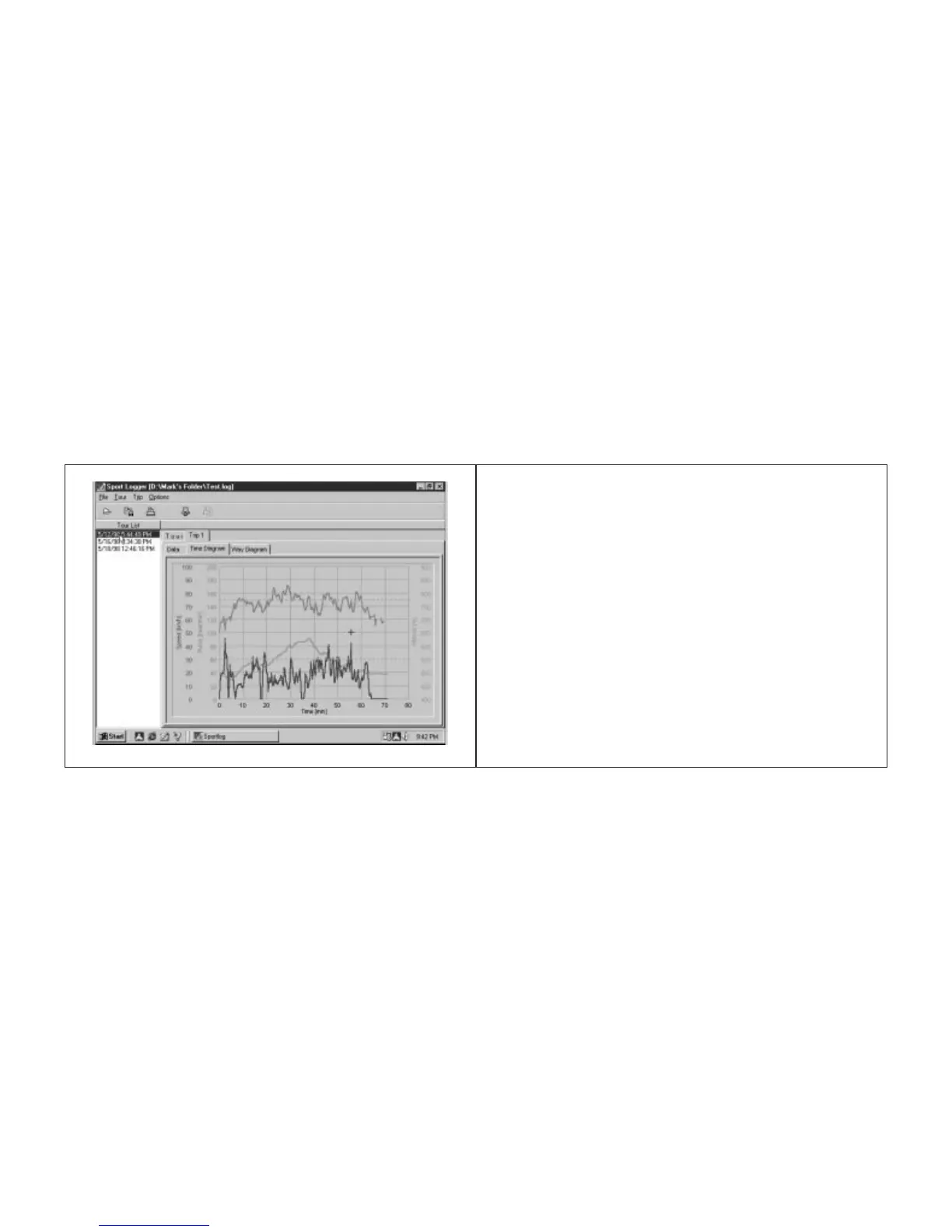
graph with your ride time (in minutes) on the
horizontal axis and the "Distance Diagram"
will show distance (in miles or kilometers) on
the horizontal axis.
Remarks
You may write notes in the "Remarks" field
of each trip. In order to enable this feature,
click the Remarks icon. After typing in your
notes, click the "OK" button to save them.
Setting your Recording Interval
You can adjust the time interval at which
your P-Brain collects data about your tour.
There are 4 interval choices: 10, 20, 30
and 60 seconds. The length of the Recording
Interval will determine how long (in hours
and minutes) a tour can be.
Recording Interval Max. Length of Tour (Hr:min)
10 seconds 5: 34
20 seconds 11:08
30 seconds 16:42
60 seconds 33:24
You may store as many trips as you want
until the memory is full. If a trip is longer
than the available memory time, the begin-
ning of the trip will be over-written. When
the newest (current) trip reaches the begin-
ning of the oldest remaining trip, the oldest
trip will be erased.
To set the Recording Interval, attach the
SpeedZone P•Brain to the download module
and select " Set Recording Interval" from
under the "Options" pull-down menu. A dia-
log box will open and allow you to select the
Recording Interval you want .
Tech Note:
There is 8064 bytes of memo-
ry available for storing tours. Each trip con-
tains a header of 46 bytes and in each inter-
val there are 4 bytes recorded If you set the
recording interval to 10seconds, the maxi-
mum length of a Tour is: (8064-46) / 4 *
10seconds = 20045seconds or 5hours34
minutes
1918










 To Next Page