89
Site Name: Input a name that properly describes a site.
IP Address: Input IP address (Public IP address of a router that DVR is connected.) or Domain
name
Port Number: Default Port Number is “5445”.
ID: Input ID of DVR. Default ID is “admin”.
Password: Input network password of DVR. Default Password is “1111”.
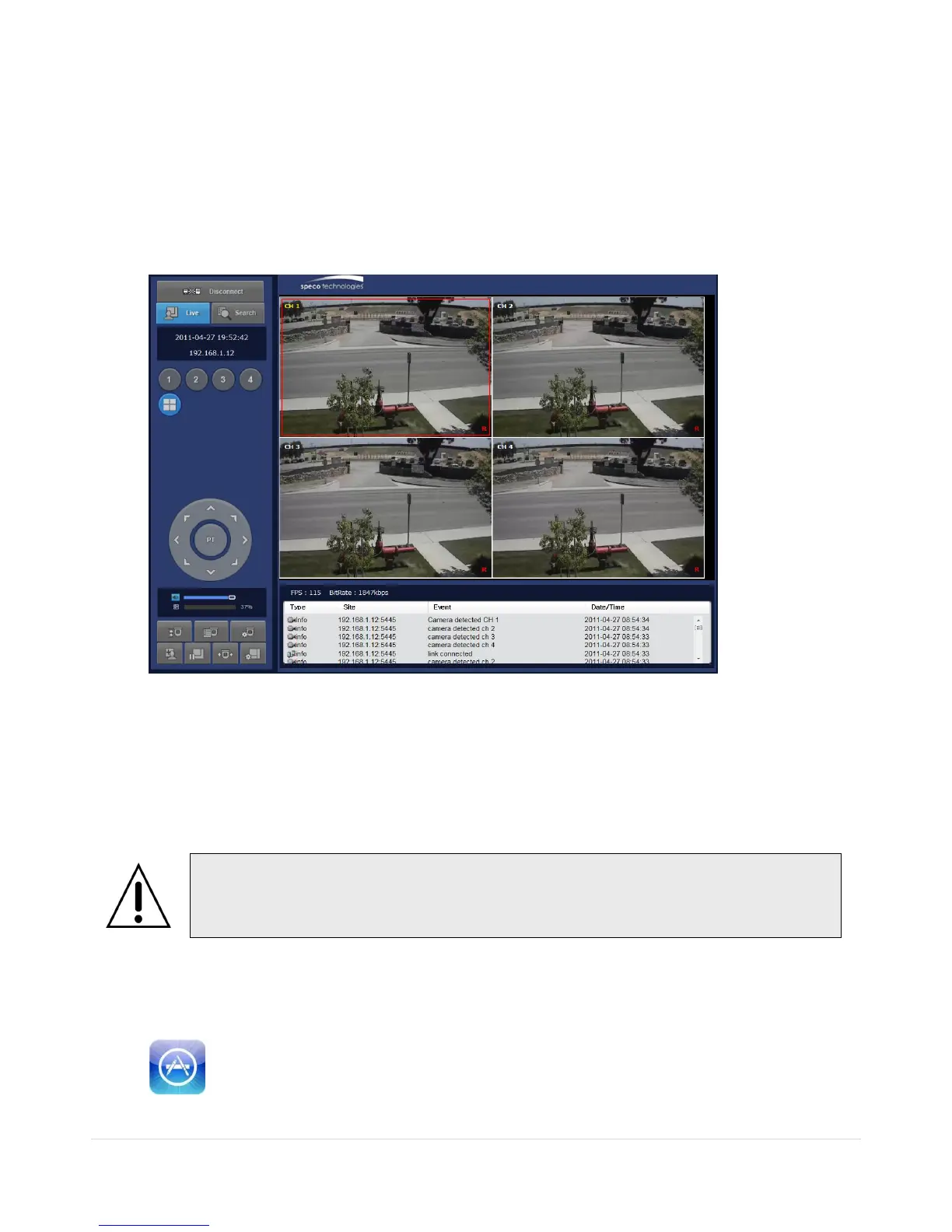
7. Then the cameras connected to the DVR are displayed on the screen.
8. Use mouse scroll to digitally zoom in and out from a single channel display.
9. Network Access Using the Smart Phone Viewer
9-1. App Viewer for iPhone
1. Enter the Apple App Store.
2. Search “Speco Player” in the App Store.



 To Next Page