B-2 Appendix B: Programming Your Module
Owner’s Guide 0300199-01 Rev. D
1. Open your project and go to the Add I/O module menu under
controller configuration.
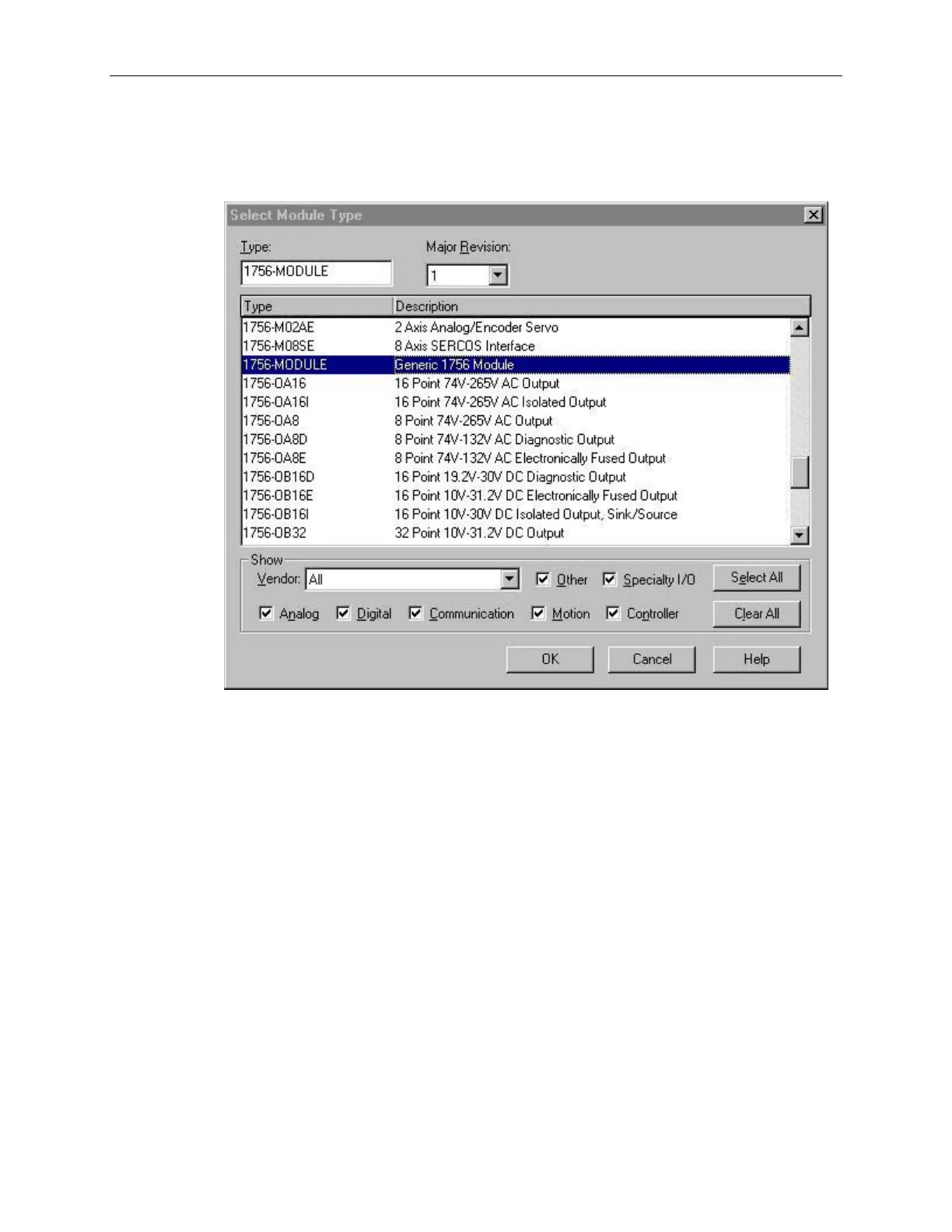
You will now see the list of all I/O modules.
2. Select the Generic 1756 I/O option:
3. After clicking OK you are presented with the following dialog for
setting up the general information about the module. Use the same
values specified here:


 To Next Page