1-1
Chapter 1
Installing the
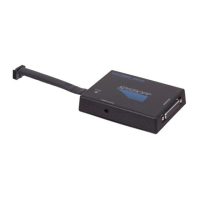
XDS510PP MPSD Emulator Pod
This chapter helps you install the XDS510PP MPSD emulator pod on a PC
running Windows or Windows 95. When you complete the installation,
refer to the appropriate C Source Debugger User’s Guide for software
installation.
Topic Page
1.1 What You’ll Need 1-2
Hardware checklist 1-2
Software checklist 1-2
1.2 Step 1: Connecting the Emulator to your PC 1-3
Preparing the Emulator pod for installation 1-3
1.3 Step 2: Connecting the Emulator to Your
Target System 1-4
Setting up the “XDS510PP.INI” file 1-5
Resetting the emulator 1-6
1.4 Utility Programs 1-6


 To Next Page