2
QUICK Installation
Quick Install Procedures
This guide describes the steps to installing the XDS510USB Emulator in the following orders:
1. Install the XDS510USB Emulator hardware
2. Install the XDS510USB device driver
3. Make sure Code Composer Studio IDE is installed on the PC
4. Install the XDS510USB Emulator software
5. Configure Code Composer Studio IDE
6. Reset the XDS510USB Emulator and Reset the target DSP
7. Run CCS
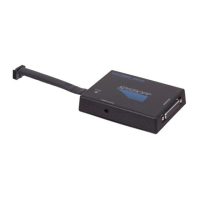
The XDS510USB JTAG Emulator kit contains:
●
XDS510USB JTAG Emulator
●
USB interface cable
●
The XDS510USB driver disk
●
XDS510USB Emulator Installation Guide Reference Guide (this document)
Installation Requirements
●
Code Composer Studio IDE 1.2 or greater
●
A free USB port
●
233 MHZ or higher Pentium compatible CPU (500MHZ or higher Pentium III CPU or
equivalent is recommended)
●
Local CD-ROM drive
Supported Operating Systems
●
Windows98/ME/2000/XP/VISTA
Detailed Installation
What you will need
The following detailed list contains all items needed to install and run with the XDS510USB
JTAG Emulator.
●
PC with a free Universal Serial Bus (USB) port
●
XDS510USB JTAG Emulator
●
XDS510USB driver disk
●
USB interface cable
●
DSP target system
●
Code Composer Studio



 To Next Page