3
The Hardware Installation
●
Remove power from the target DSP system.
●
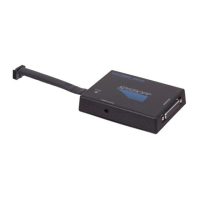
Connect the keyed XDS510USB JTAG Emulator JTAG interface cable to the target board.
●
Apply power to the target DSP system.
●
Connect the XDS510USB JTAG Emulator to the host computer system using a USB cable.
The USB Device Drivers Installation
Driver installation for windows 2000/XP:
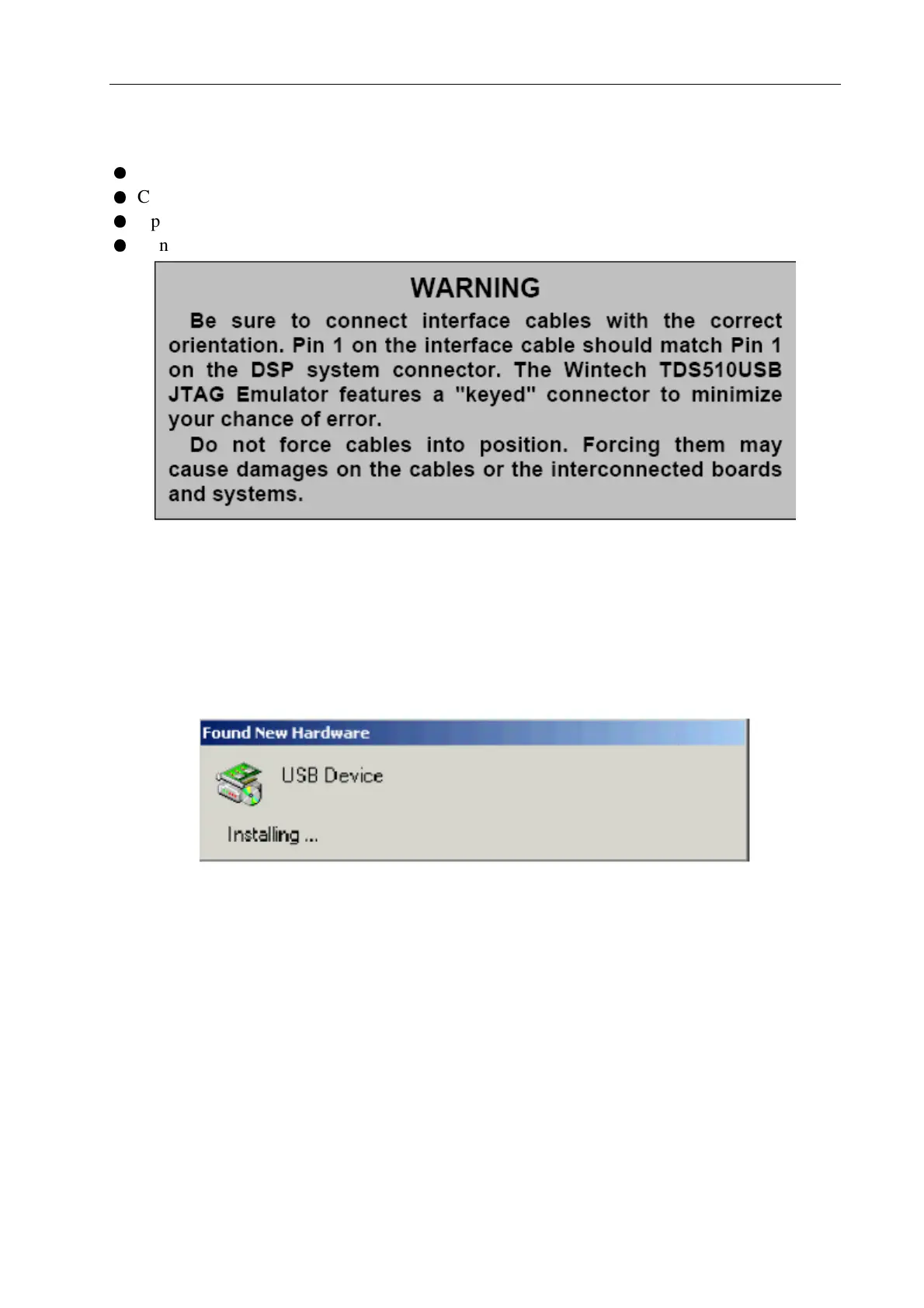
1. After plug the XDS510USB JTAG Emulator into the host computer’s USB port, the system
should display the Found New Hardware (Figure A-1) dialog box. This dialog box indicates
the computer operating system has found a new USB device.
Figure A-1
2. The system will prompt for new hardware detected and start the “Found New Hardware
Wizard” as shown in Figure A-2.



 To Next Page