
 Need help?
Do you have a question about the Spectrum BB24V1U and is the answer not in the manual?
General safety instructions for handling, installing, and operating the device and its battery.
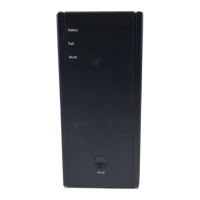
Identifies and describes the BB24V1U's main components, connectors, and indicators.
Provides step-by-step instructions for desktop and wall mounting the device.
Explains the status, color, and condition of the device's LED indicators.
Details how to use the button for alarm silence and cold start operations.
Details the UART communication signals, PIN assignments, and their messages.
Lists detailed technical specifications of the BB24V1U model, including input, output, battery, and environment.
Outlines the terms, duration, and exclusions of the limited warranty for the product.
 General
| Brand | Spectrum |
|---|---|
| Model | BB24V1U |
| Category | Camera Accessories |
| Language | English |

 To Next Page